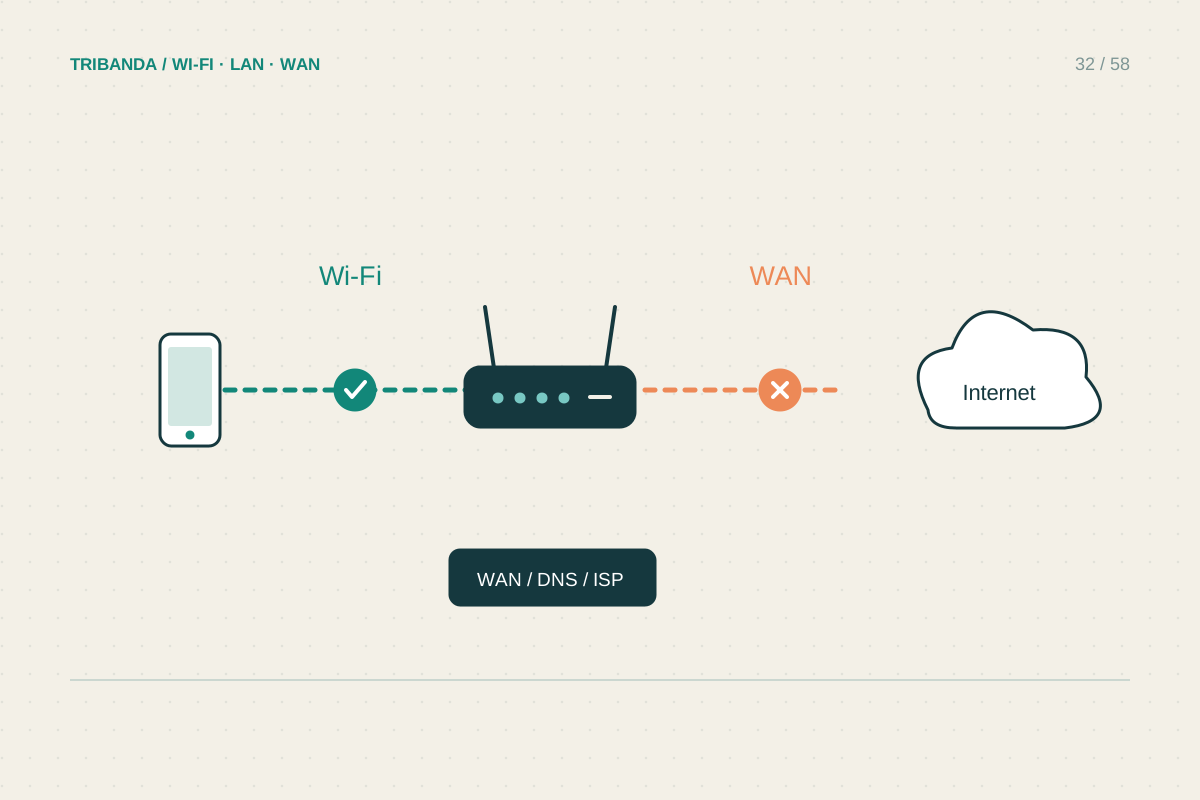
After electricity returns, a router may broadcast Wi-Fi before the provider link is ready. Several devices starting together can also make the recovery look chaotic. Work from the incoming connection towards the home devices and distinguish a normal startup delay from equipment that remains in a fault state.
Check power and the incoming equipment
Confirm the modem, router, fibre terminal and any essential switch have power. A mesh satellite that starts while the main unit remains off cannot restore the internet by itself. Look for a power strip that was switched off or an adapter that has come loose. Compare the indicator pattern with the model's manual rather than guessing from colours. If a fibre terminal shows a loss-of-signal warning after its normal startup period, contact the provider; repeated router resets will not restore an absent optical signal. Do not open equipment or disconnect fragile optical connectors to investigate.
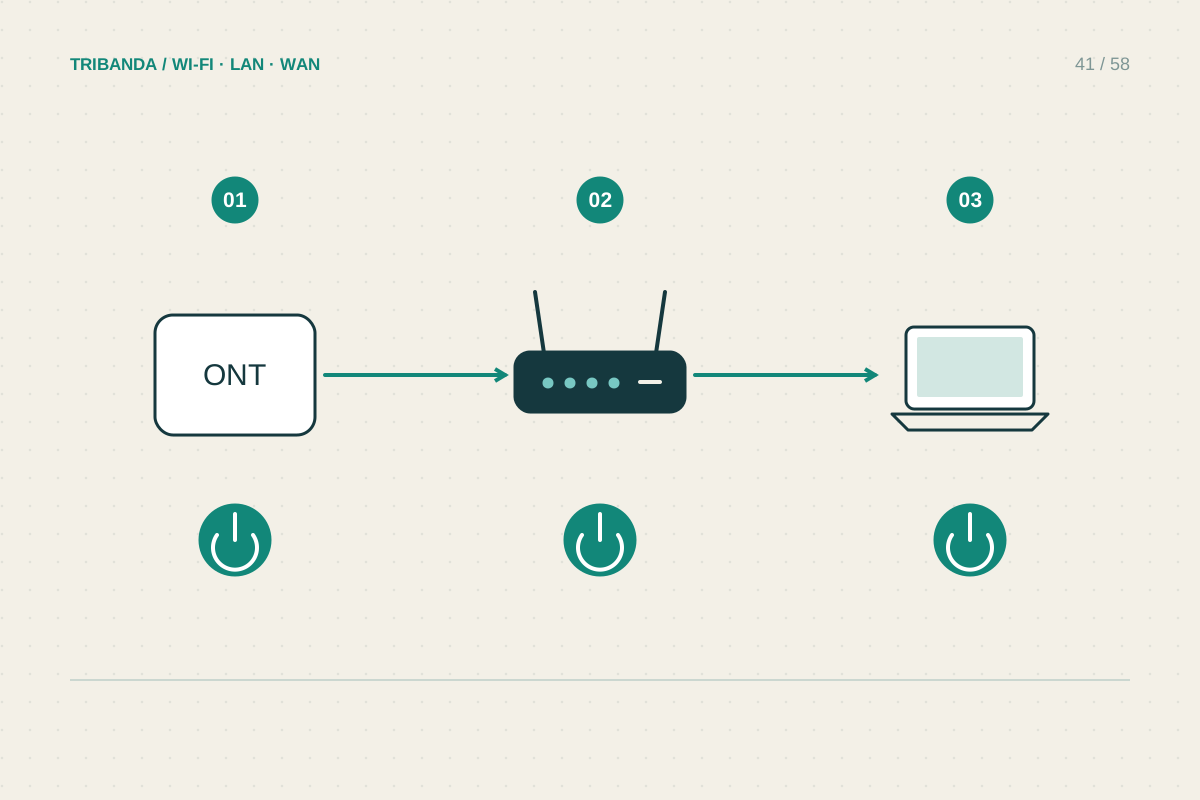
Restart in the right dependency order
If a restart is needed, follow the provider's and manufacturer's instructions. For separate boxes, allow the upstream modem or terminal to finish starting before bringing the router online, then the switches and satellites that depend on it. Integrated modem-routers combine some of these steps. Wait for each unit's normal ready state before testing. Choose one nearby device and disable mobile data on a phone during the test, so cellular fallback does not conceal a problem. If the router panel is reachable but internet is not, record its WAN status instead of repeatedly rebooting every appliance in the house.
Look for what changed during recovery
If only one device fails, reconnect it to the intended network and restart that device. Check whether a second router or old extender has returned to service and created confusion. Some devices need their clocks synchronised after power loss; a wildly incorrect date can affect secure connections. If an Ethernet device remains disconnected, inspect link indicators and test a known-good patch lead. A UPS may improve continuity, but only when every necessary local component is powered and the provider's upstream network remains available. Choose capacity for the actual load and follow battery maintenance guidance; it does not make a broadband service immune to an area-wide outage.
Keep an offline copy of the expected indicator meanings. Searching for the manual is much harder when the connection needed to download it is the part that has failed.
Restore the chain from provider equipment to router to clients, and give each stage time to become ready.
Common questions
Should I press the reset button after an outage?
Normally no. Factory reset erases settings and is different from a restart. Use it only when a documented recovery procedure calls for it.
Will a UPS keep fibre online?
It can power your local equipment for a limited time. Service still depends on upstream infrastructure and on which components the UPS actually supplies.
Original technical illustration; schematic, not to scale.