Less guesswork. Better connections.Your home network,
Your home network,
made clear.
From the Wi-Fi that never reaches your bedroom to your first mesh system. Practical guides for a connection that works better.
Explore the guides58 guides · Clear explanations · Useful steps
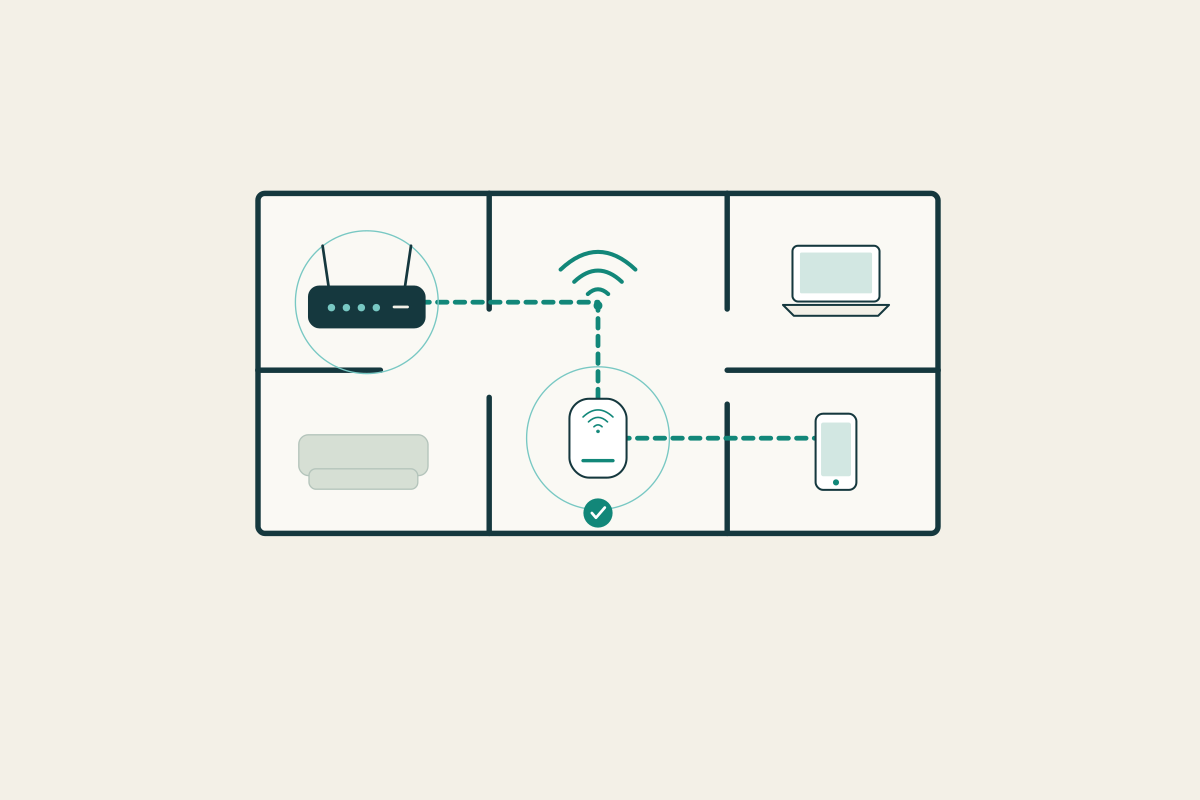
Where shall we start?
Four topics, one step at a time.One home. Many connections.
Small changes, useful foundations
All guides ↗Start with these
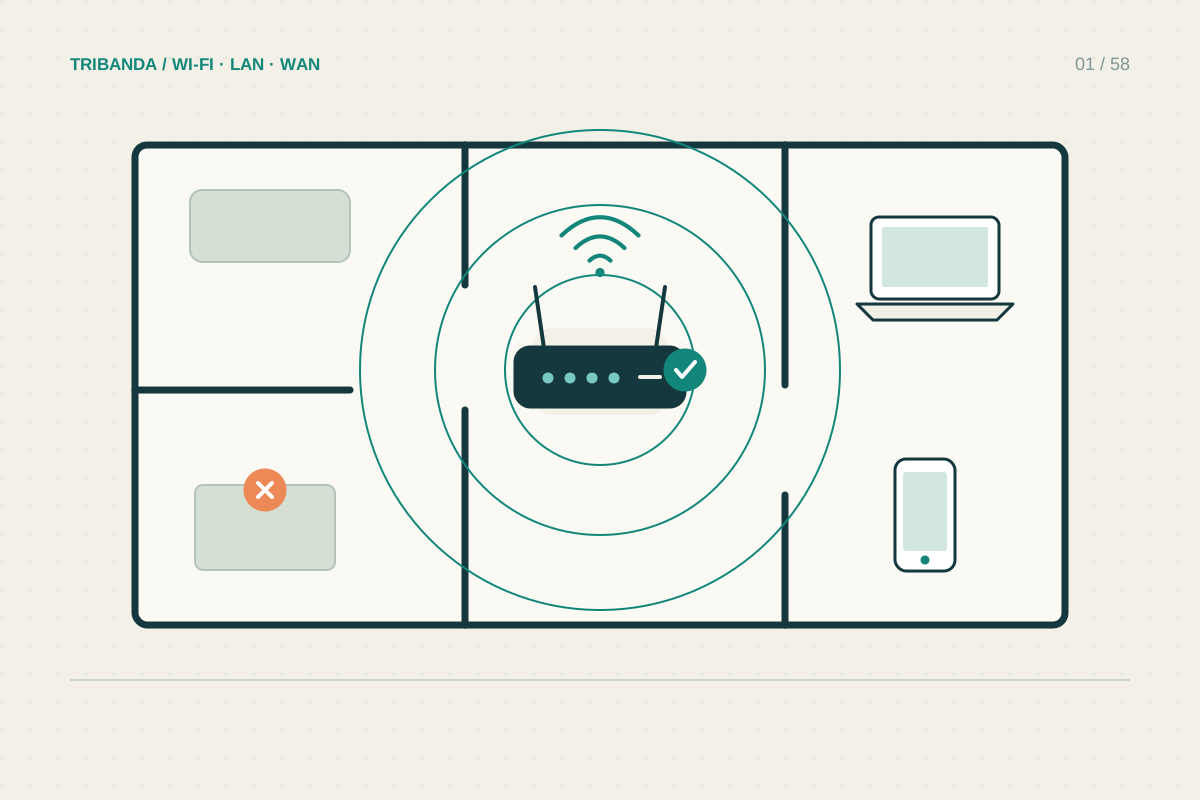
Where to put your router
Try a better position before buying more Wi-Fi hardware.
Read the guide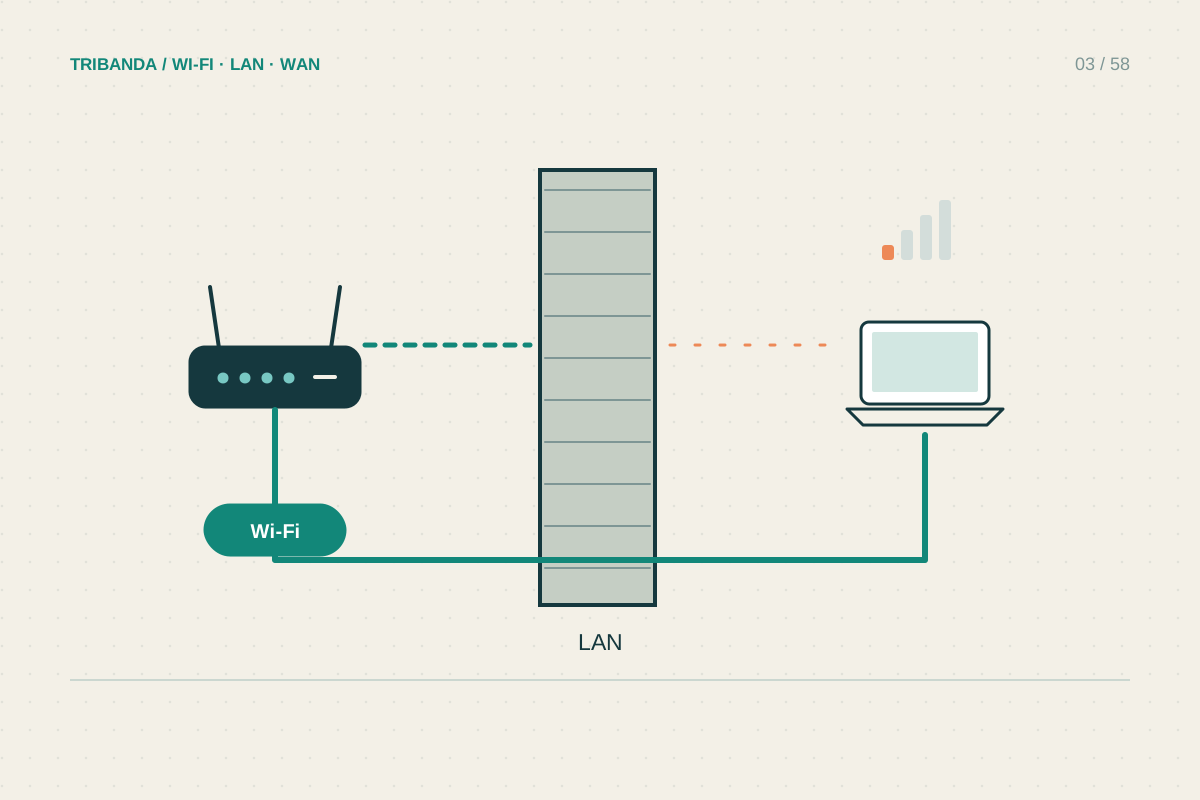
Getting Wi-Fi through thick walls
Find the barrier before buying a stronger-looking router.
Read the guide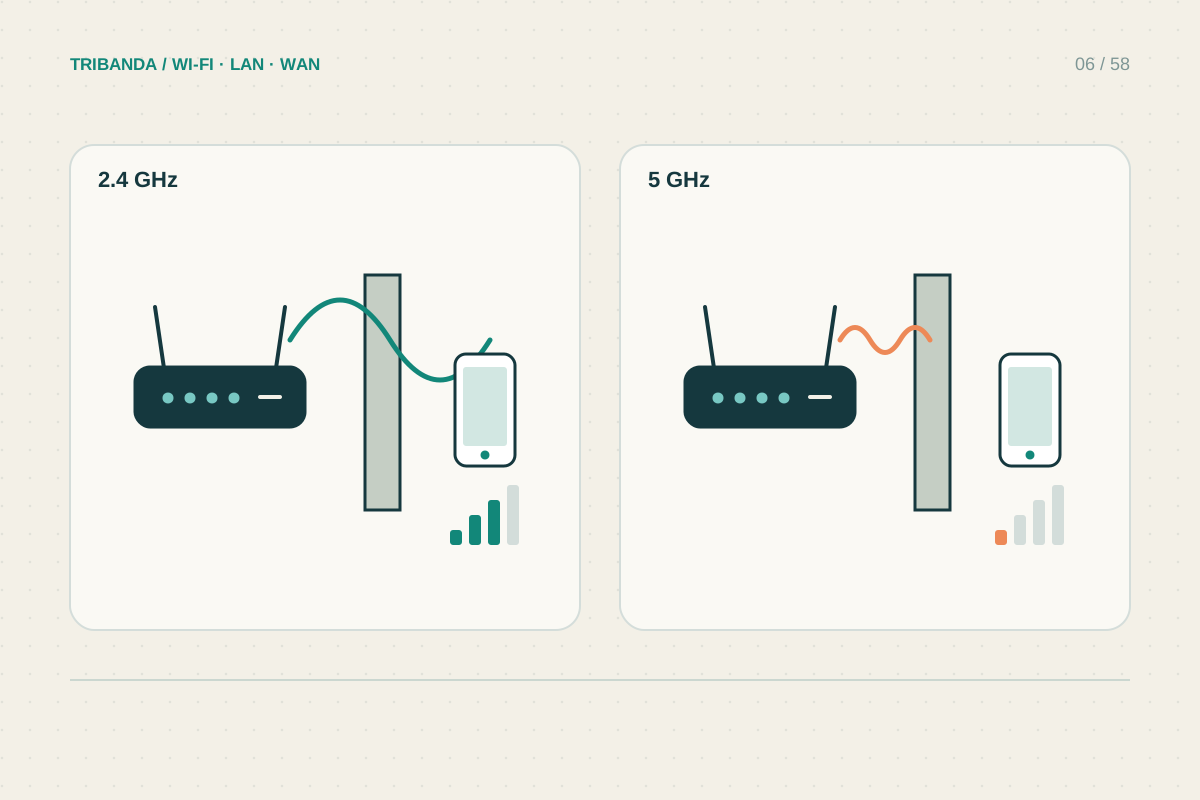
2.4 GHz or 5 GHz: which should you use?
Compare stability and your actual task, not just signal bars.
Read the guide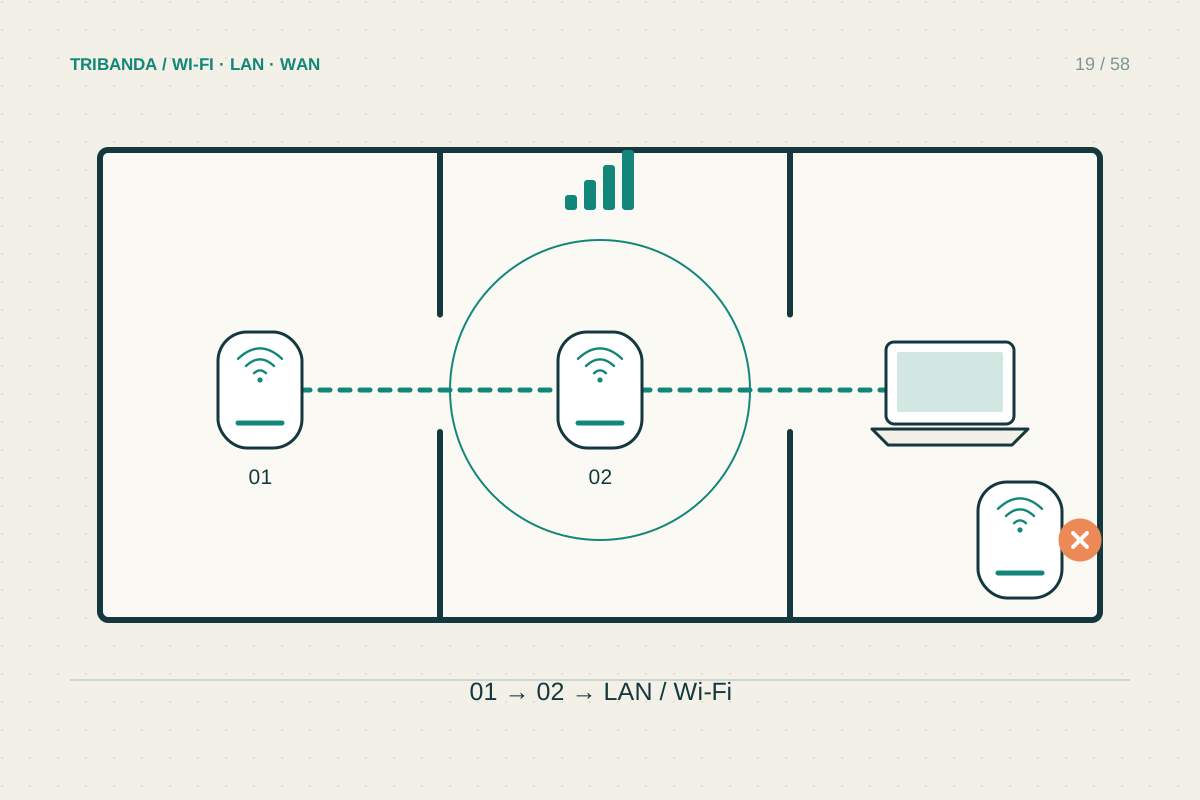
Where to place mesh nodes
Place a wireless node where it receives well and extends towards the weak room.
Read the guide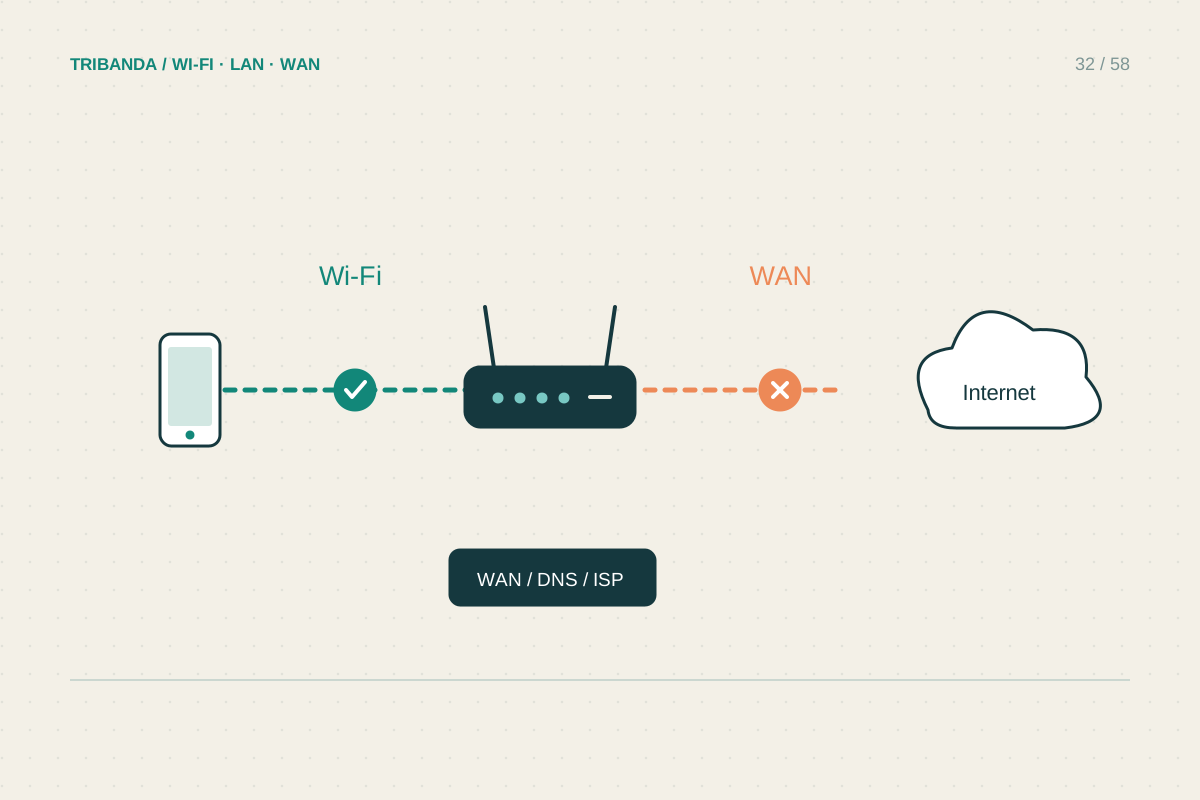
Connected to Wi-Fi, but no internet
Find which connection has failed before changing the router.
Read the guide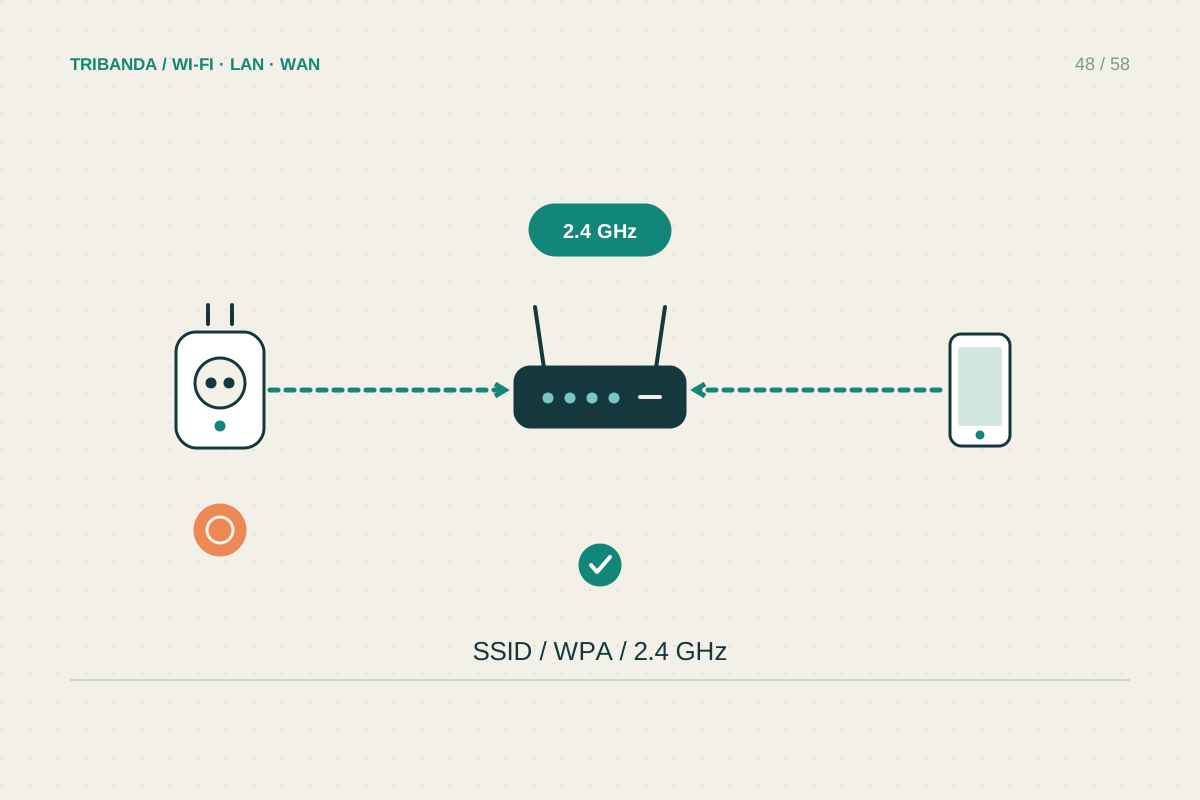
A smart plug that will not connect
Identify the setup stage that fails before changing the home Wi-Fi.
Read the guide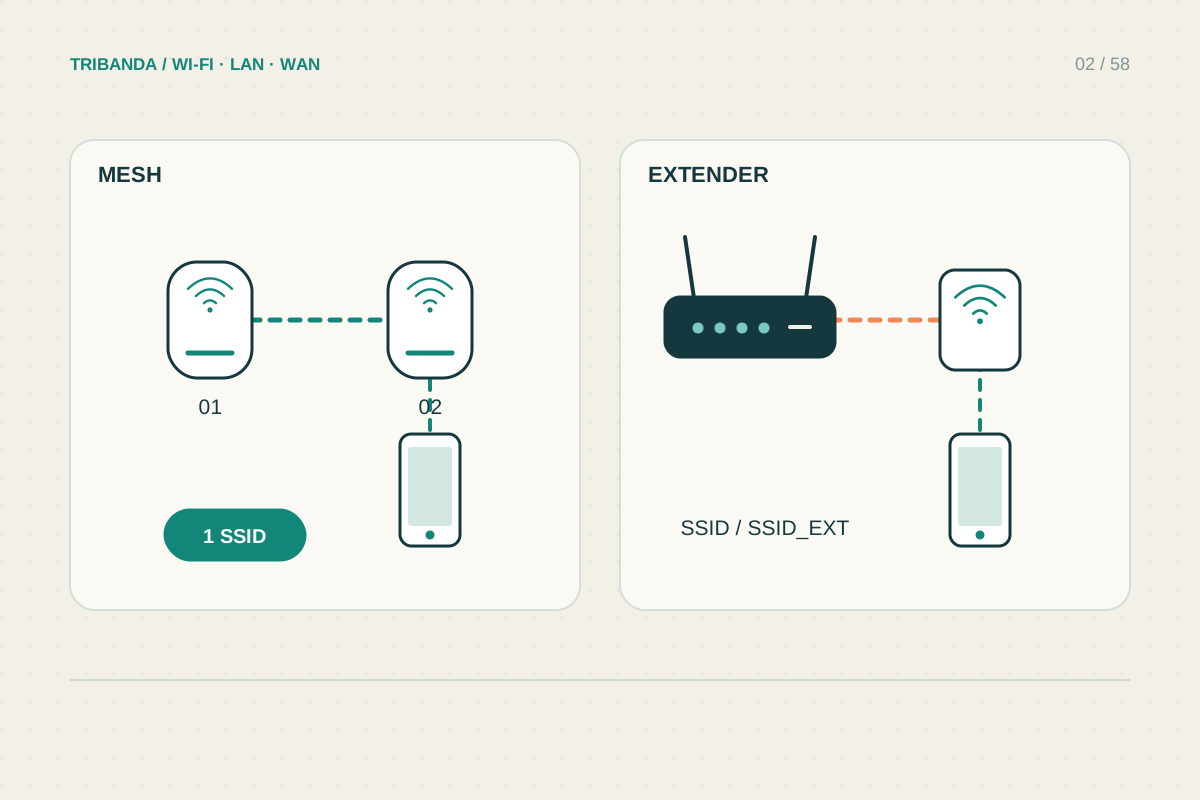
Before you buy
Mesh or extender: choosing the right fix
Match the equipment to the weak area and the connection it can receive.
Read the guideA simple route forwardFirst understand.
First understand.
Then improve.
A new router is not always the answer. Start with placement, check your coverage and compare your options before changing the network.