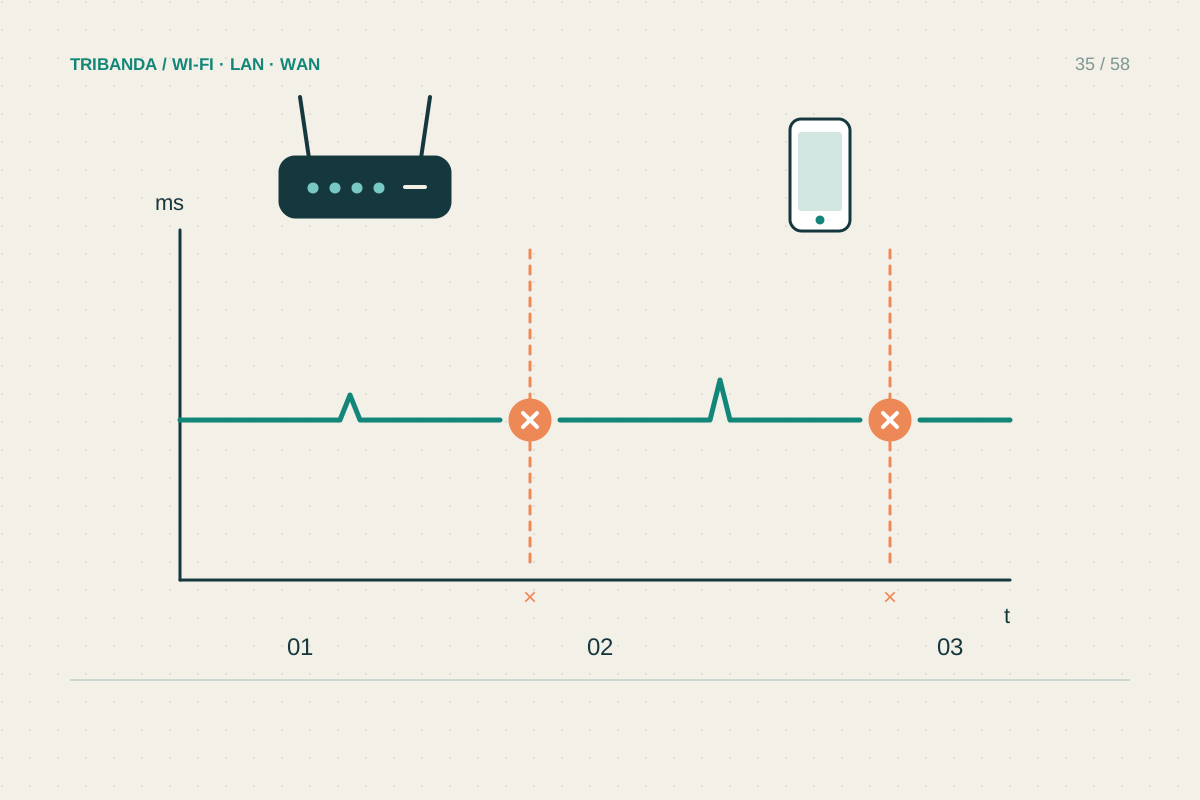
A connection that fails for ten seconds is difficult to explain after it has recovered. Before replacing hardware, build a small record of the failures. Whether the Wi-Fi name disappears, the router reboots or only a call freezes points towards very different causes.
Capture the next interruption
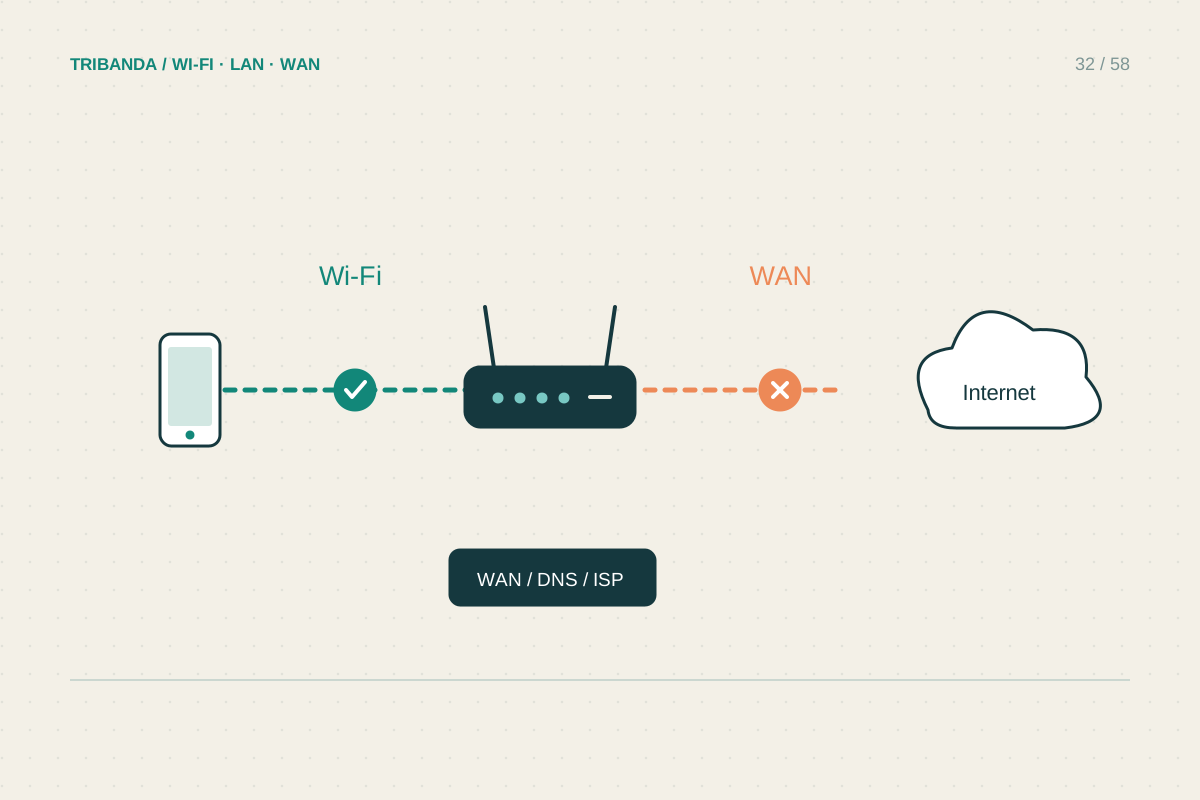
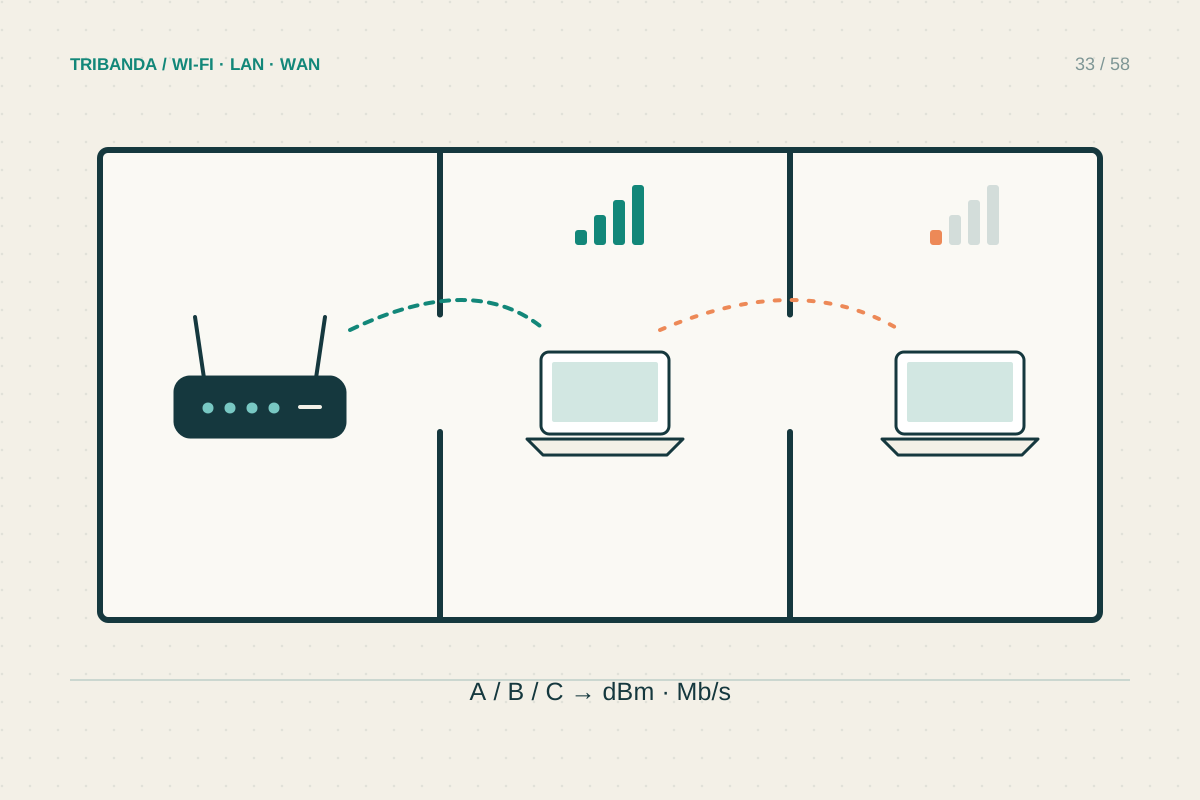
Keep a note with the time, affected devices, room and activity. During a failure, check whether the device is still connected to the Wi-Fi name and whether another device can open the router panel. Photograph any changed equipment lights. Notice whether the interruption follows sleep, movement between rooms or use of a particular appliance. A laptop dropping while a wired desktop keeps working suggests a different investigation from every device losing internet together. Avoid restarting immediately if a brief look at the indicators can preserve useful evidence.
Build a stable comparison
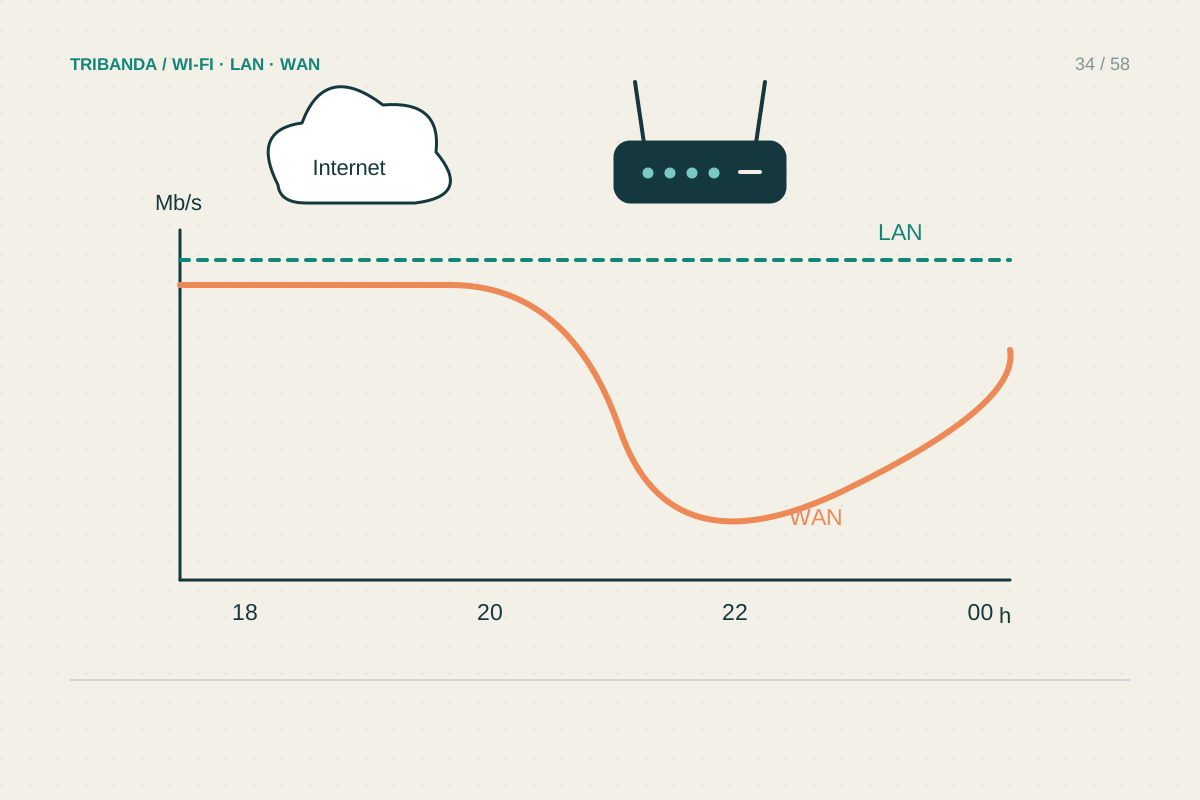
Leave a computer on Ethernet to the main router for an ordinary work session while the troublesome device remains on Wi-Fi. This does not need to be an elaborate monitoring system; note whether both fail at the same moment. If only Wi-Fi fails, test closer to the router and check the manufacturer's supported software and wireless settings. If both fail, inspect the WAN cable, power adapter seating and router uptime. An uptime counter returning to zero suggests a restart, though some interfaces display internet-session uptime instead of system uptime. Read the label carefully before drawing that conclusion.
Change one likely cause
Move a router out of an enclosed cupboard if ventilation is poor, without covering its openings or substituting an unapproved power supply. Replace a suspect Ethernet patch lead with a known-good one and observe for a comparable period. For one affected client, install supported operating-system and adapter updates, then repeat the original activity. Mesh problems can also follow an individual node: compare service beside the main unit and the satellite. Do not switch several advanced settings at once. If failures continue, provide support with timestamps, firmware versions and the distinction between wired and wireless results; that evidence is more actionable than saying the internet is unreliable.
On a Windows computer, the built-in wireless report can preserve recent connection events. Review it around your recorded failure time and remove identifying information before sharing extracts externally.
A repeatable pattern identifies the next test; a pile of simultaneous setting changes usually hides it.
Common questions
Should I schedule a daily router restart?
It can interrupt a symptom without explaining it. First check power, logs and supported updates, especially when failures occur during normal use.
Does a dropped video call prove Wi-Fi disconnected?
No. The application, internet route or remote service may fail while Wi-Fi remains connected. Compare another local and online activity at that moment.
Original technical illustration; schematic, not to scale.