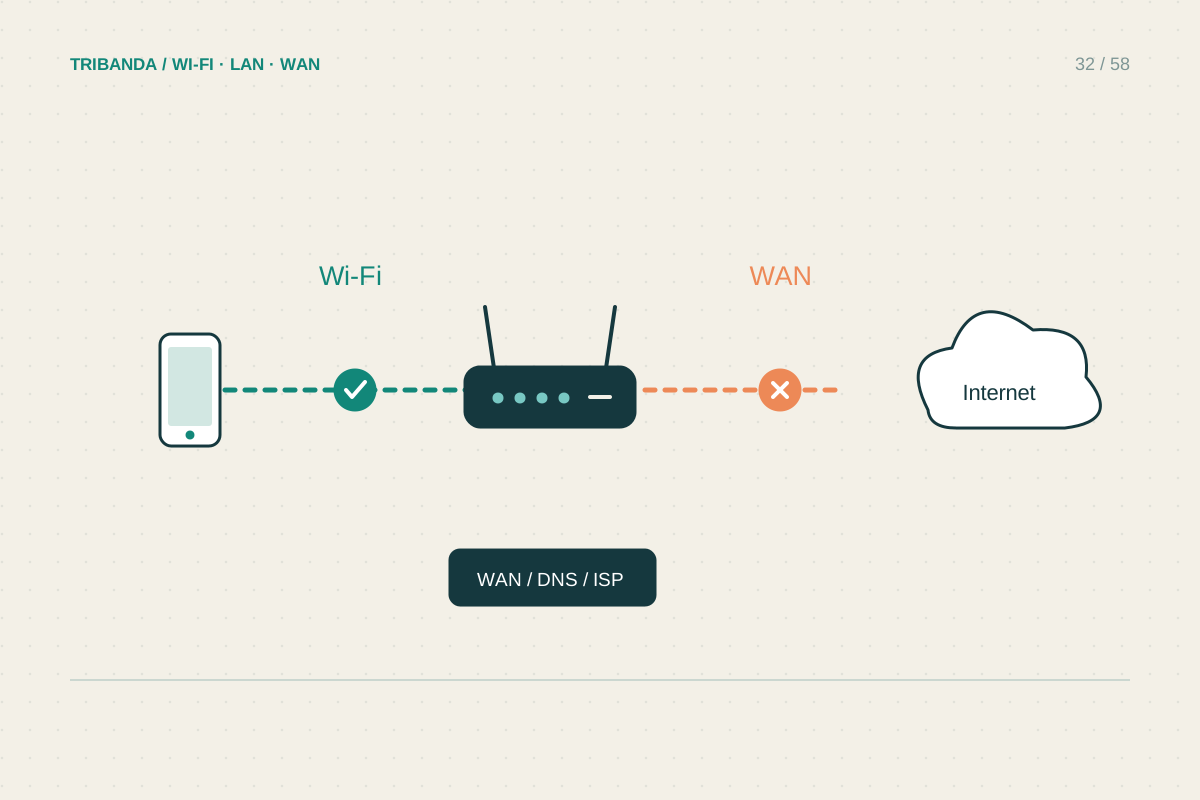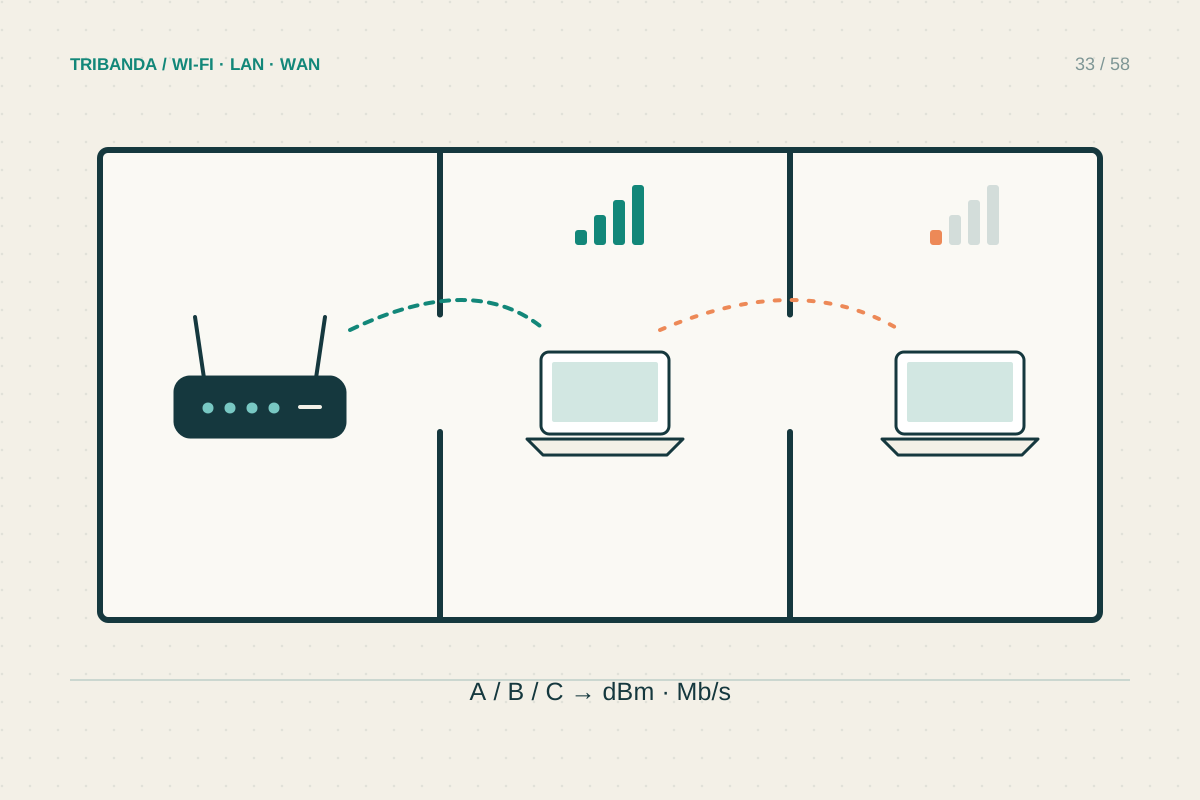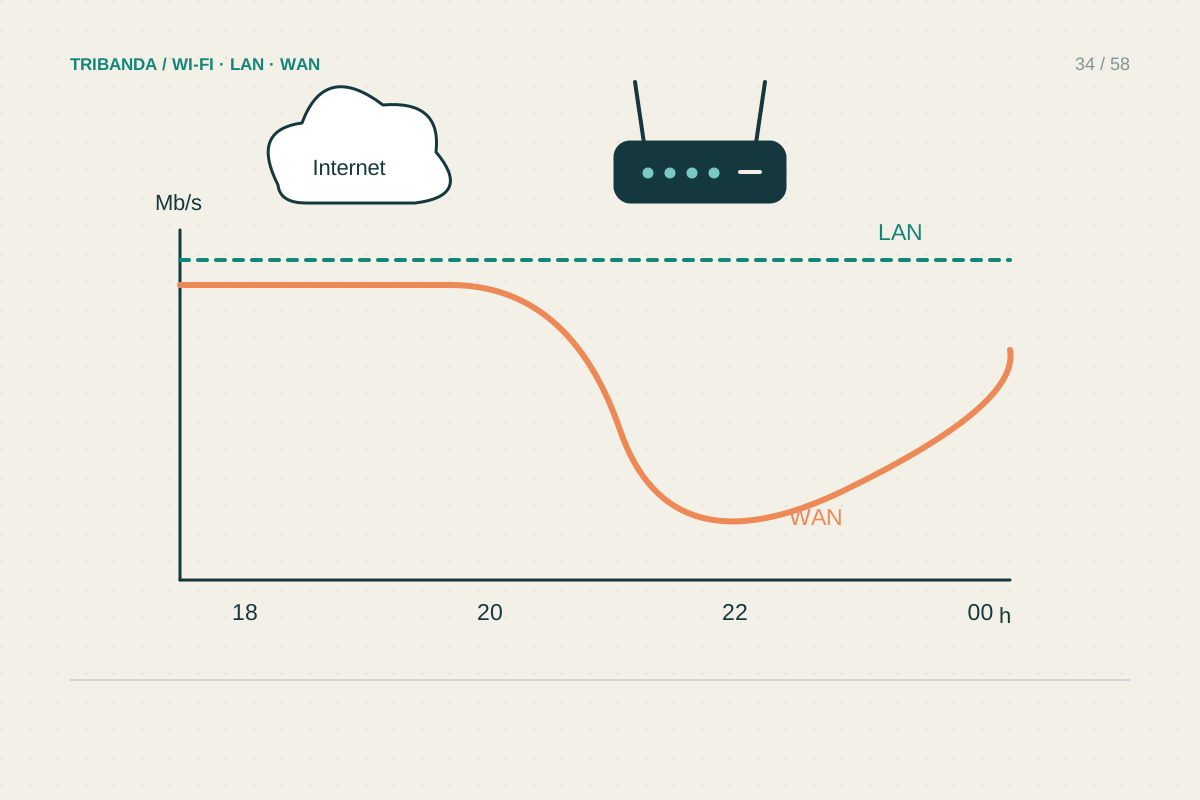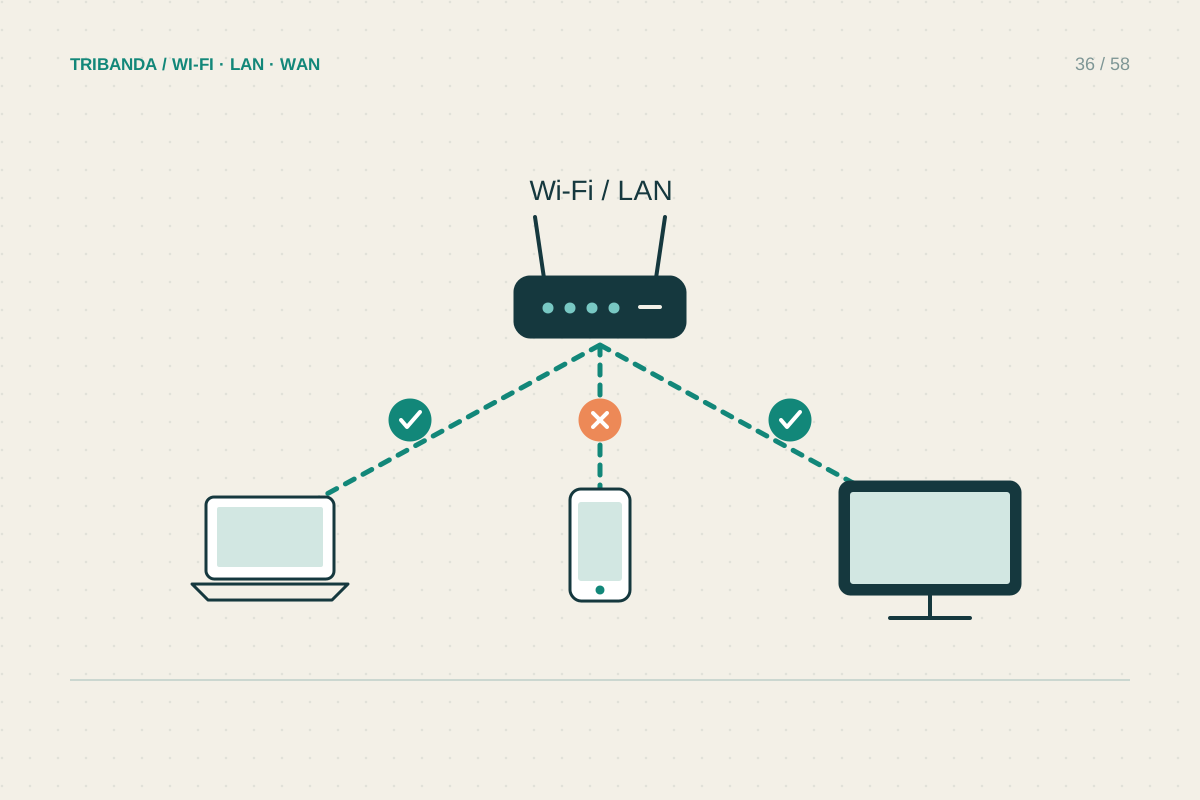
When a phone works well beside a slow laptop, replacing the router is an expensive first experiment. Different radios, software and background tasks can produce different results on the same network. The useful question is whether the slowness follows the device, the application or its connection method.
Compare like with like
Place both devices on the same desk and check the network name, connected band and any mesh node information available. Run the same test one device at a time. Keep the slow device plugged into its normal charger if power-saving behaviour might matter. A web page with many scripts is not a clean speed comparison between a new phone and an old laptop; their processors can differ substantially. Also compare a simple download or the same speed-test service. Record whether every application feels slow or only a browser, game or work VPN.
Inspect the device before the router
Check for active cloud synchronisation, operating-system downloads and large transfers. Pause optional tasks briefly and repeat the measurement. Restart the device, then install updates from the operating-system vendor and the computer or adapter manufacturer. Avoid driver-download sites offering generic fix utilities. A required work VPN should be discussed with workplace support before changing its configuration. If permitted, compare one short test with and without it. A device that is slow even on a different trusted network deserves attention to its own software or hardware rather than adjustments to every router it meets.
Use another connection to narrow the cause
Where possible connect the laptop to a LAN port using a supported Ethernet adapter, then disable Wi-Fi for the test. Good wired performance directs attention towards the wireless adapter, its placement or the chosen band. A tiny USB adapter trapped behind a metal desktop case can have a poor radio path; a supported extension lead or a different position can be a useful comparison. If wired performance is also poor, check adapter link speed, cable condition and background workload. Forgetting and rejoining the home network can clear a stale saved configuration, but keep the password available. Full network reset is a later step because it may remove VPN or virtual-adapter settings.
Make the slowness follow one variable before buying equipment: device, application, room or connection method.
Common questions
Can old Wi-Fi hardware limit a fast plan?
Yes. The device's supported bands, antenna design and radio capabilities affect its own connection. A faster internet package does not change that hardware.
Should every device show the same speed?
No. Consistent usefulness matters more than identical numbers. Compare the slow device with its own earlier results and the tasks you need it to perform.
Original technical illustration; schematic, not to scale.