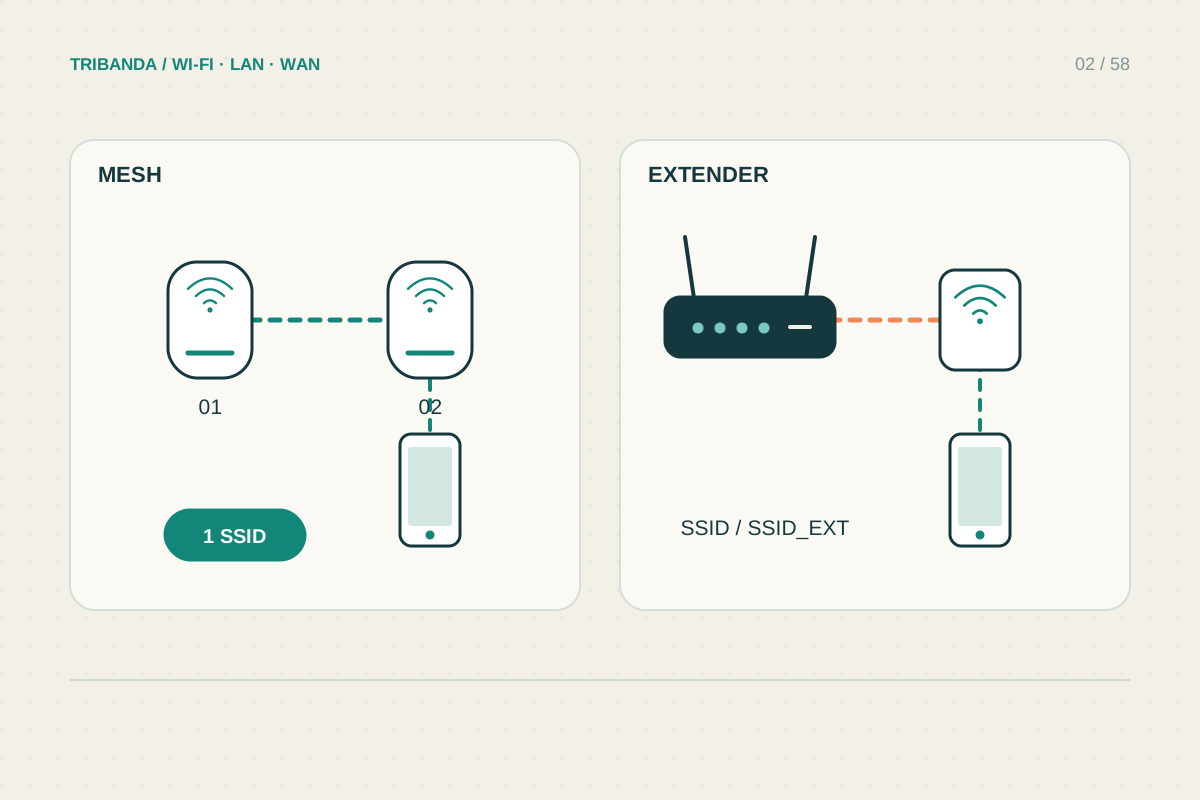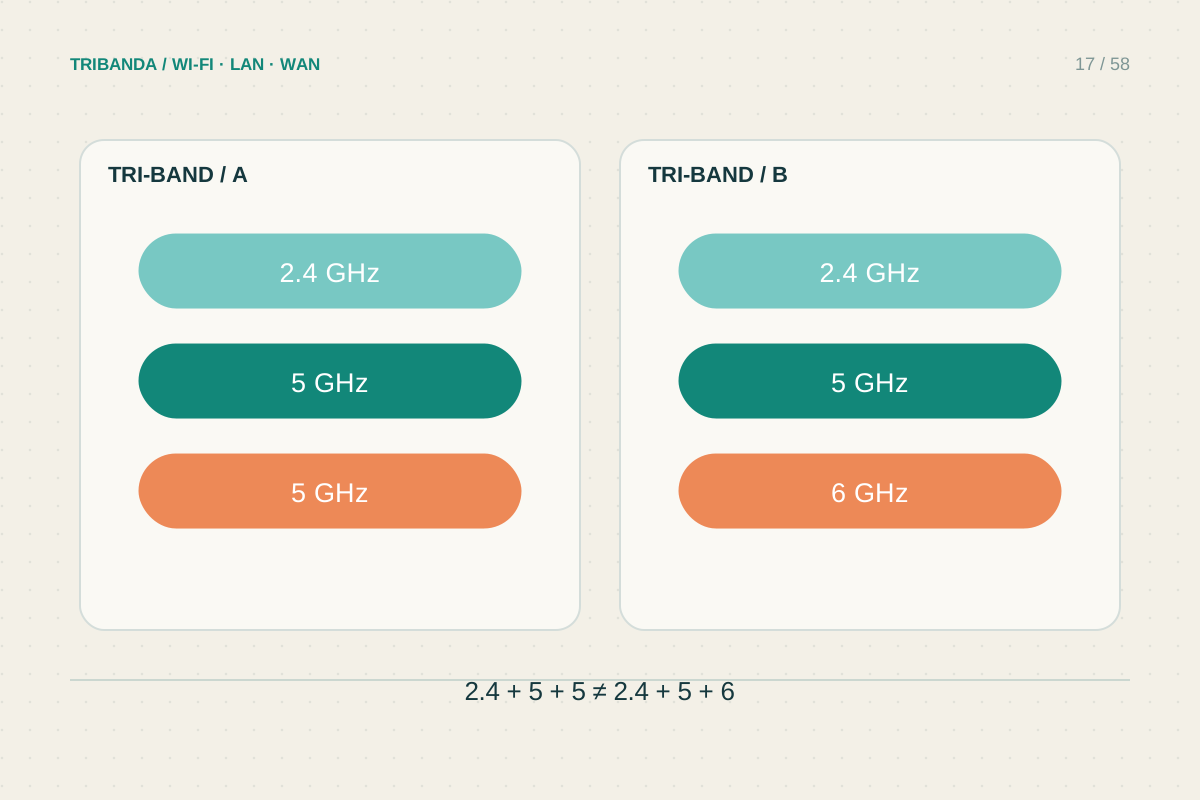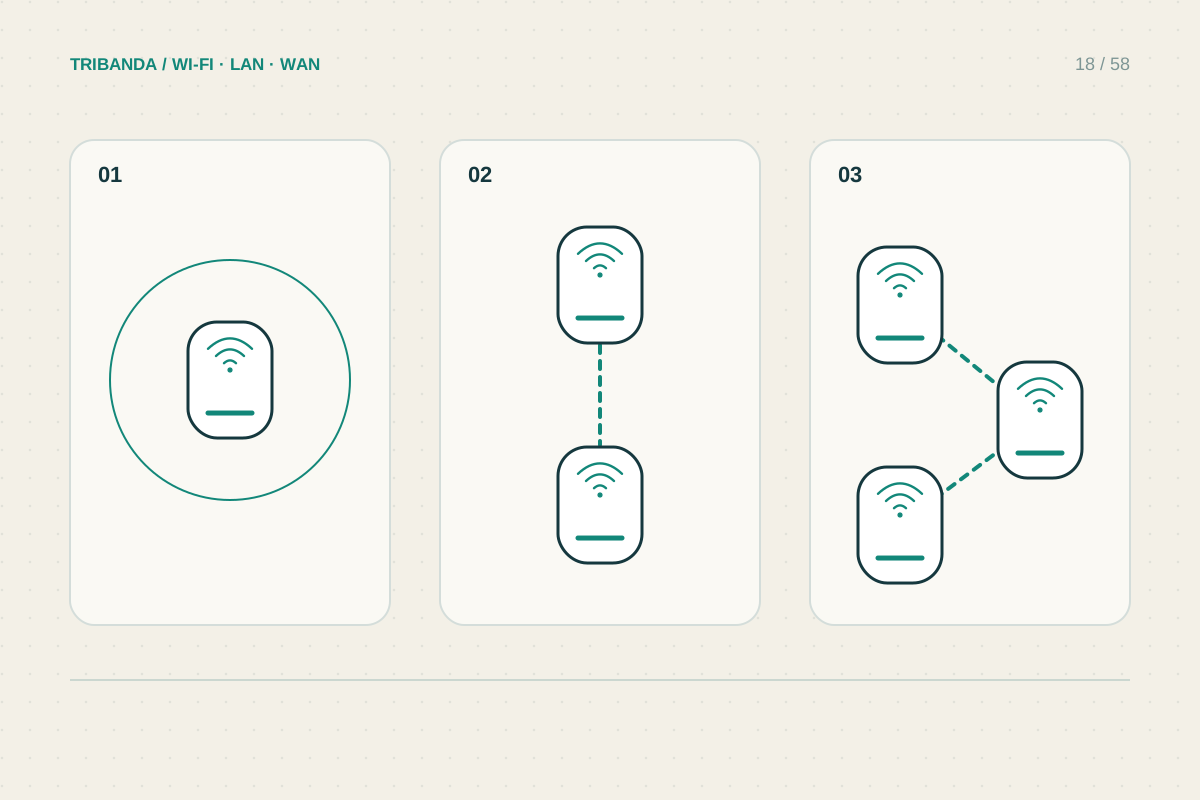
The right number of nodes depends on useful coverage and healthy links, not floor area alone. One open apartment and another of the same size with stone partitions may need different arrangements. Begin with the areas you must serve and add hardware only when measurement shows a gap.
Map the shape before counting units
Draw the home, mark dense barriers and identify the rooms requiring dependable service. Include the broadband entry point, because it often determines where the main unit begins. Manufacturer coverage estimates help compare intended product classes, but they cannot represent your walls and neighbouring traffic.
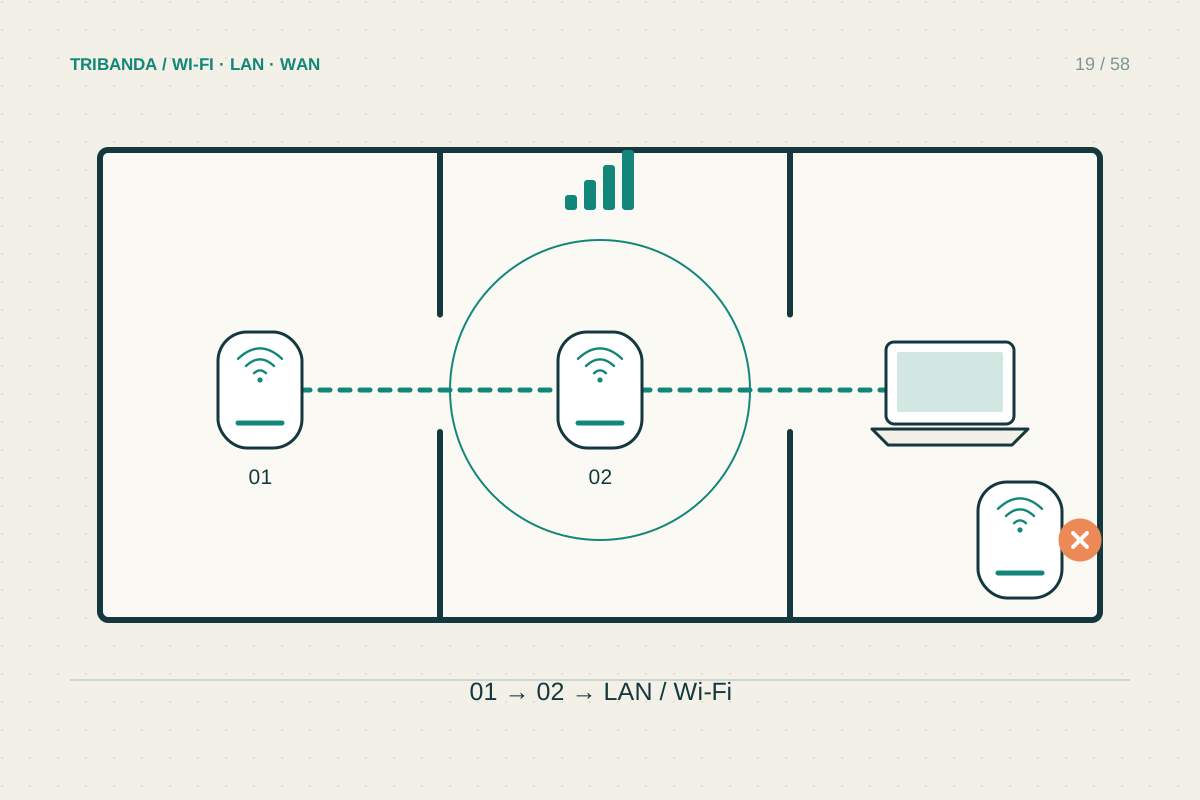
Test the main unit in its best practical position before placing satellites. If moving it solves the essential rooms, a larger kit may bring little benefit. If the far office fails but an intermediate hallway works, that hallway becomes a candidate node location rather than a reason to buy several units immediately.
Add one useful node at a time
A wireless satellite needs a healthy upstream connection and useful coverage towards the weak area. Adding it inside a dead zone may create strong local bars with poor internet performance. Evaluate the app’s link quality and the actual office task before deciding that the node count is sufficient.
When Ethernet is available, nodes can be placed for local coverage without needing to receive the main unit wirelessly. Follow the system’s supported wiring topology. Check expansion limits for the exact models and firmware rather than assuming an unlimited network because spare units are sold separately.
- Map important rooms and barriers.
- Measure the main unit alone in a sensible position.
- Add one node where it receives well and reaches a real gap.
- Retest all important rooms under normal load.
- Add or remove a node only when the measurements justify it.
Remove unnecessary overlap
More nodes do not always improve reliability. Several nearby radios can share limited airtime, while clients may choose a unit you did not expect. If every important room already works, record the result and stop rather than filling every socket with another satellite.
If one room still fails, examine the connection chain before adding a third or fourth hop. A poor existing backhaul may need relocation or cable. Test with the household’s normal simultaneous activity and include older devices: a single fast laptop does not represent every client on the network.
Buy and place nodes to solve measured gaps. Healthy backhaul and useful location matter more than the largest possible kit.
Common questions
Is one node per floor a reliable rule?
It is only a planning idea. Floor materials, room partitions and cable availability can change the requirement.
Can a kit be expanded later?
Often, but verify supported models, firmware, unit limits and whether the required products remain available.
Original technical illustration; schematic, not to scale.