Routers & mesh
Choose and connect the right equipment. Practical guides to understand your options and choose your next step.
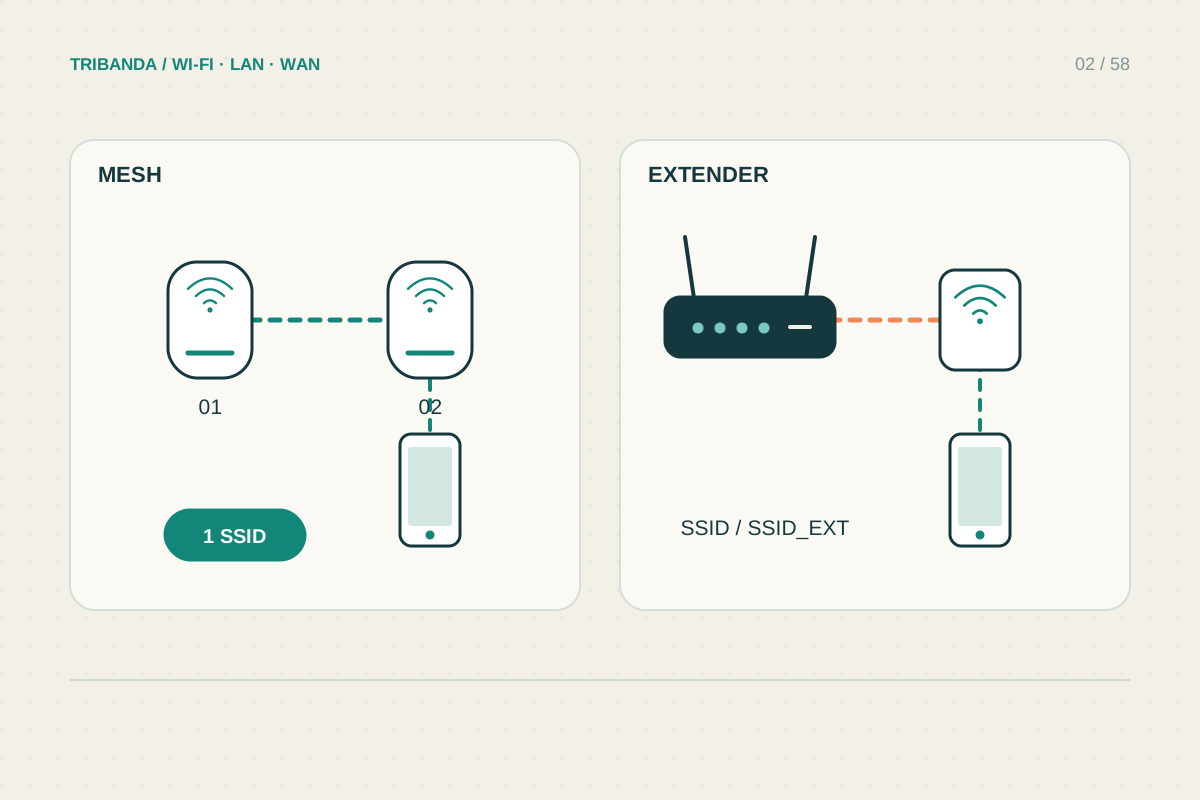
Mesh or extender: choosing the right fix
Match the equipment to the weak area and the connection it can receive.
Read the guide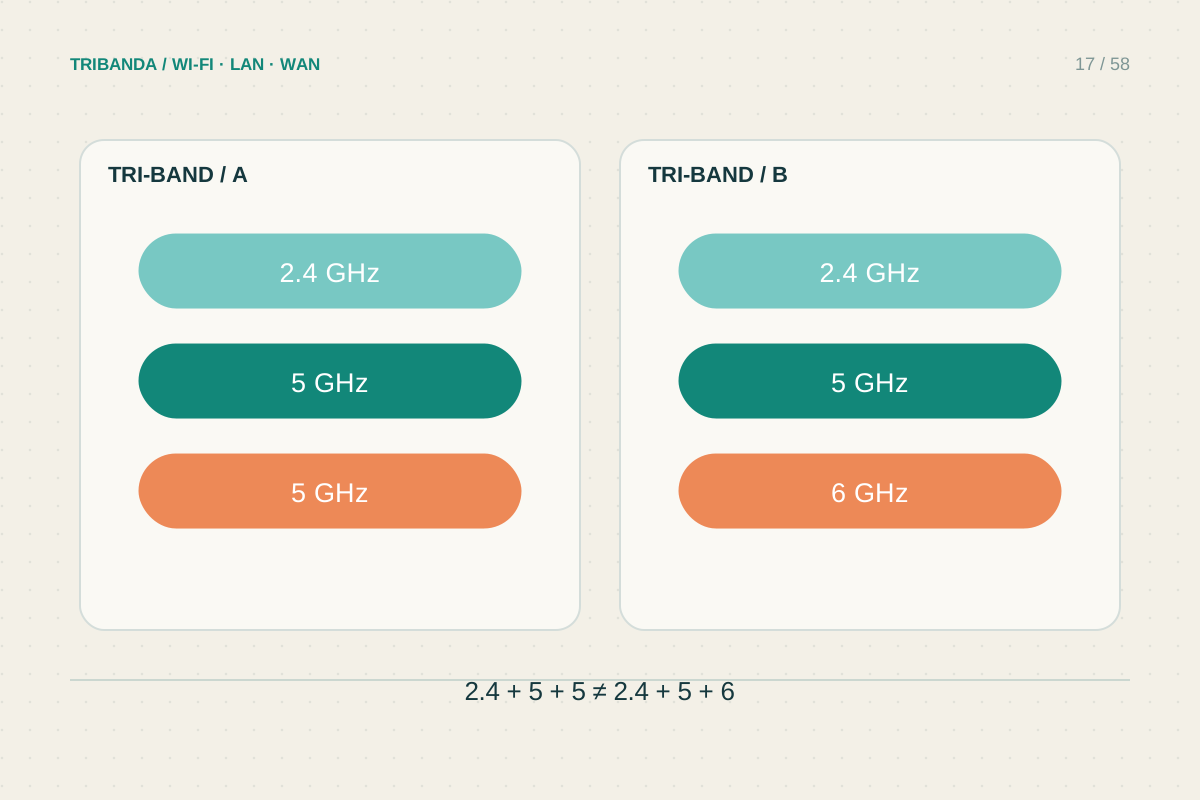
What tri-band actually means
Read the band breakdown and backhaul policy before comparing headline speeds.
Read the guide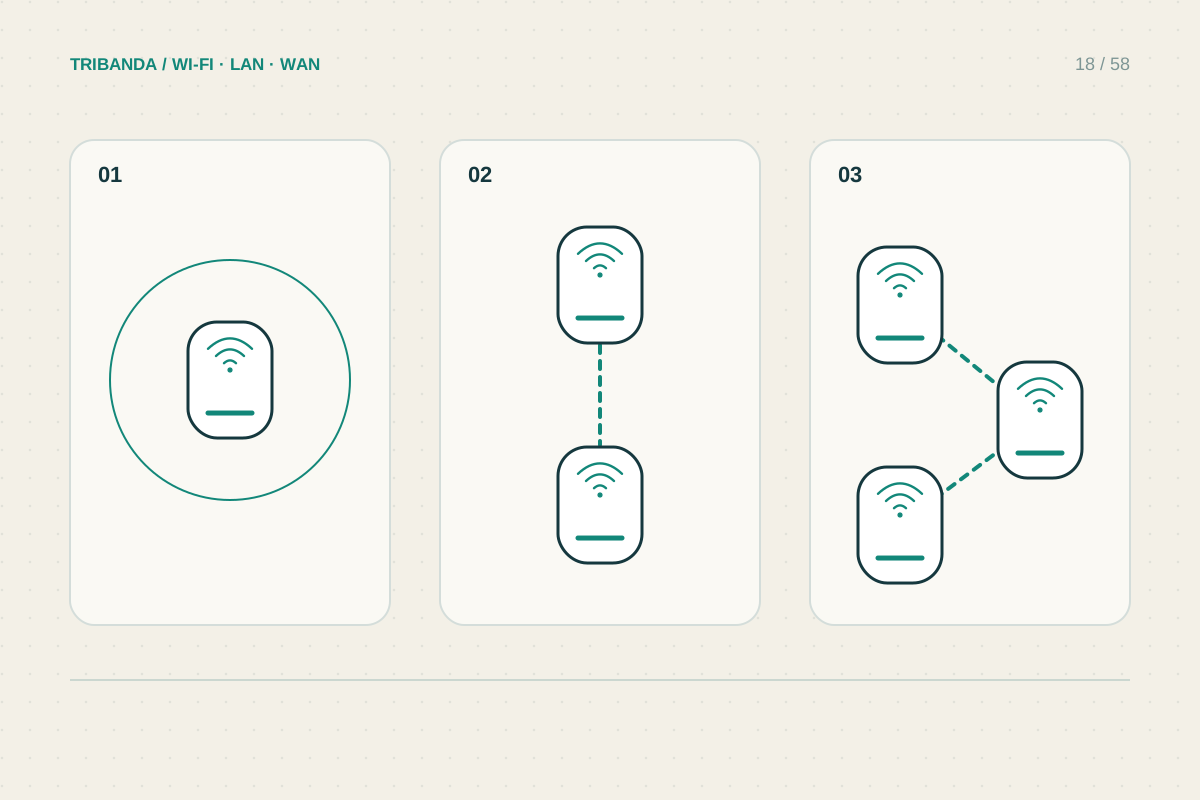
How many mesh nodes do you need?
Count required coverage areas and reliable links rather than square metres alone.
Read the guide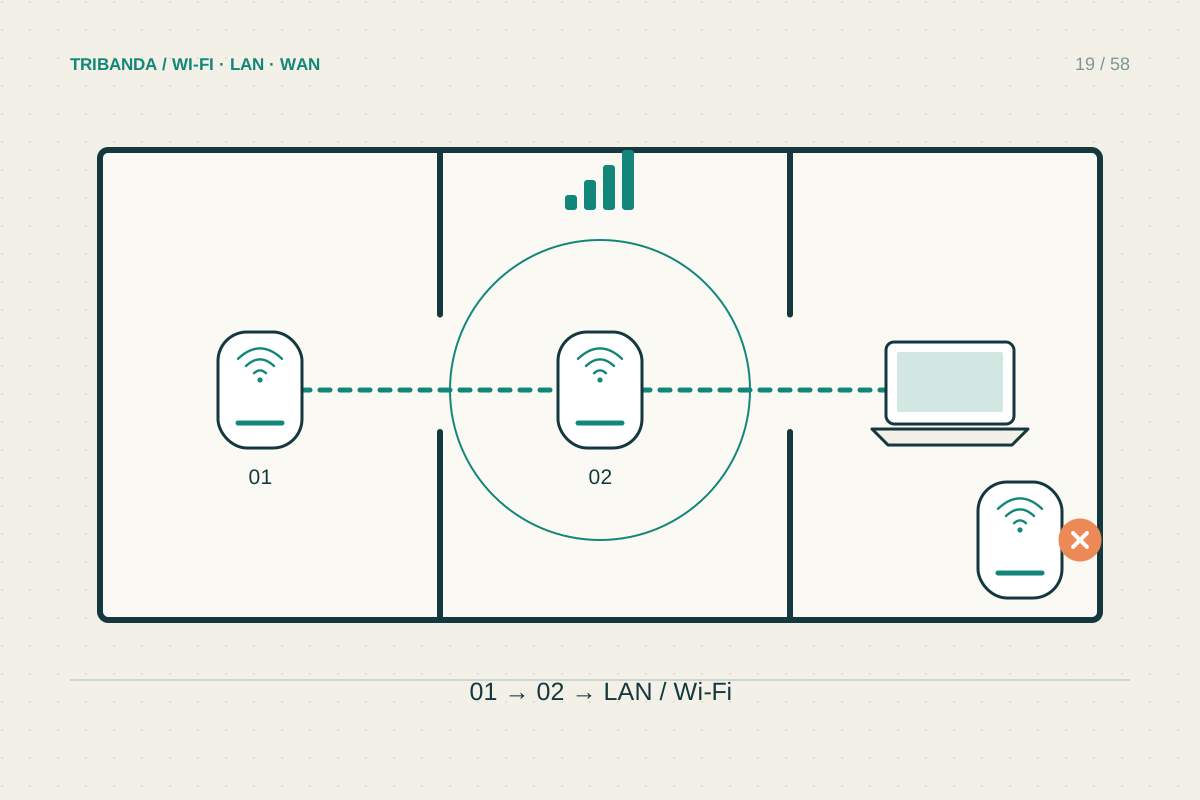
Where to place mesh nodes
Place a wireless node where it receives well and extends towards the weak room.
Read the guide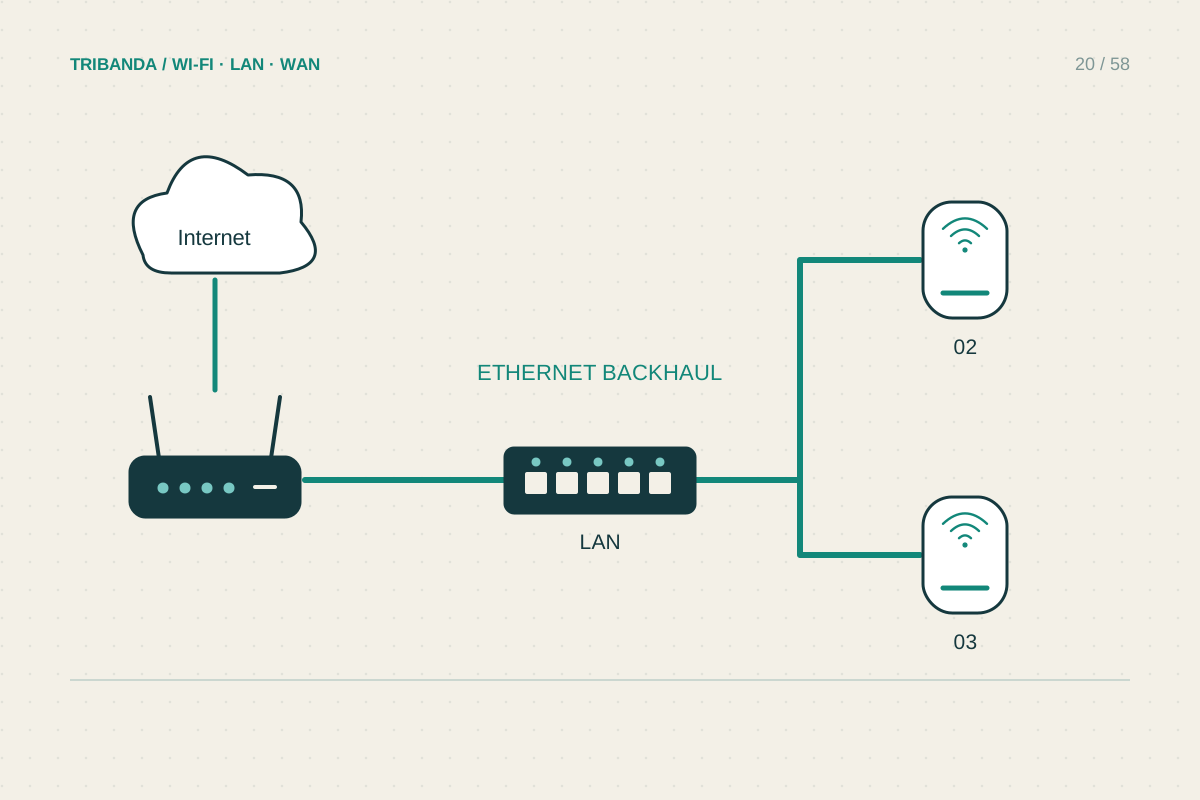
When wired backhaul is worth it
Use Ethernet for the link that walls and distance make unreliable.
Read the guide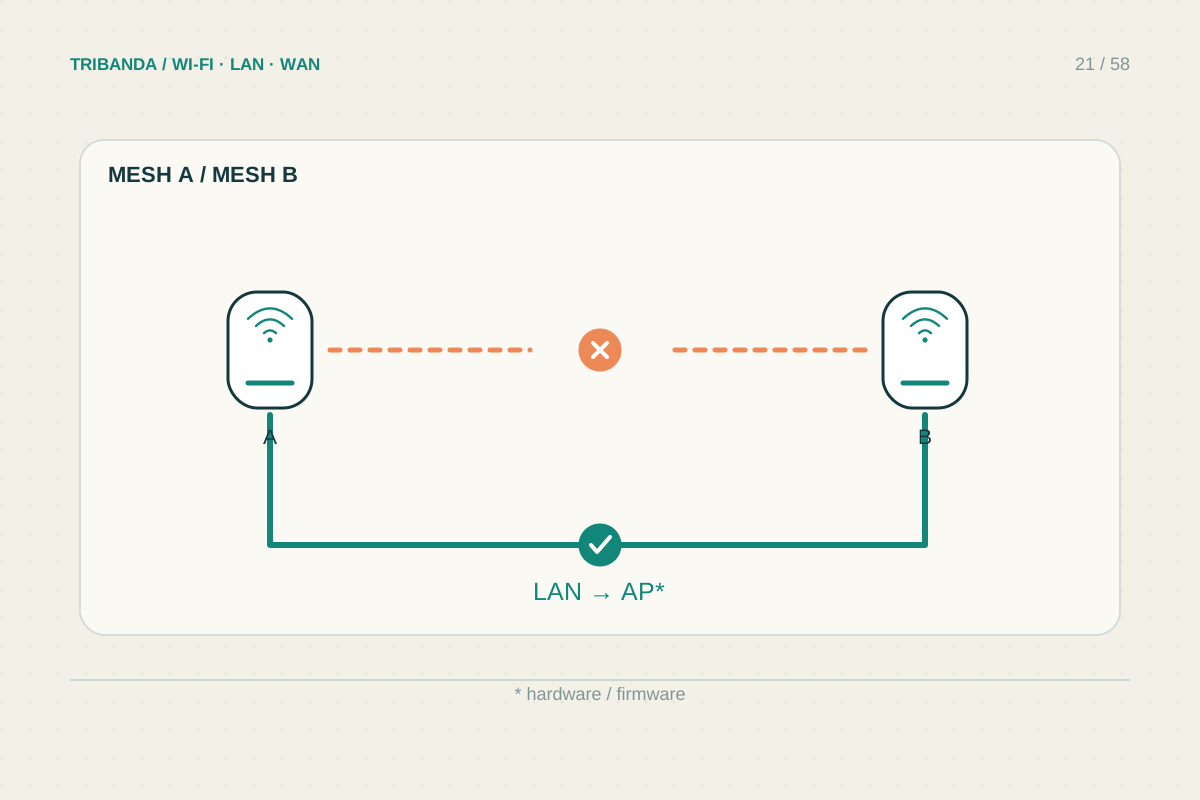
Can you mix mesh brands?
Check mesh family, firmware and supported roles before adding a node.
Read the guide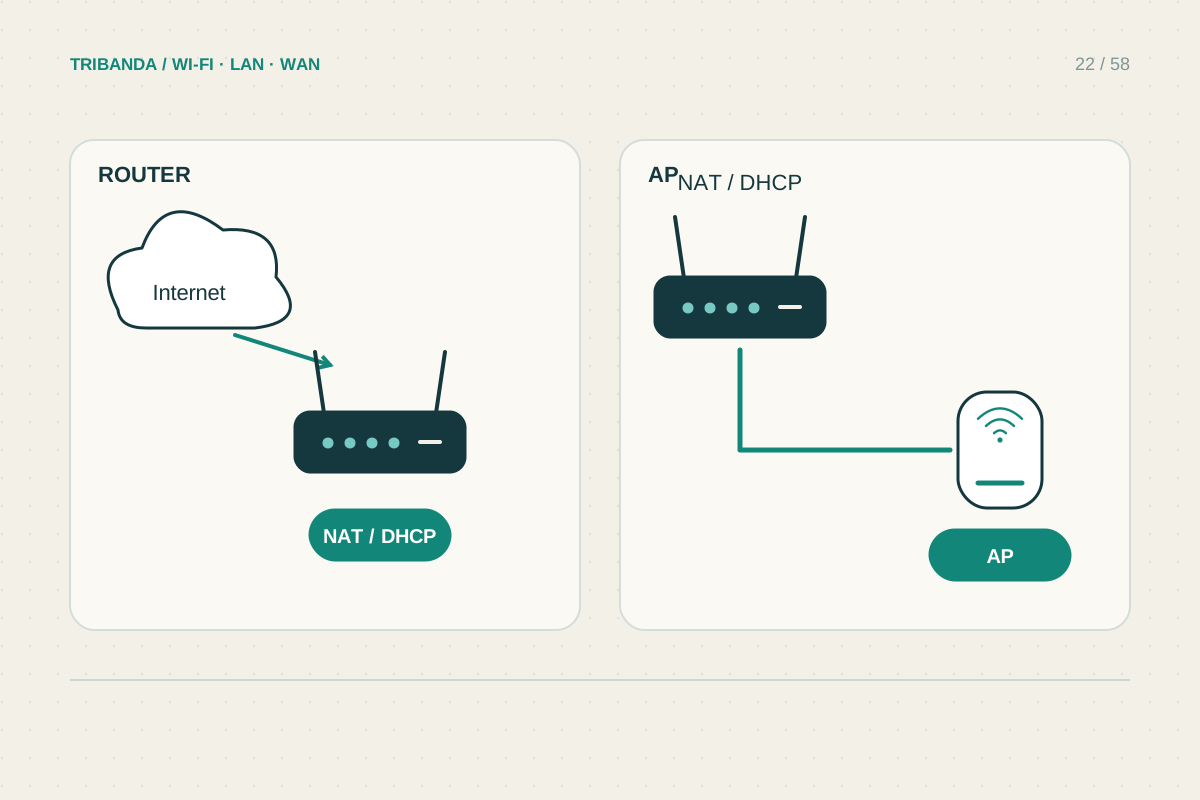
Access point mode or router mode?
Give routing duties to the intended gateway and check which features move with them.
Read the guide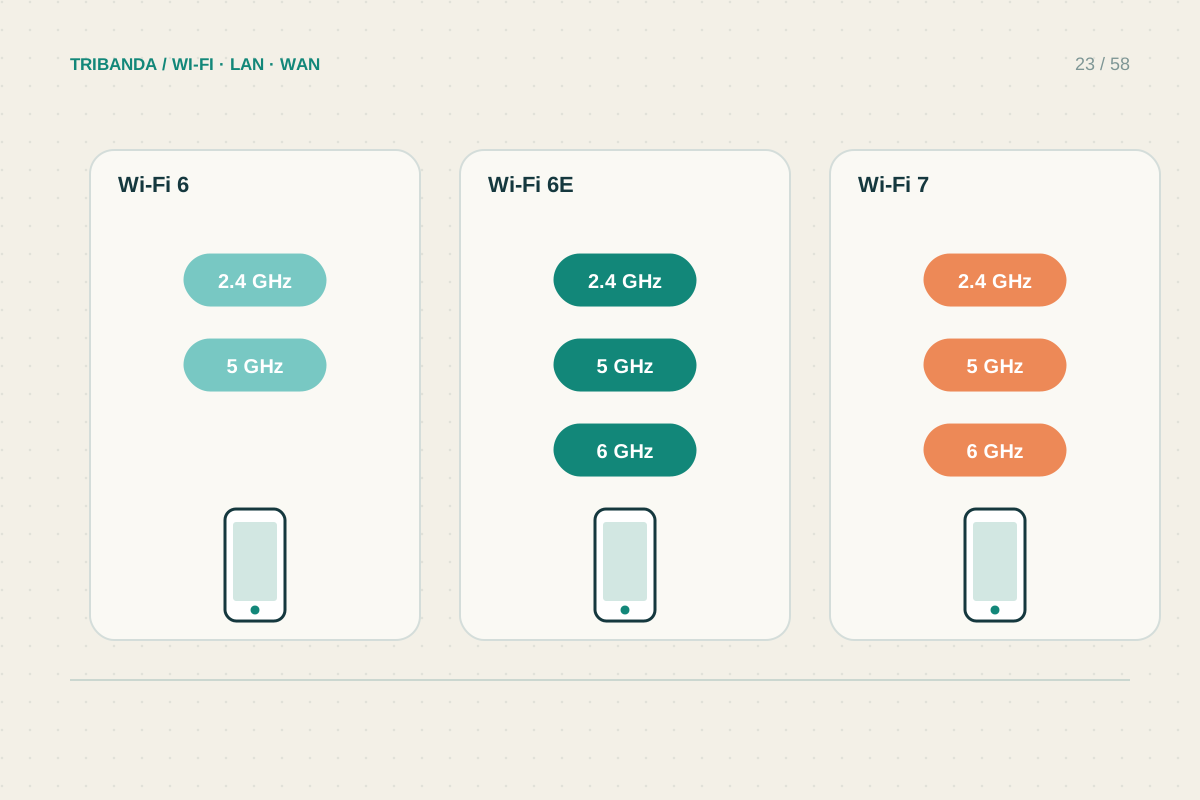
Wi-Fi 6, 6E and 7: buying for your devices
Match the upgrade to your equipment, rooms and actual workload.
Read the guide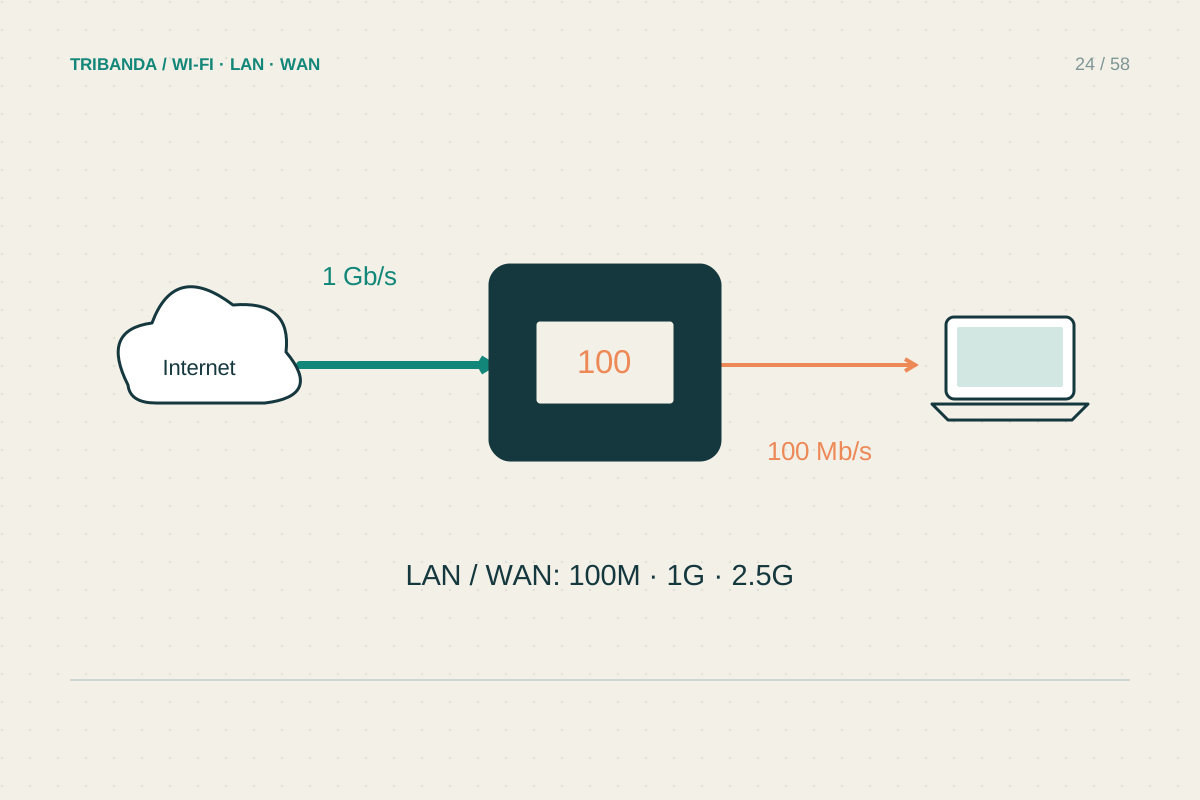
Check the Ethernet ports before buying
Follow the wired path from the internet connection to your devices.
Read the guide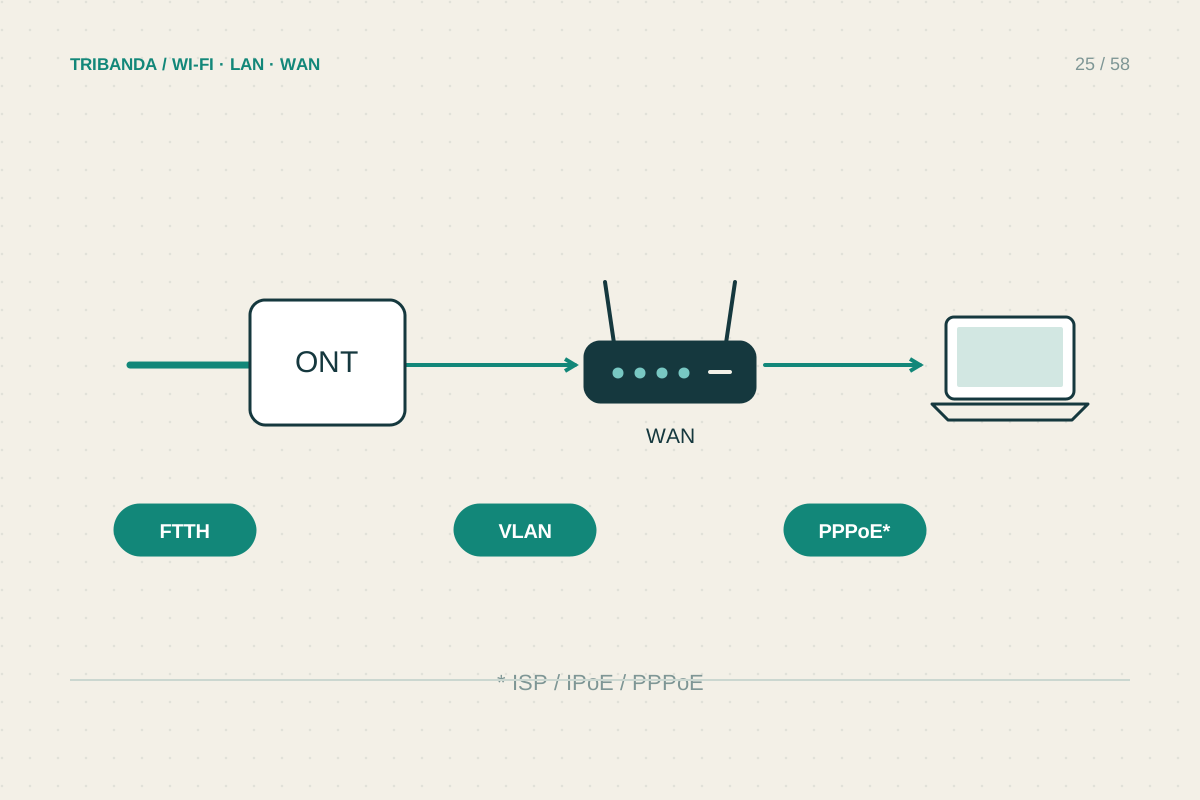
Using your own router with Italian fibre
Check the optical handover, provider settings and telephone service separately.
Read the guide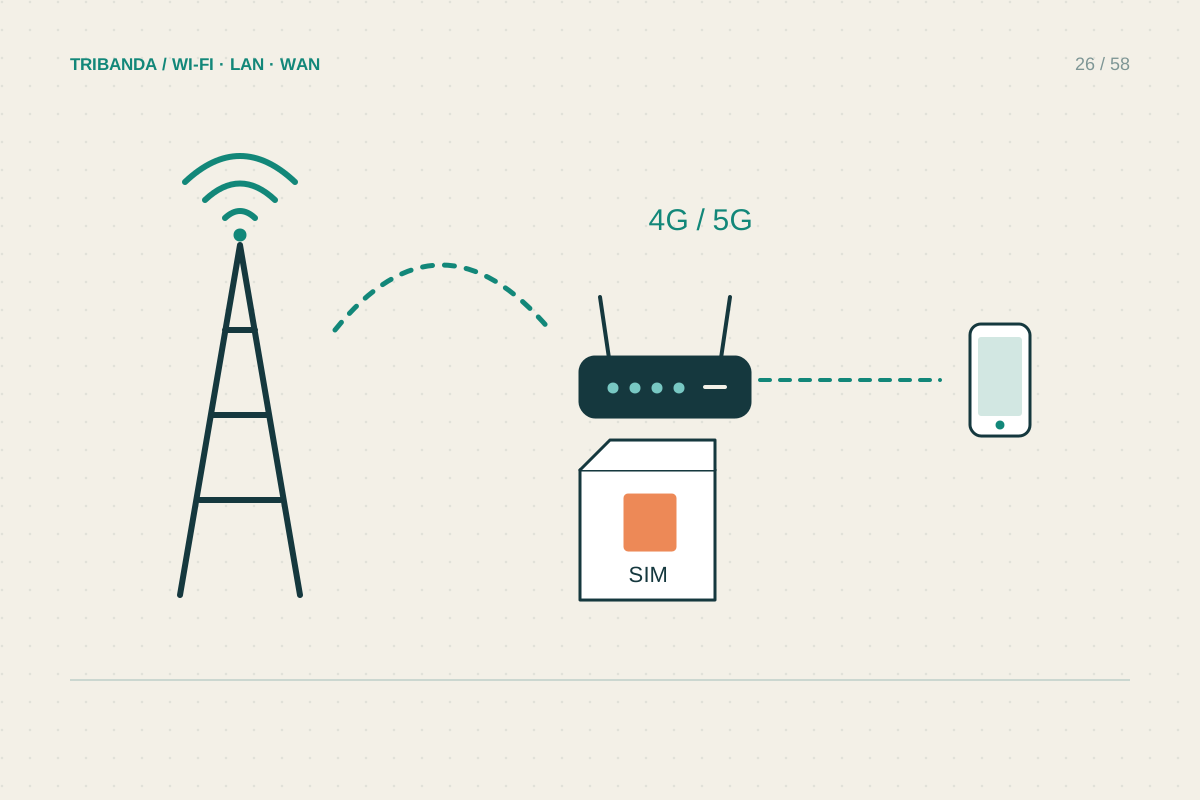
Choosing a router with a SIM slot
Check the mobile connection, the tariff and the home network separately.
Read the guide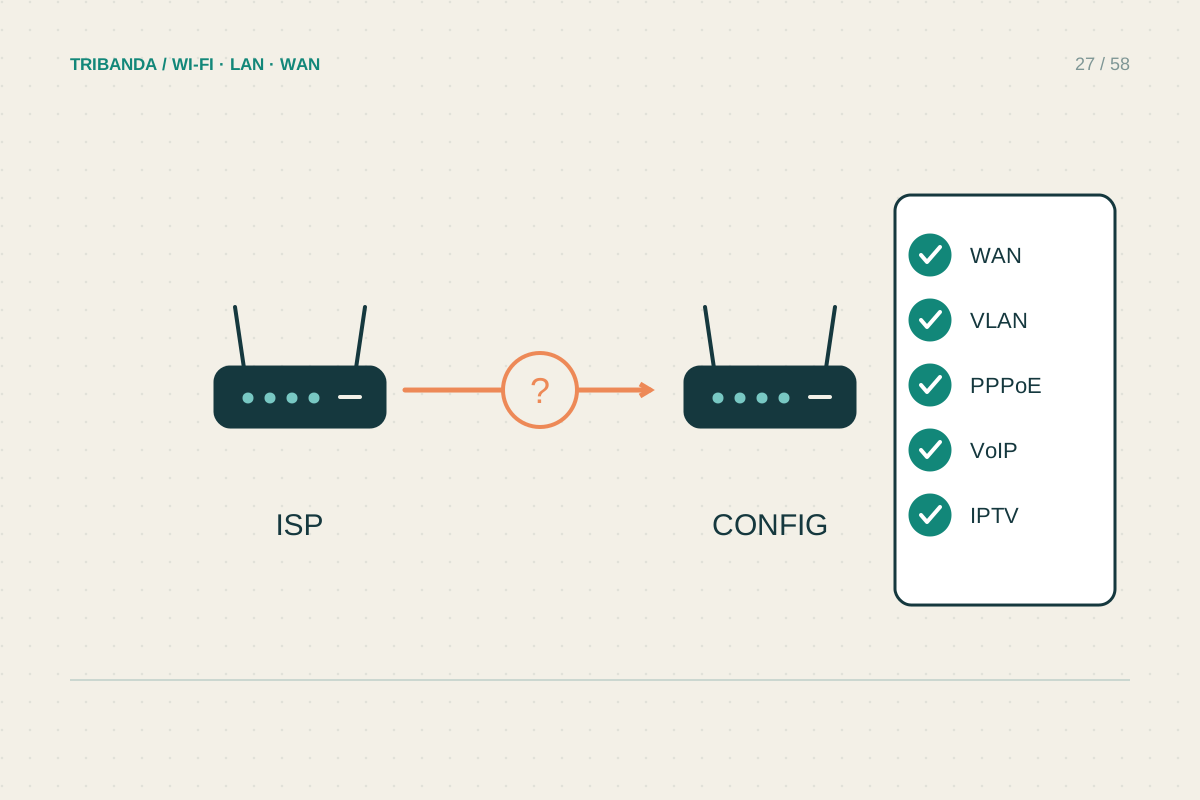
Before replacing the ISP router
Preserve the services you use and make the change reversible.
Read the guide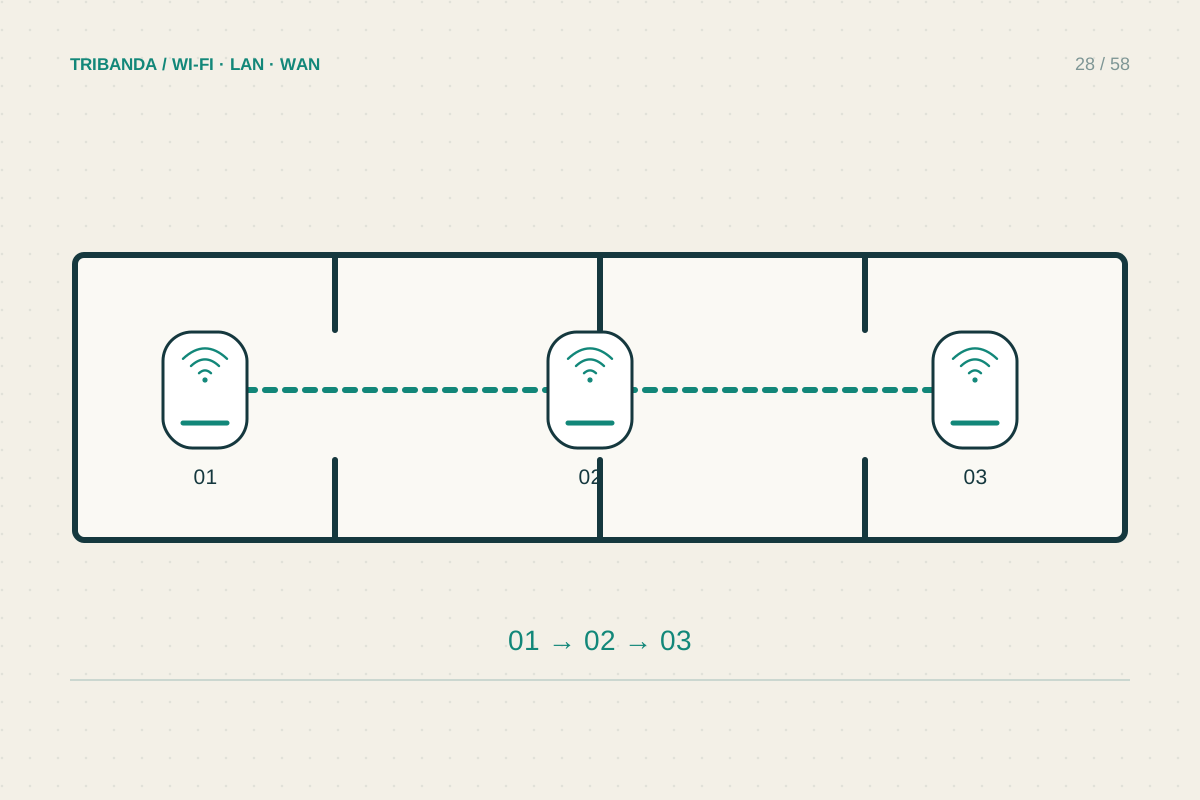
Mesh in a long, narrow home
Design the route along the apartment before counting the nodes.
Read the guide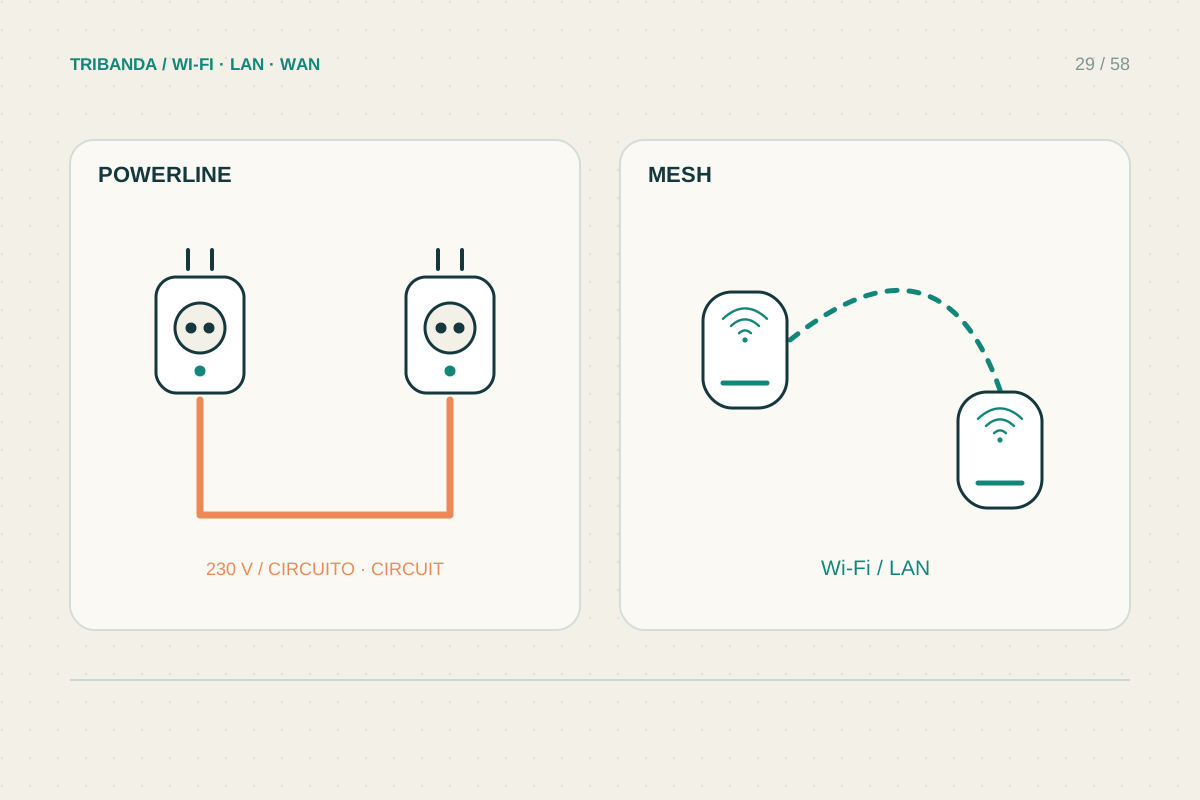
Powerline or mesh?
Compare the electrical route with the wireless route inside your own home.
Read the guide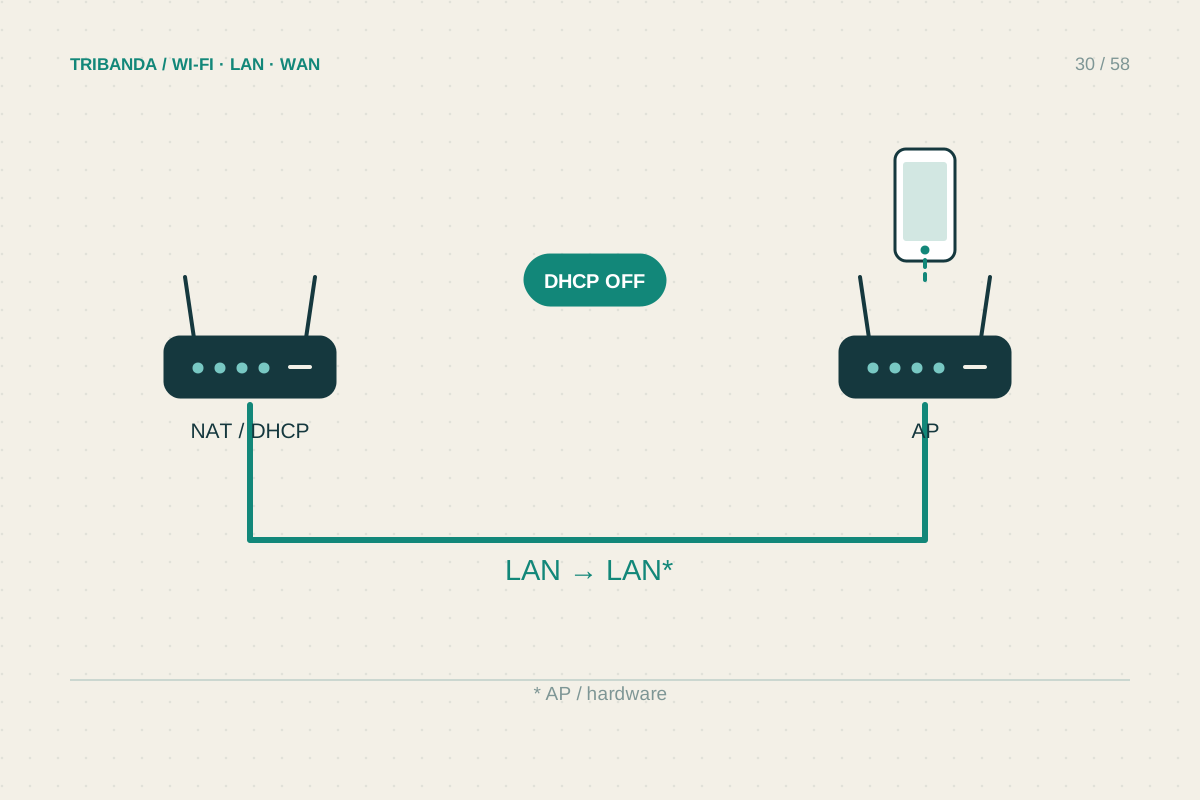
Turning a second router into an access point
Reuse suitable hardware without creating a second home network.
Read the guide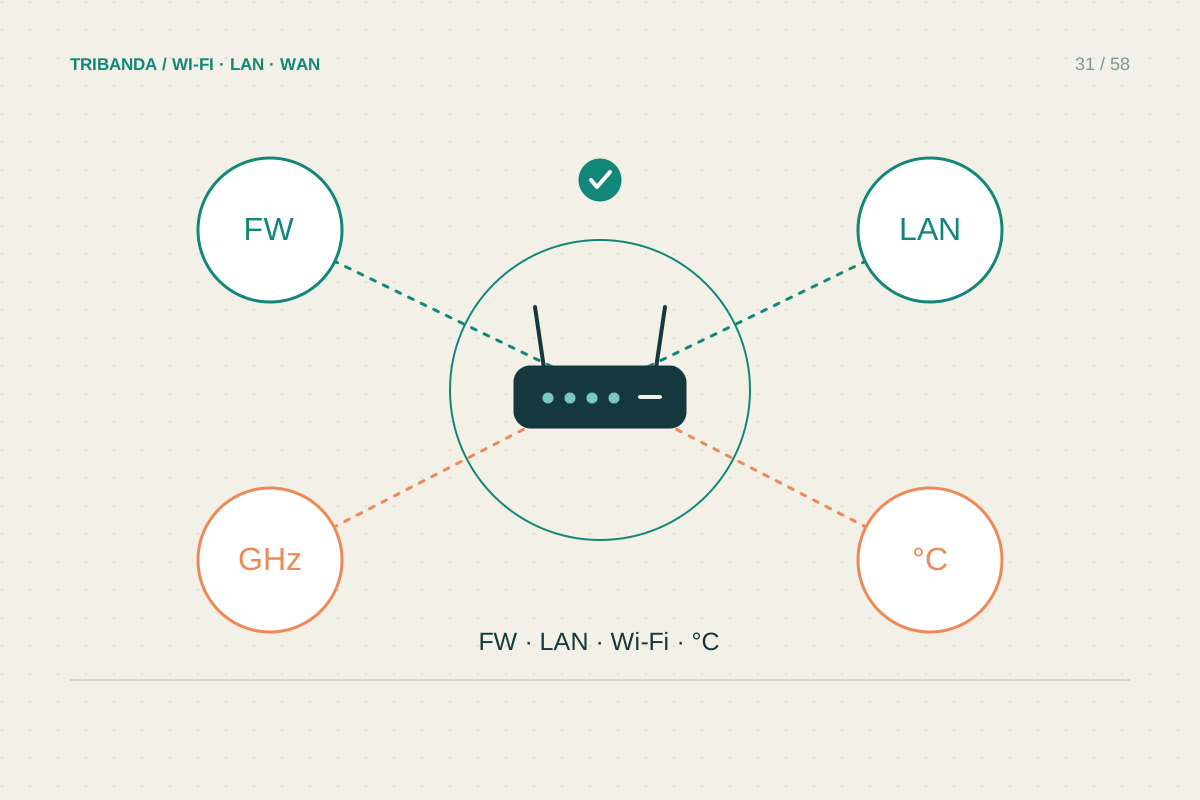
Is it time to replace your router?
Build a short evidence list before buying a faster-looking box.
Read the guide