A short network record can save time when a cable moves, a router fails or the person who configured everything is away. It should explain the layout and recovery essentials in ordinary language. The goal is a usable household reference, not a public inventory or a complicated engineering document.
Draw the physical path
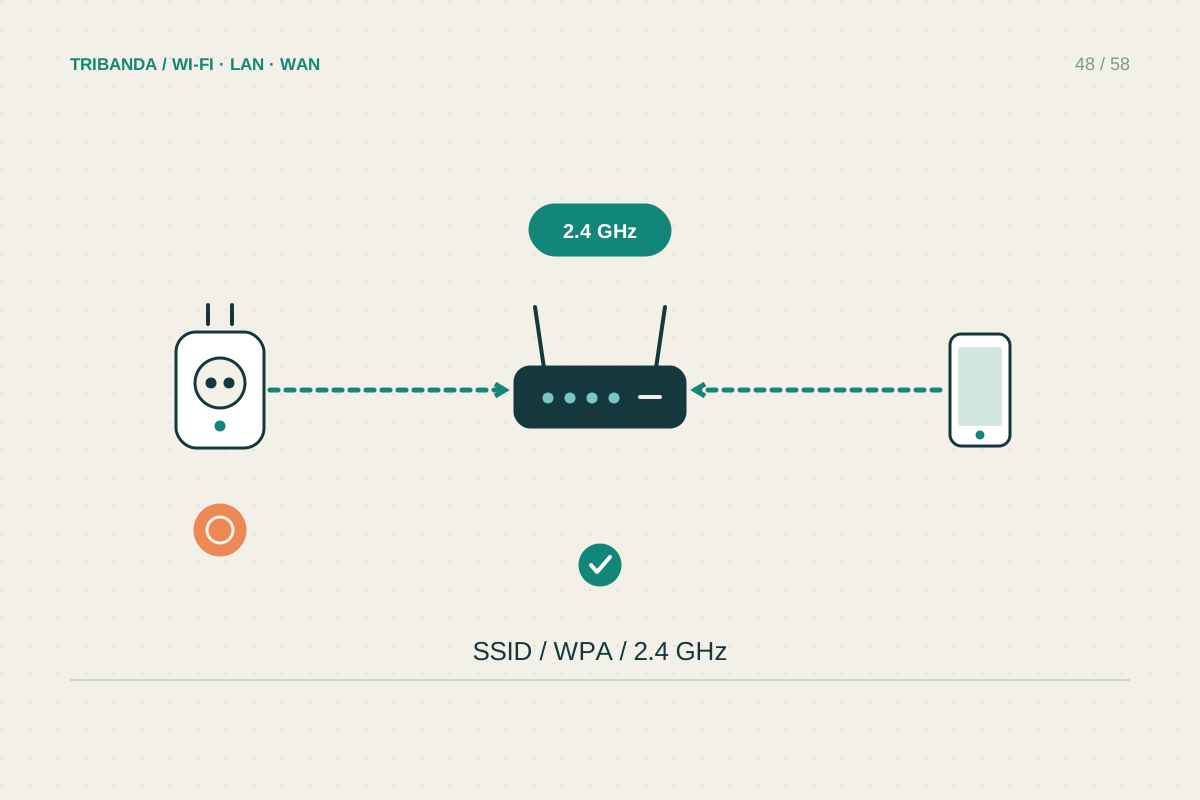
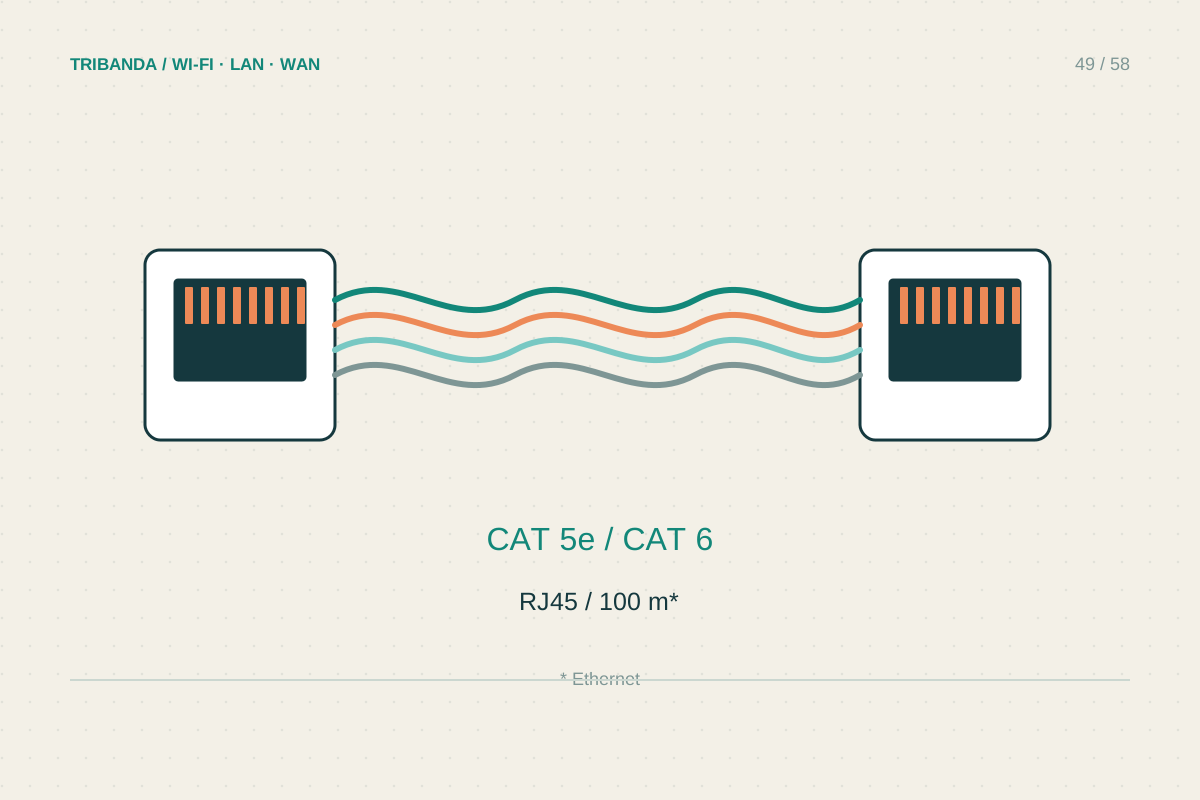
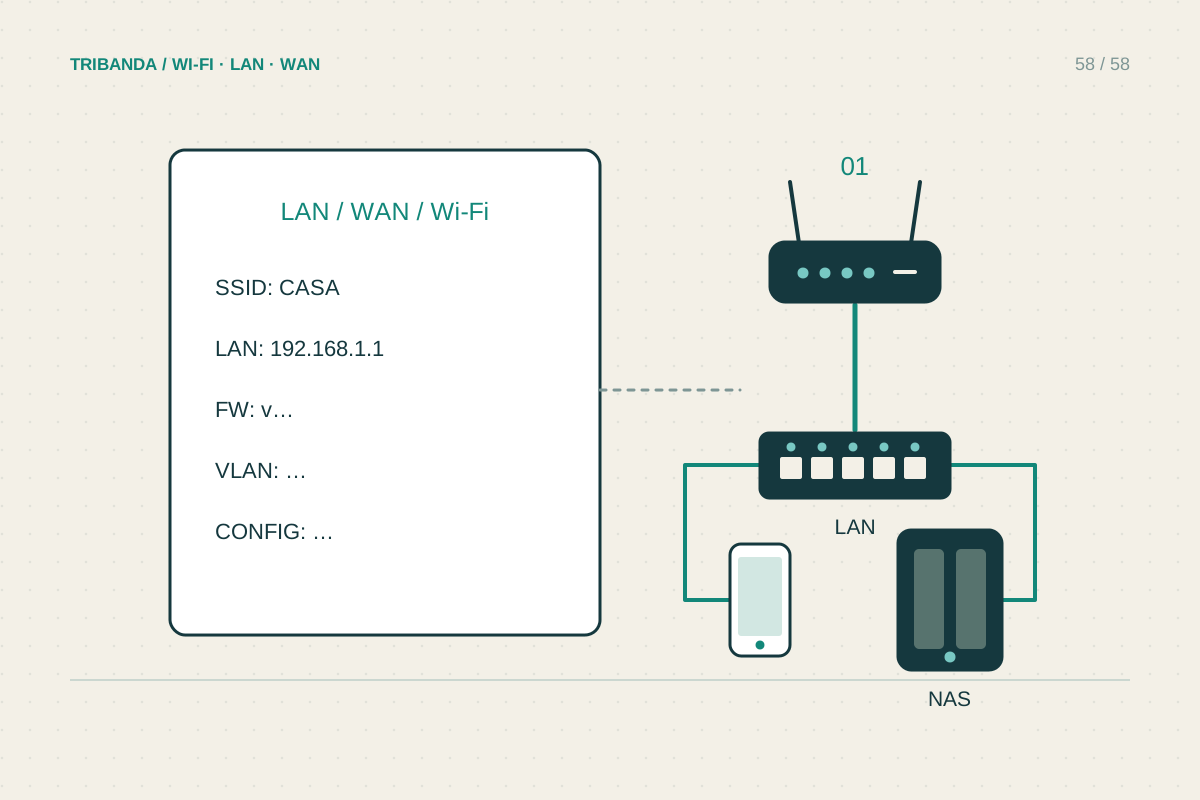
Sketch the incoming line, fibre terminal or modem, main router, switches and mesh nodes. Show which links use Ethernet and which use wireless backhaul. Label rooms and cable destinations so someone can identify the correct lead without tracing every connection. Note the model and hardware revision of each managed device, plus where its official instructions can be found offline. Include power adapters only by their proper device association; similar-looking plugs are not evidence that adapters are interchangeable. A photo can help, but check that it does not unintentionally show a Wi-Fi password or sensitive account information before sharing it with support.
Keep public details separate from secrets
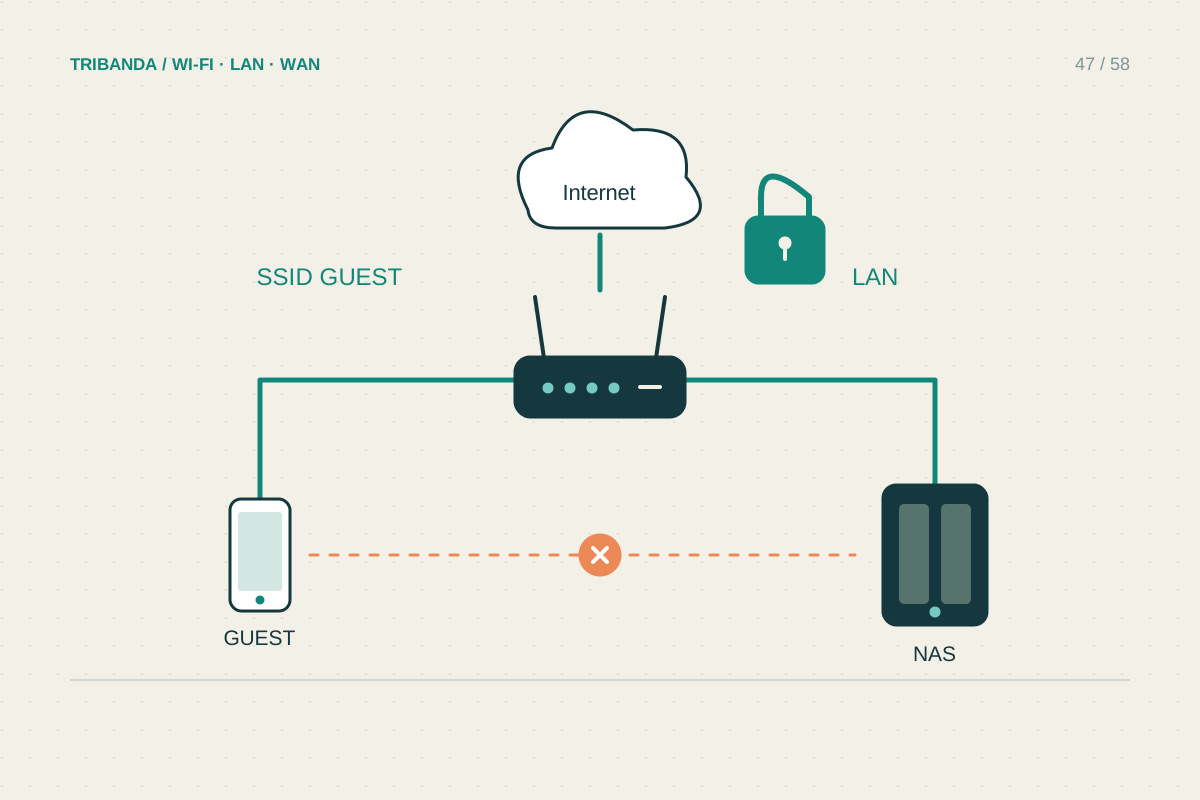
In the ordinary record, list network names, the router's local management address, intended guest isolation and important reservations or special rules. Store administrator passwords, Wi-Fi joining details, provider credentials and recovery codes in a trusted password manager or another protected place. The record can explain who has authorised access and how to find the protected entry without copying secrets into a widely shared document. Record cloud-administration accounts and the person responsible for them, using the minimum detail needed. A configuration backup may contain sensitive settings, so protect it rather than attaching it casually to a forum post or support message.
Write a recovery page and keep it current
Add the normal startup order, the provider's official support route, the account holder and the checks to perform before a reset. Identify any service that requires special settings, such as voice, a work VPN or a deliberately configured remote-access rule. Note where a clean backup is stored and which hardware and firmware version it belongs to. After a meaningful change, update the drawing and date the record. Ask an agreed second household member to locate the information and identify the main router without prompting. Keep an accessible offline copy, since a cloud-only note may be unavailable during an outage. Remove obsolete credentials and devices when equipment or occupants change.
A useful record lets another authorised person identify the equipment, follow recovery steps and find secrets securely.
Common questions
Should I publish the diagram when asking for help?
Share a redacted version containing only relevant layout and model information. Remove passwords, account identifiers, public addresses and other details that are unnecessary for the question.
Is a router backup file enough?
No. It may require compatible hardware and firmware, and it does not explain cables or responsibilities. Keep a simple written recovery guide alongside the protected file.
Original technical illustration; schematic, not to scale.