An Ethernet cable is a practical connection between two ports. Its value depends on the speed those ports support, the route, connector quality and installation conditions. For a short desk connection, replacing an intact suitable cable with an elaborate premium one may change nothing you can measure.
Start with the ports and the distance
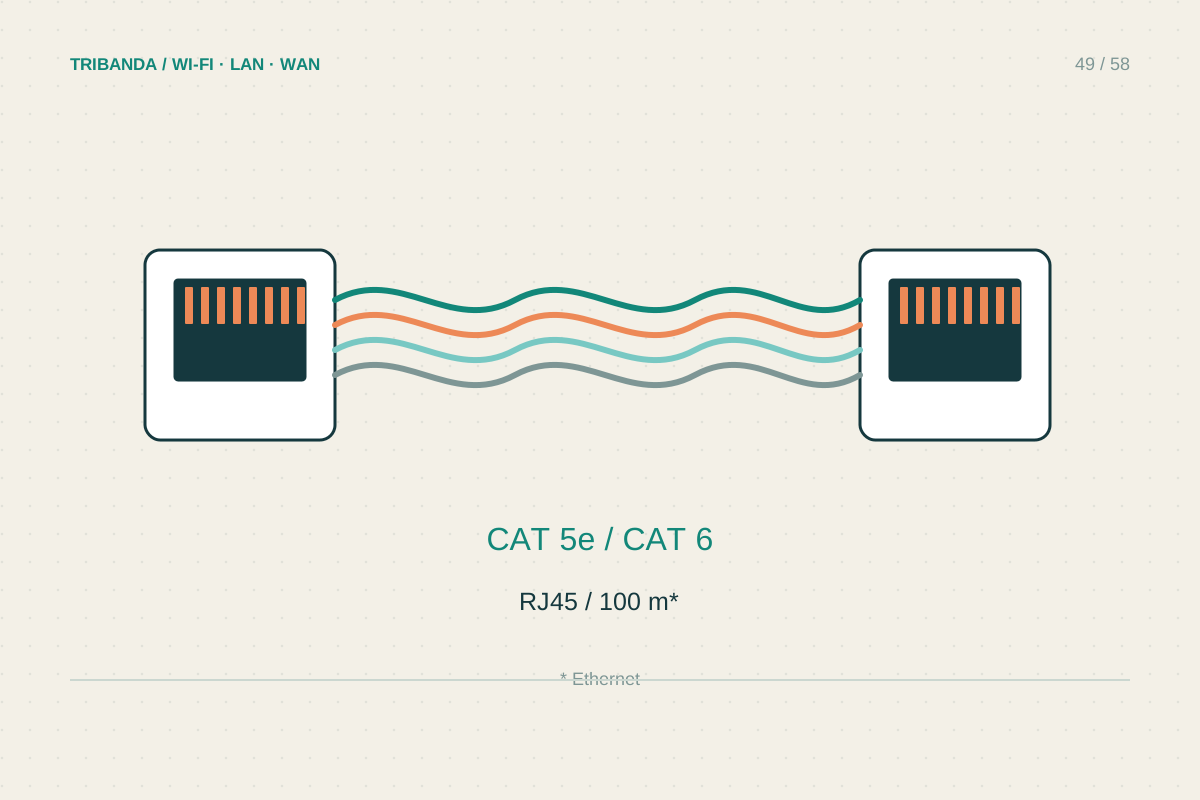
Read the specifications of both connected devices. A gigabit router port and a gigabit computer cannot become 10-gigabit merely because a cable is labelled for that rate. Measure the route with a little slack for movement, without leaving a large bundle under tension. For ordinary short home patch leads, a reputable Cat6 copper cable is a sensible starting point; an existing suitable Cat5e lead may already serve a gigabit link. For planned 10-gigabit permanent cabling, consider a properly designed Cat6A system and professional installation rather than assuming every component with a high category label works together automatically.
Choose construction for the job
Use flexible patch cords for device connections and the appropriate installation cable and terminations for fixed runs. Check jacket and fire-rating requirements for the actual building and route with a qualified installer. Outdoor exposure, damp areas and cable between buildings require a different assessment from a dry living room. Do not run an indoor patch lead outside simply because it reaches. Avoid crushing cable beneath furniture, sharp bends or pulling on the connector. Shielding is a system choice with installation requirements, not a universal speed upgrade. For PoE equipment, confirm that cable, connectors and the power-supplying device are suitable for the intended load.
Verify the finished connection
After connecting, inspect the negotiated link speed on the computer or switch. If an expected gigabit link negotiates at 100 Mbps, try another known-good lead and port before blaming the internet subscription. Test a real transfer or the activity you intended to improve. A cable tester that checks continuity can detect some wiring faults but does not certify full category performance. For permanent runs, request the appropriate installation test documentation. Label each end by destination and keep connectors accessible enough to inspect. A copper cable between separate buildings also raises grounding and surge questions; ask an installer whether fibre is the more appropriate link rather than improvising a long exposed run.
Keep one known-good short patch lead for diagnosis. Comparing it with a suspect cable is often faster than debating product claims while the failed connection remains unexplained.
A suitable, well-installed cable and verified link speed matter more than decorative shielding or a dramatic product label.
Common questions
Will Cat8 make my gigabit internet faster?
Not beyond the limits of the ports and service. Choose for a documented link requirement, not a promise that a category number improves every network.
Can I keep a working old cable?
Yes, when its condition, rating and measured link meet the task. Replace it when testing identifies a fault or a planned installation has different requirements.
Original technical illustration; schematic, not to scale.