A NAS is a small networked storage server, not just a box of disks. It can make shared files and backups convenient, but also introduces accounts, updates and a recovery plan. Decide what it will hold and what happens if the whole box fails before placing your only copy of family photographs on it.
Define the storage job
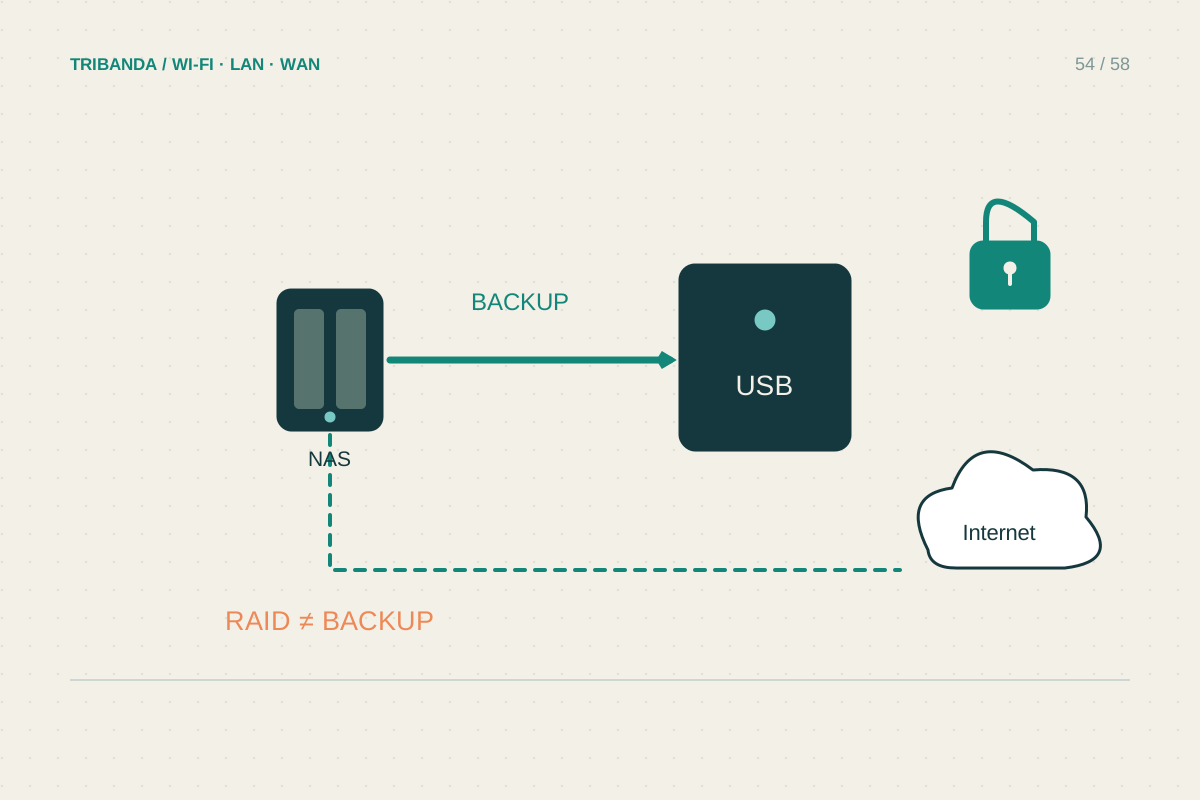
List the computers and people that need access, the present data size and reasonable growth. Separate primary storage from backup: if you move a file off the computer and leave it only on the NAS, that file is no longer backed up merely because the NAS has several disks. RAID can provide resilience against certain disk failures, but does not protect every deletion, ransomware incident, theft or fire. Check the manufacturer's current drive compatibility and storage rules before purchasing. Initialising disks can erase existing contents, so copy anything needed elsewhere before installing or creating a storage pool.
Build a modest local setup first
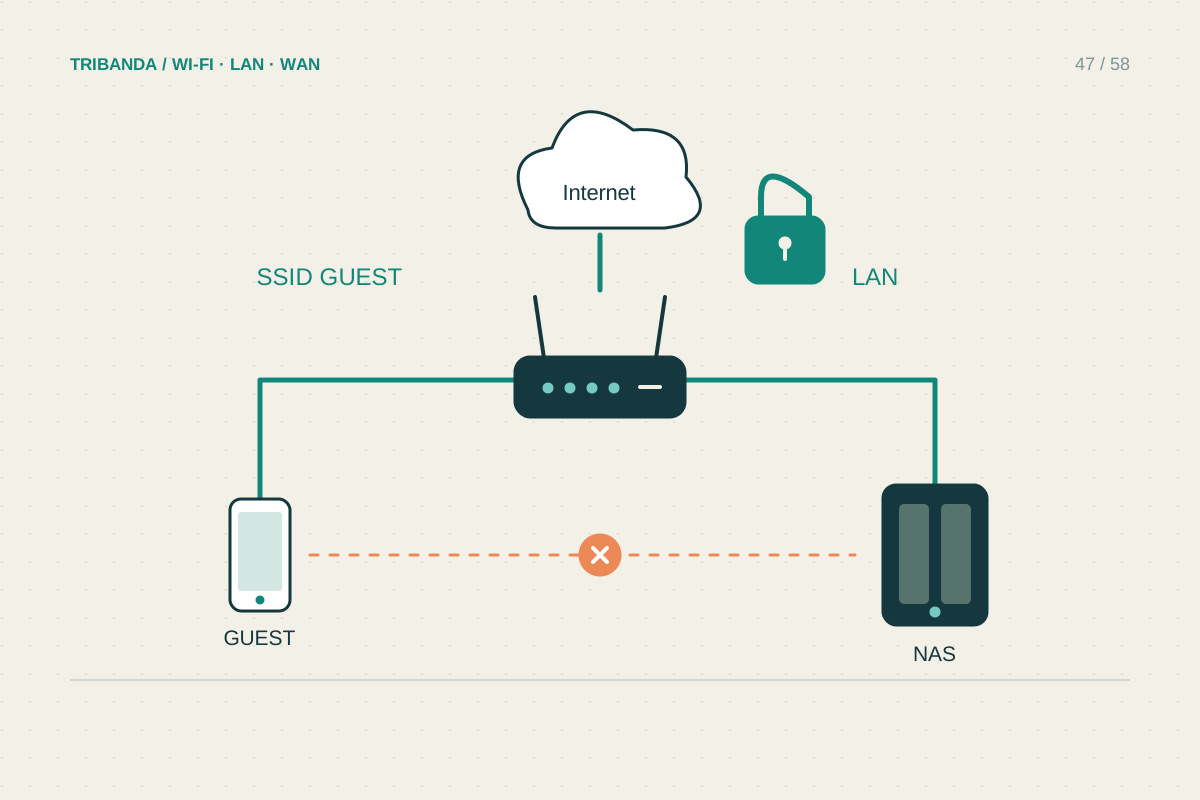
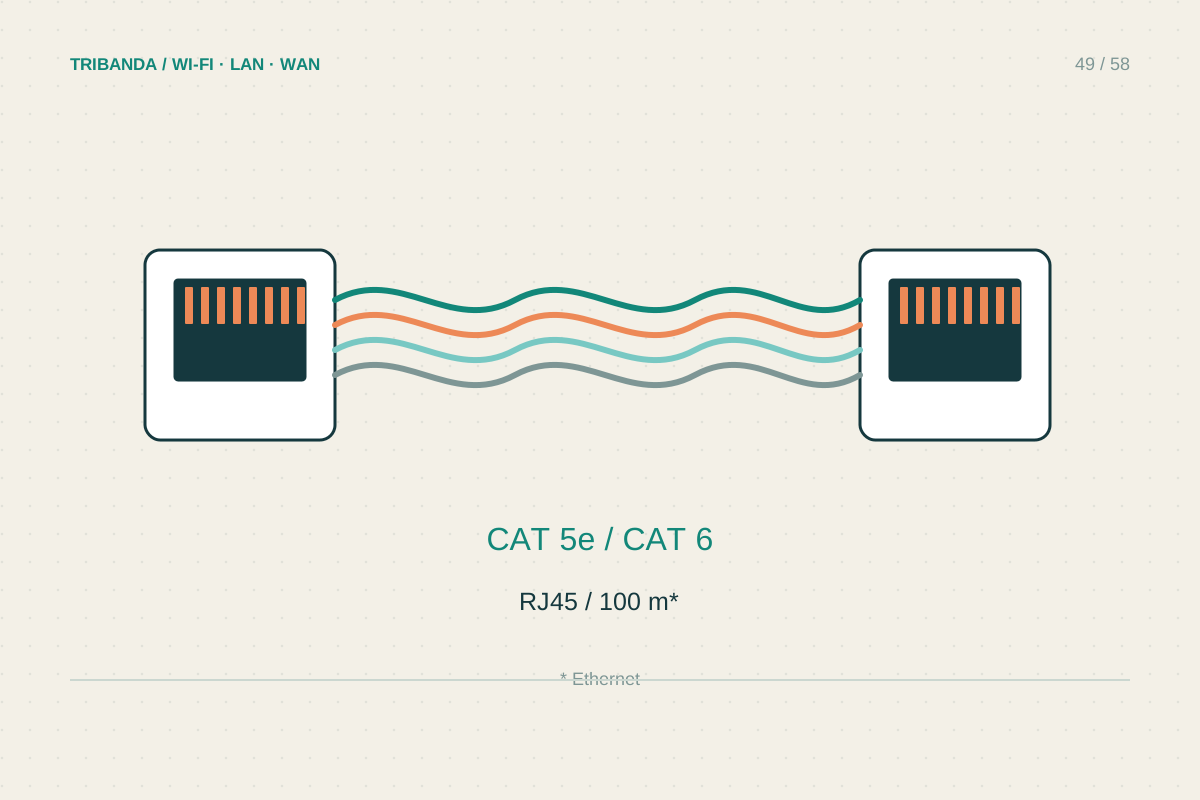
Connect the NAS by Ethernet to the router or a suitable switch and choose a ventilated location with acceptable noise and physical access. Use individual accounts and grant only the folders each person needs. Keep an administrator account for administration rather than ordinary file access. Apply supported system updates and enable the product's security checks and multifactor authentication where available. Start with one shared test folder and verify access from each intended computer. A faster NAS port helps only when the switch, client and cabling also support the desired path; a slow disk or encrypted workload may be another limitation.
Prove recovery before relying on it
Create an independent backup to a suitable external device, another location or a supported cloud destination, according to the data's importance. Include versions where accidental edits or deletions need recovery. Restore a harmless test file and confirm that someone other than the usual administrator can find the recovery instructions and required keys securely. Keep a copy of critical recovery information outside the NAS itself. Delay remote access until local permissions and updates are understood; do not broadly expose its administration page to the internet. Review the backup result and storage alerts periodically. A green dashboard is useful, but an actual restore is the evidence that the chosen backup process can recover the file you need.
For the first backup, note the approximate completion time and check available destination space. An initial large copy can take much longer than later incremental jobs and compete with ordinary network use.
Choose a NAS together with its independent backup, account permissions and a tested restore process.
Common questions
Do two mirrored disks count as two backups?
No. They belong to the same storage system and can share failures or deletions. Keep an independent recoverable copy of important data.
Do I need remote access immediately?
No. A local-only start is simpler to verify. Add a supported remote method later when there is a real need and its authentication and update requirements are clear.
Original technical illustration; schematic, not to scale.