A shared connection works better when responsibilities are explicit. People need reliable access without having to ask permission for every call, while passwords, local files and maintenance should not become a mystery. Start with a short agreement and a straightforward layout before adding complicated controls.
Make access and responsibility clear
Choose who handles the provider account, who can change router settings and how the others report a fault. Keep the administrator password separate from the Wi-Fi joining password. Store recovery information where an agreed second person can reach it if the usual administrator is away. Tell everyone before planned outages or password changes. Separate personal cloud accounts on televisions and smart speakers where the products allow it, and avoid treating a shared Wi-Fi password as consent to access someone's devices. A network client list is an administrative tool, not a reliable identity register or permission to monitor housemates' browsing.
Handle busy periods with agreement
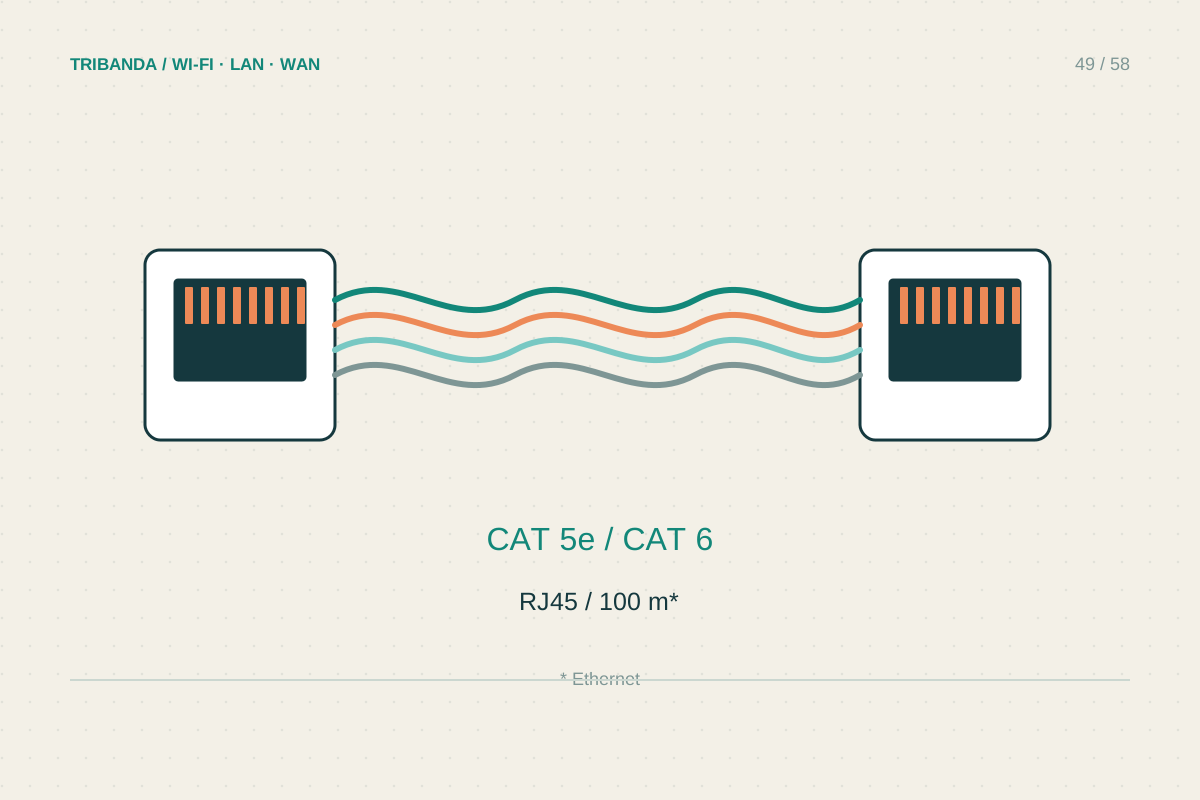
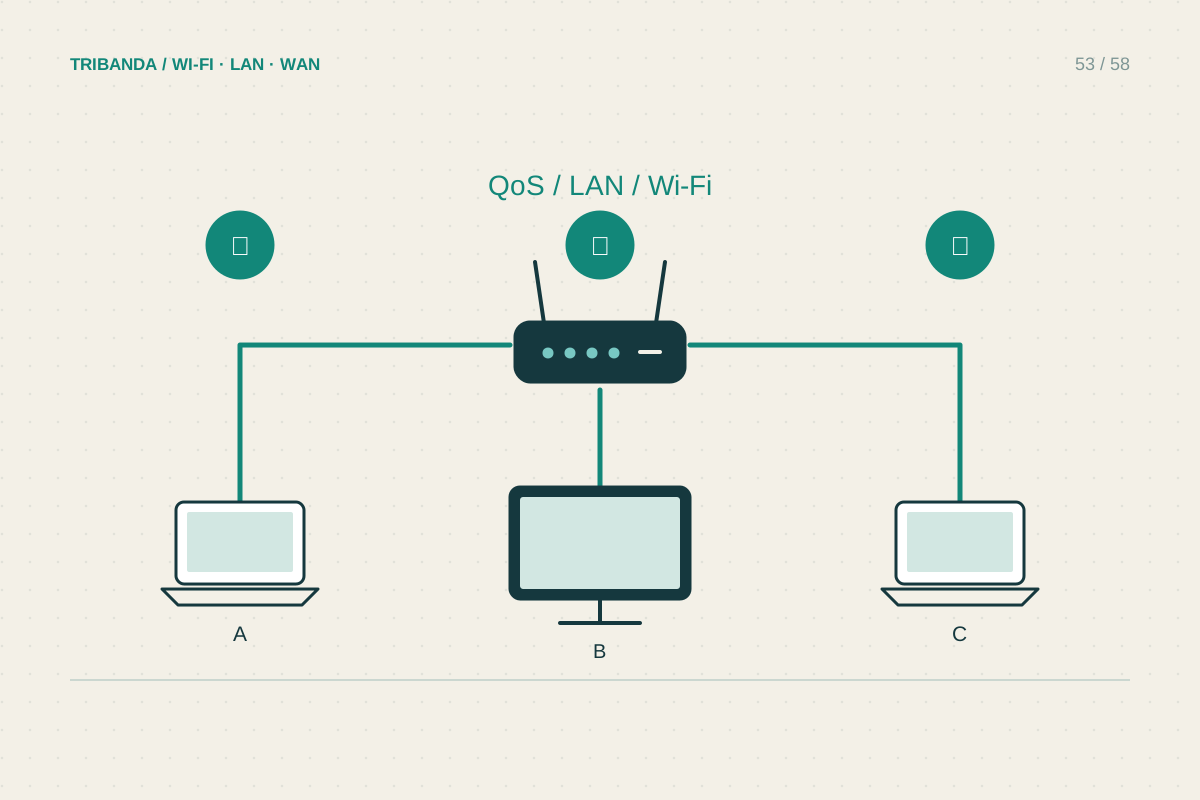
Compare the times of video calls, gaming and large backups. Schedule optional high-volume transfers outside the most sensitive periods before imposing limits. If the router supports per-device priority or bandwidth rules, explain the purpose, duration and effect, then test a real call while ordinary activity continues. Do not prioritise every device or permanently reserve most capacity for one person's laptop without agreement. Wired connections for fixed desks can reduce wireless contention, but everyone still shares the internet link. If one room has poor coverage, investigate its radio path rather than assuming that person is using an unfair amount of capacity.
Separate private resources deliberately
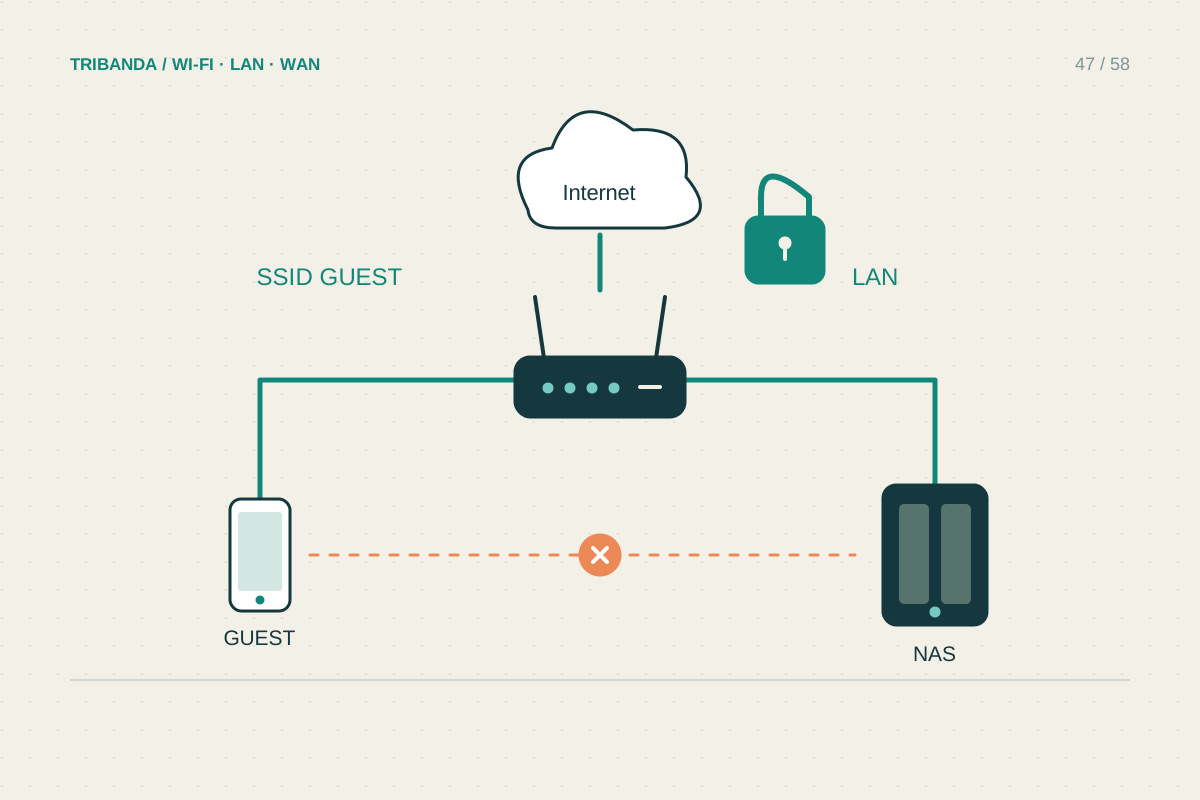
Personal computers should use appropriate local sharing permissions even on a trusted household network. A guest network can offer visitors internet without routine access to private resources, but housemates who need a shared printer or NAS may require a different supported arrangement. Check isolation in the router's actual operating mode and test the intended sharing rather than relying on different names alone. When someone moves out, review Wi-Fi access, cloud-administration invitations and shared-device accounts. Update the agreed records and remove obsolete port-forwarding or remote-access rules. Keep changes proportionate: a simple apartment does not need business-style complexity unless there is a concrete privacy or technical requirement that the available equipment can enforce.
A brief household agreement and tested sharing permissions prevent more friction than opaque technical restrictions.
Common questions
Should every housemate get a separate Wi-Fi name?
Only if the equipment supports the separation you need. Different names alone do not guarantee privacy, and unnecessary networks can make maintenance harder.
Can a housemate's upload affect my call?
Yes, shared demand can matter. Compare a quiet interval, schedule large transfers and test supported queue controls before assuming the internet package must be replaced.
Original technical illustration; schematic, not to scale.