A generation number is only part of a router purchase. A household with older phones, a wired desktop and one distant TV has different needs from a flat with several recent laptops. Start with the devices and the connection paths you use, rather than the largest number printed on a box.
Separate generation from frequency
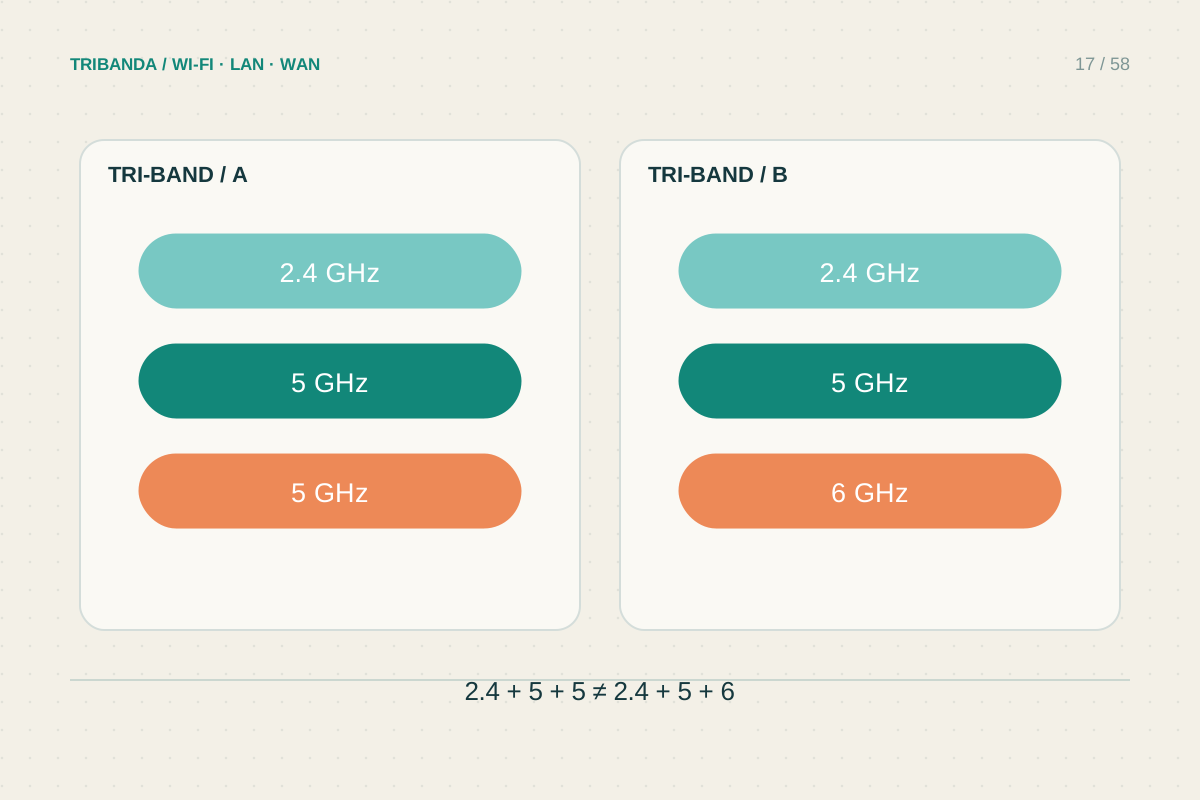
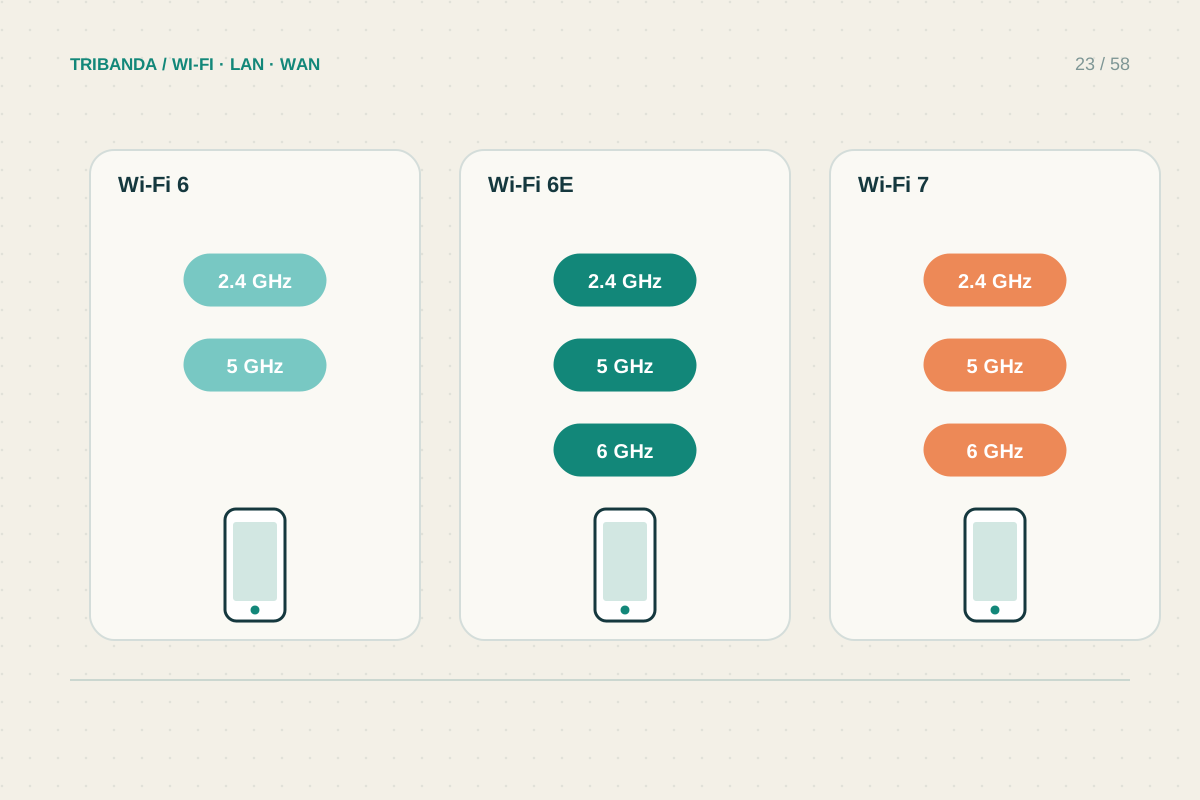
Wi-Fi 6 operates on 2.4 and 5 GHz; Wi-Fi 6E extends that generation to 6 GHz. Wi-Fi 7 can offer features such as Multi-Link Operation, but check the actual router specifications: a Wi-Fi 7 label does not mean every product has a 6 GHz radio or every client supports every feature.
The useful connection is the one both ends support. A phone without 6 GHz support cannot join a 6 GHz network simply because the router is new. Check the exact laptop adapter, operating system and driver as well as the phone model. Keep a list of the important devices, their supported bands and whether they can use Ethernet instead.
Look for the limiting link
Measure a working wired connection first, then compare Wi-Fi close to the router and at your usual desk. If the far room is the only weak point, placement or an access point may matter more than generation. If many active clients compete nearby, newer radio capabilities may be more relevant.
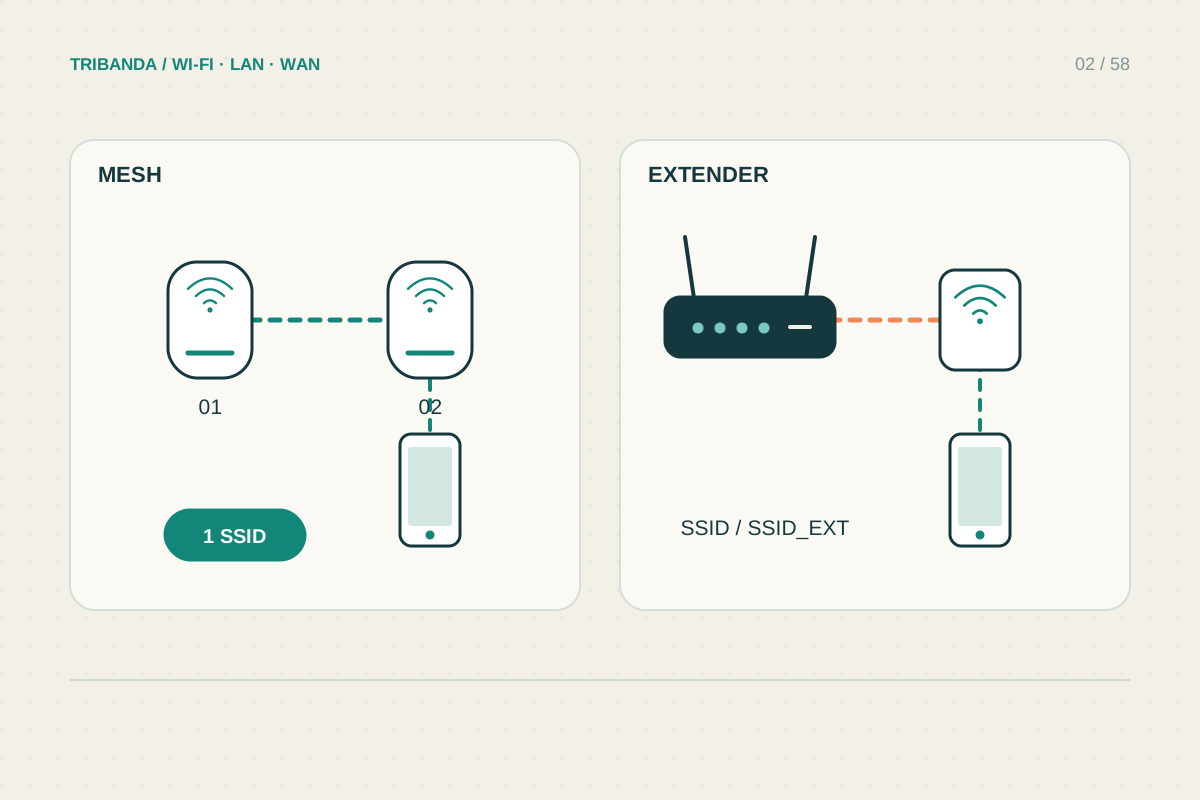
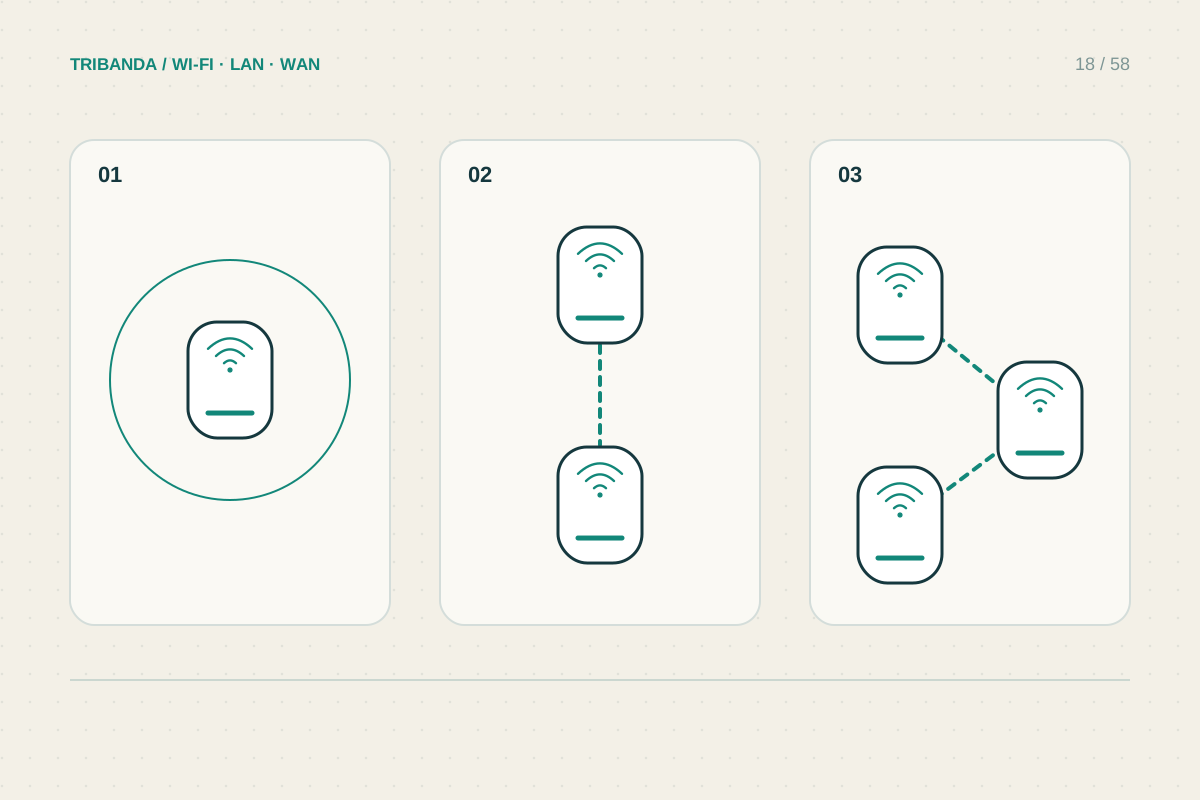
Consider local transfers separately from internet access. A fast NAS and a compatible laptop can benefit from better local connections even on a modest broadband plan. Conversely, a multigigabit internet subscription needs suitable WAN and LAN ports, not just a high combined wireless figure. For mesh systems, include the backhaul connection in the comparison.
Buy a complete fit, not a promise
Write down three required outcomes, such as a stable study connection, enough Ethernet ports and support for a specific new laptop. Check whether the selected model meets those outcomes, which features require compatible clients, and whether the supplier still provides firmware updates. Compare the entire system cost, including additional nodes and adapters.
Do not assume 6 GHz will repair a difficult wall or reach a detached building. A cable or a better access-point position can still be necessary. Retest the same rooms and applications after installation so you can distinguish a useful improvement from an impressive speed result at one convenient spot.
Choose the generation after checking client compatibility, coverage and wired ports. Those three details determine whether an upgrade addresses your problem.
Common questions
Will older devices stop working?
Most home routers offer compatible older bands and modes, but verify the selected model's security and radio settings for your devices.
Must I replace every device at once?
No. Upgrade the router when its capabilities solve a real need, and let older clients use their supported connections. New features only apply where both ends support them.
Original technical illustration; schematic, not to scale.