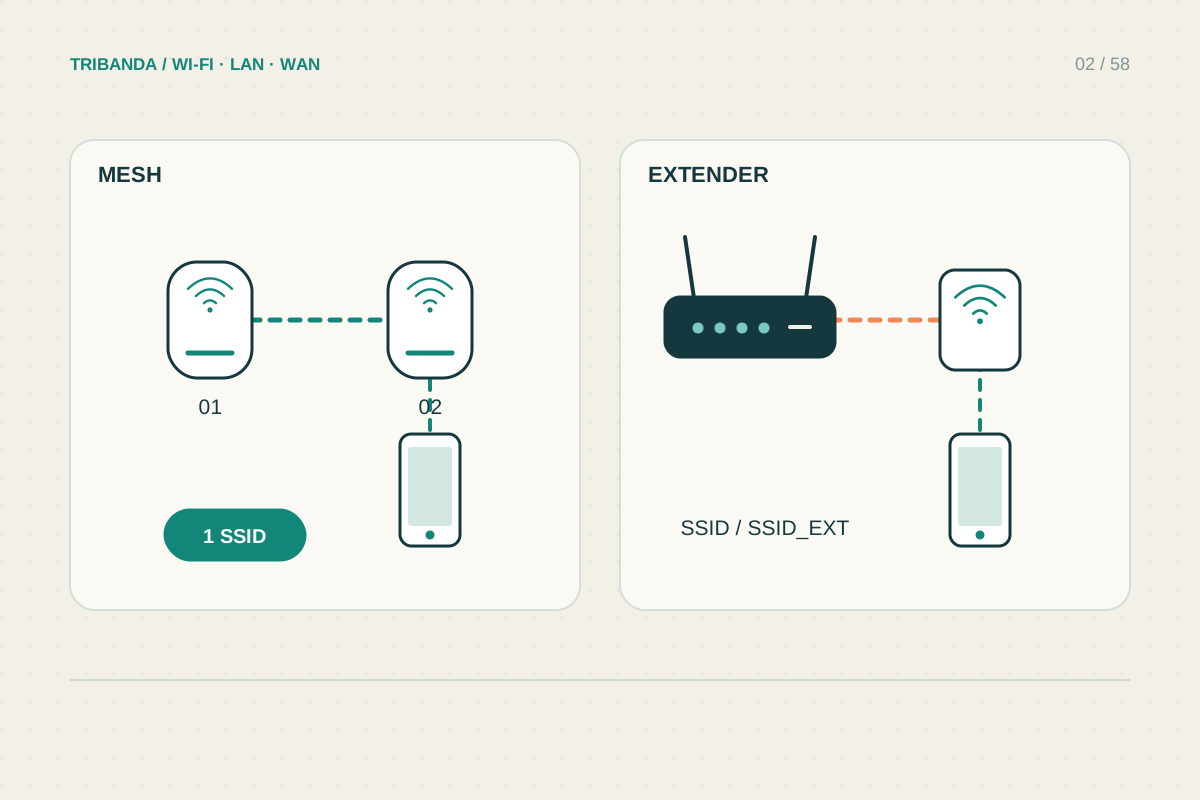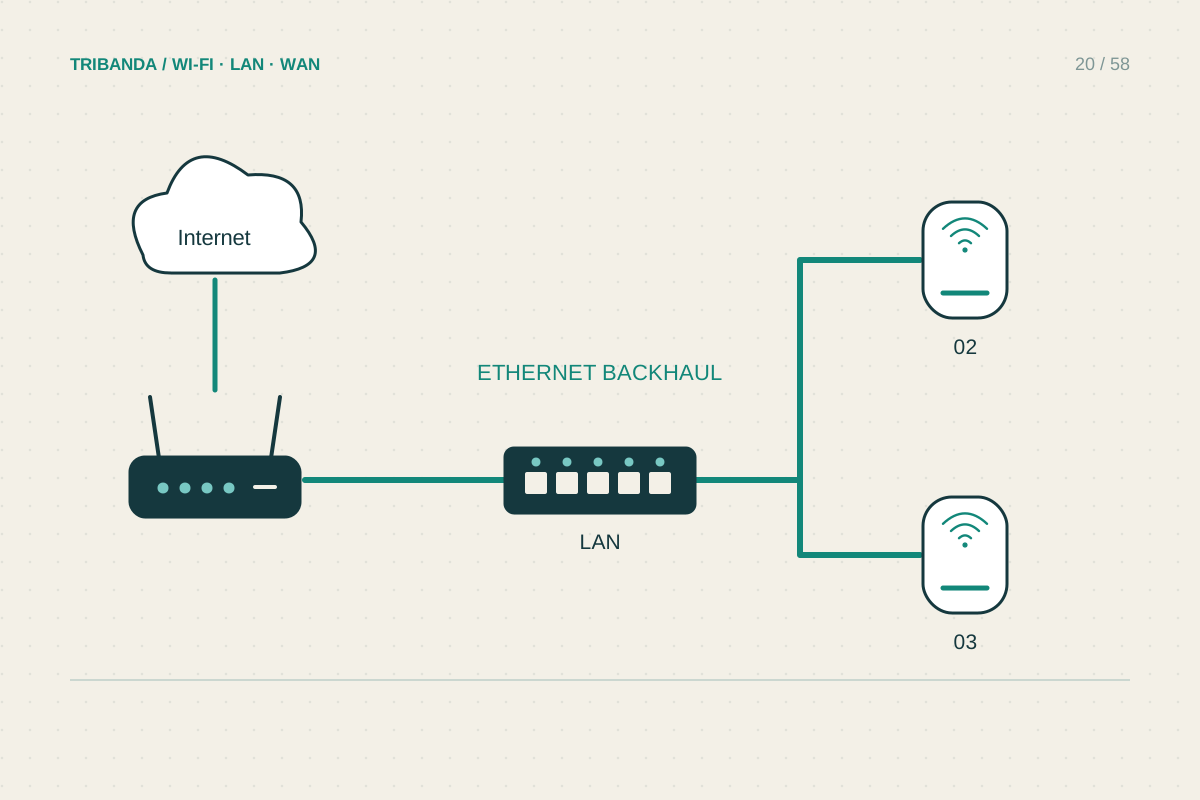
Wired backhaul connects mesh units with Ethernet instead of asking their radios to carry traffic between rooms. It can be especially useful across a difficult floor or wall. The units still provide Wi-Fi to clients; the cable changes the route connecting those units to the rest of the network.
Identify the weak segment
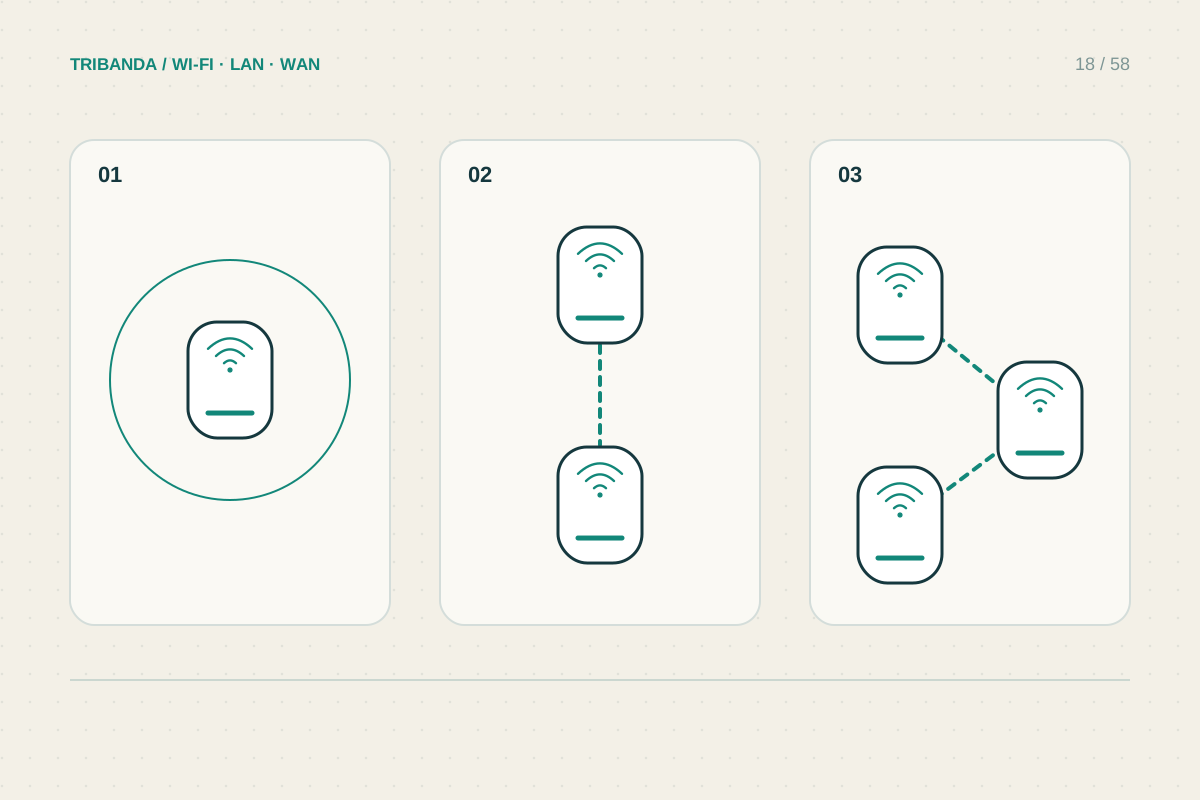
Compare a client beside the main unit with one beside the satellite. If the second has strong local signal but poor performance, inspect the satellite’s upstream link. A cable trial can determine whether wireless backhaul is the constraint before you purchase newer radios or more nodes.
Inventory existing sockets and test their actual connections. A wall plate alone does not establish a working Ethernet run. Check link negotiation and use a known-good patch cable. A link negotiating at 100 Mbps may constrain traffic even when the socket and router are advertised as gigabit.
Follow the supported wiring diagram
Router mode and access point mode can require different connection arrangements. In some router-mode systems, satellites must sit downstream of the main mesh router rather than attaching independently to the provider’s router. Read the exact system’s diagram before connecting spare switch ports wherever convenient.
Start with a direct cable between the main unit and one satellite. Verify Ethernet in the management screen, then introduce the intended switch or wall run. This separates cable and switch compatibility from the mesh setup. Avoid redundant connections that create loops in a simple unmanaged network.
- Inspect topology and establish main-versus-satellite results.
- Trial a direct supported Ethernet link.
- Confirm that the app reports wired backhaul.
- Add the intended wall route or switch and retest.
- Check every node before selecting any wired-only mode.
Verify the resulting network
Once wired backhaul is active, test the normal room workload and check all other nodes. Some systems choose links automatically; others offer Ethernet priority or a wired-only mode. Do not force wired-only operation until every affected node has the required working cable, or wireless satellites may lose their upstream route.
Ethernet does not remove a slow broadband service, an overloaded client or the final Wi-Fi limitation. It also does not guarantee multi-gigabit throughput: all ports and intermediate equipment in the path need suitable capability. Keep the improvement tied to the segment the cable actually replaced.
Wired backhaul makes node placement less dependent on radio paths. A verified cable and the correct topology matter more than simply inserting a plug.
Common questions
Does Ethernet backhaul turn off Wi-Fi?
Ordinarily no. Nodes still serve clients wirelessly; the cable replaces their inter-unit link.
Can I use any switch?
Check the mesh manufacturer’s requirements and test the actual switch. Features or protocol handling can affect compatibility.
Original technical illustration; schematic, not to scale.