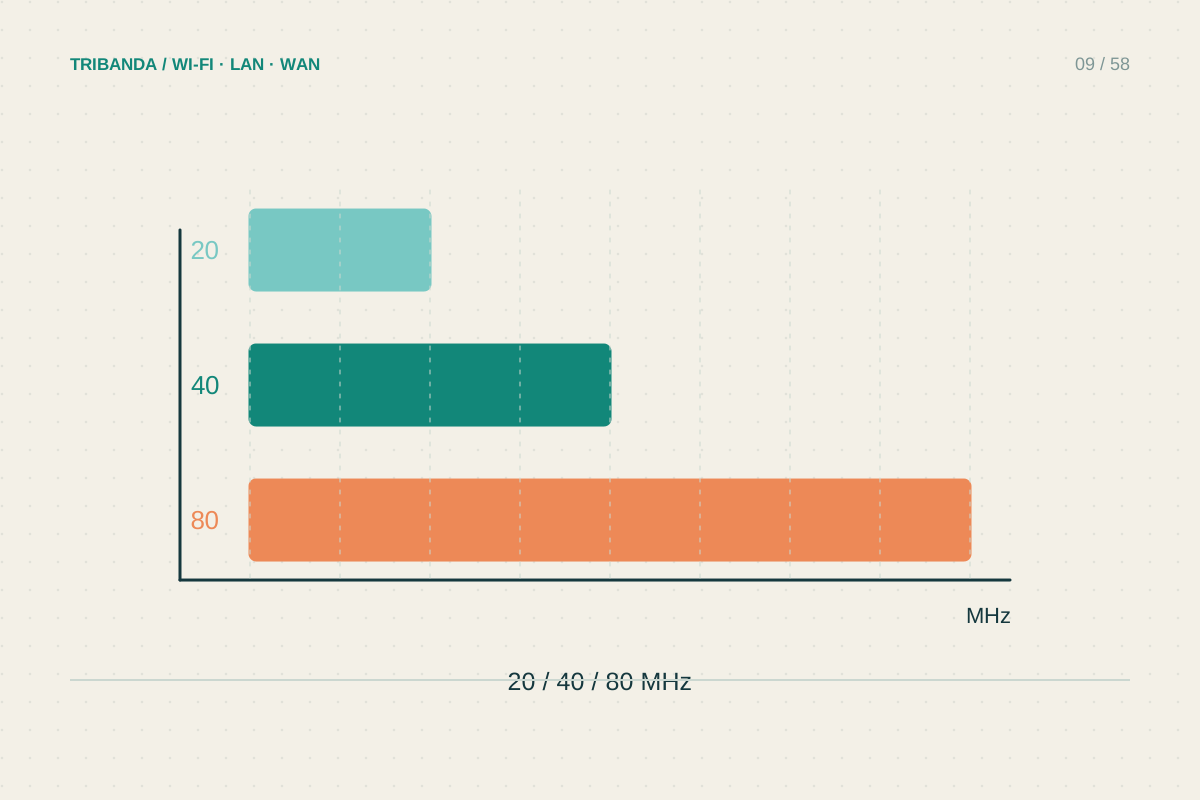
Channel width describes how much spectrum one Wi-Fi connection can occupy. A wider setting can raise the potential data rate, but it also asks for more radio space. In a crowded building, the maximum selectable number is not automatically the setting that gives dependable service.
Separate channel number and width
A channel number identifies a radio position; width describes the spectrum around it. Two access points with different primary numbers can still overlap when using wide channels. Record both values before making changes, otherwise comparing channel lists alone may lead to the wrong conclusion.
The client must support the selected width to benefit. A router advertising 160 or 320 MHz does not make every phone use that width. Maximum link rates are also different from usable application throughput, so compare a real transfer rather than multiplying numbers from the box.
Start with a conservative experiment
For 2.4 GHz, 20 MHz is a sensible starting point in shared residential surroundings. On 5 GHz, compare the router’s normal setting with a narrower supported choice if reliability is poor. Keep the channel and the client position constant where the interface allows it.
For a recent high-capacity device near the router, a wider channel can be worth testing when permitted and supported. Check regional availability and the device specification. A setting that is useful for a nearby file-transfer laptop may bring no benefit to sensors across the home.
- Save current channel and width settings.
- Check the test device’s supported widths.
- Change only width and reconnect the same device.
- Compare repeated results nearby and in the problem room.
- Keep the stable setting or restore automatic operation if the difference is unclear.
Judge stability as well as peak speed
Run several transfers or repeated speed tests, pausing other large downloads during the initial comparison. Then repeat with normal household activity. Note variations and disconnects; a modest reduction in the best result can be acceptable if the worst result and call quality improve.
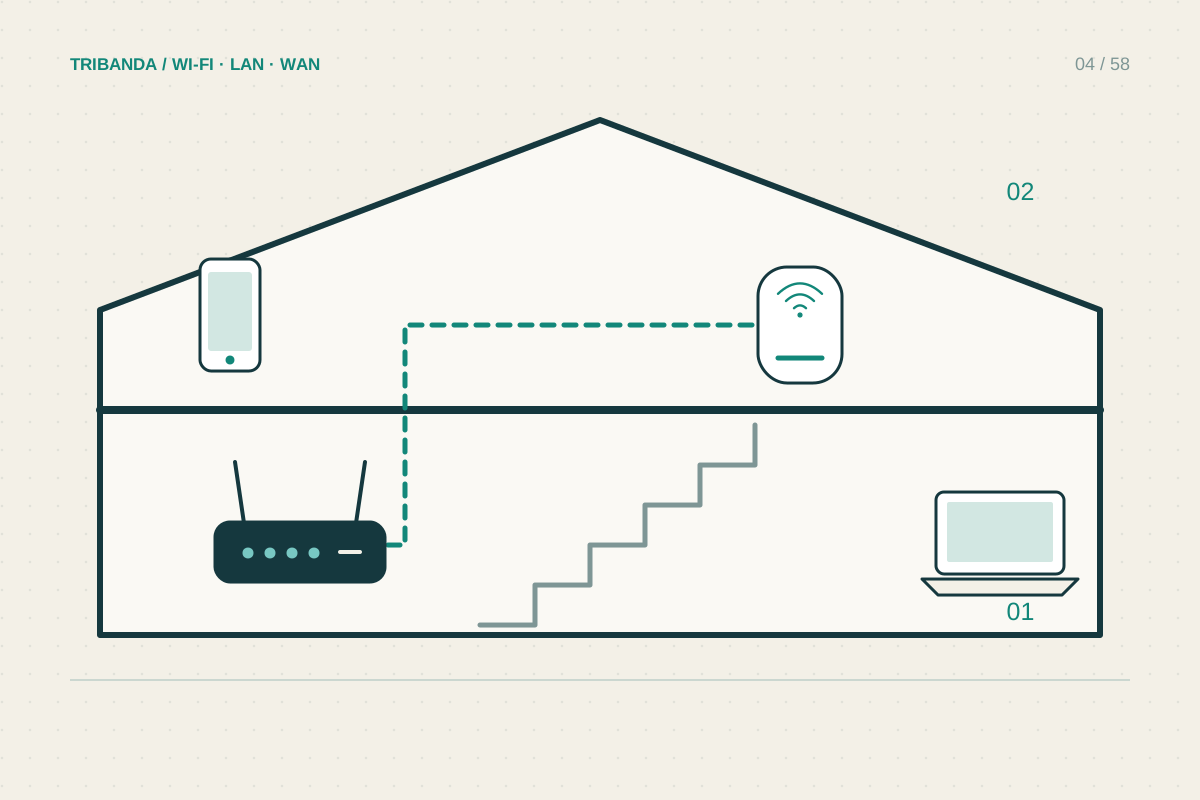
Do not tune width to compensate for a satellite with poor backhaul or an Ethernet port stuck at a lower speed. Check those paths independently. If the router already adapts widths successfully, leaving automatic operation enabled can be easier than maintaining a fixed configuration through changing neighbourhood traffic.
Select width for the devices and radio space you actually have. A wider theoretical link matters only when normal tasks benefit.
Common questions
Is 320 MHz required for Wi-Fi 7?
Check the product and region. The Wi-Fi generation label does not mean every connection uses the widest channel.
Will 20 MHz limit my fibre subscription?
It can limit wireless throughput, but may suit low-data devices. Use faster Wi-Fi or Ethernet where required.
Original technical illustration; schematic, not to scale.