Wi-Fi & coverage
A better signal, room by room. Practical guides to understand your options and choose your next step.
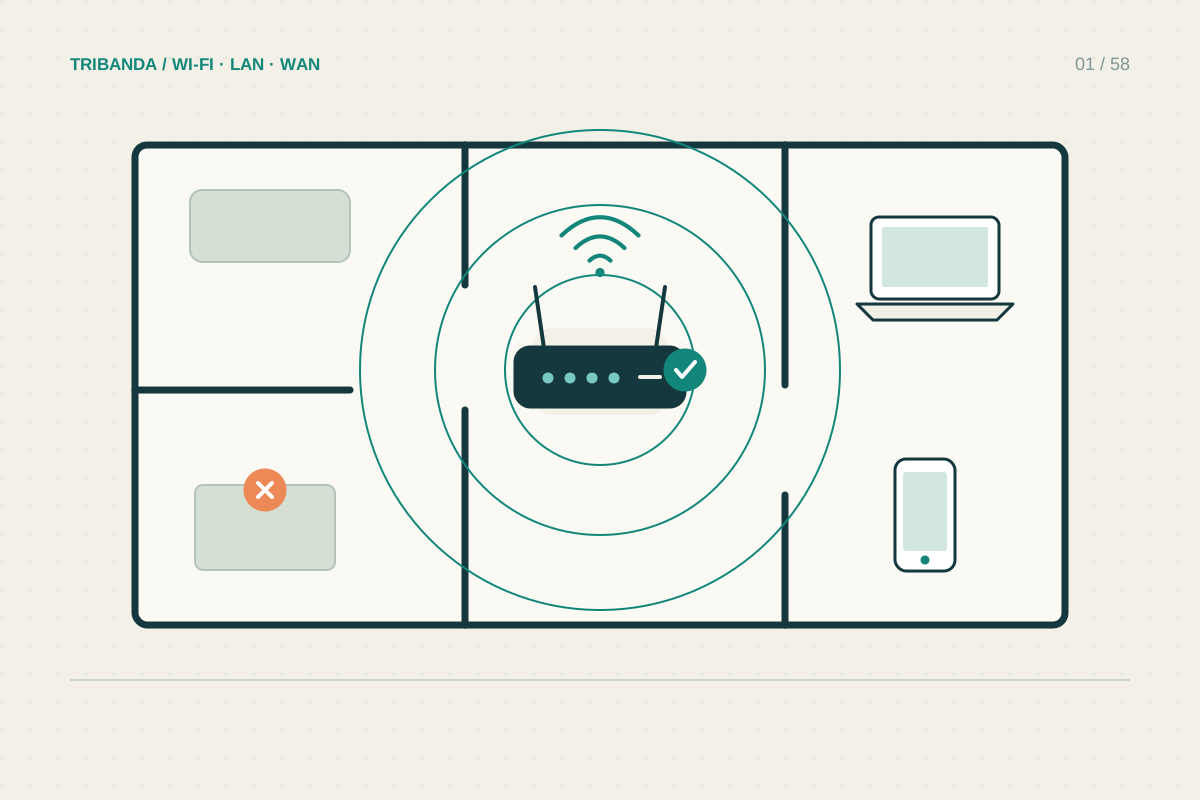
Where to put your router
Try a better position before buying more Wi-Fi hardware.
Read the guide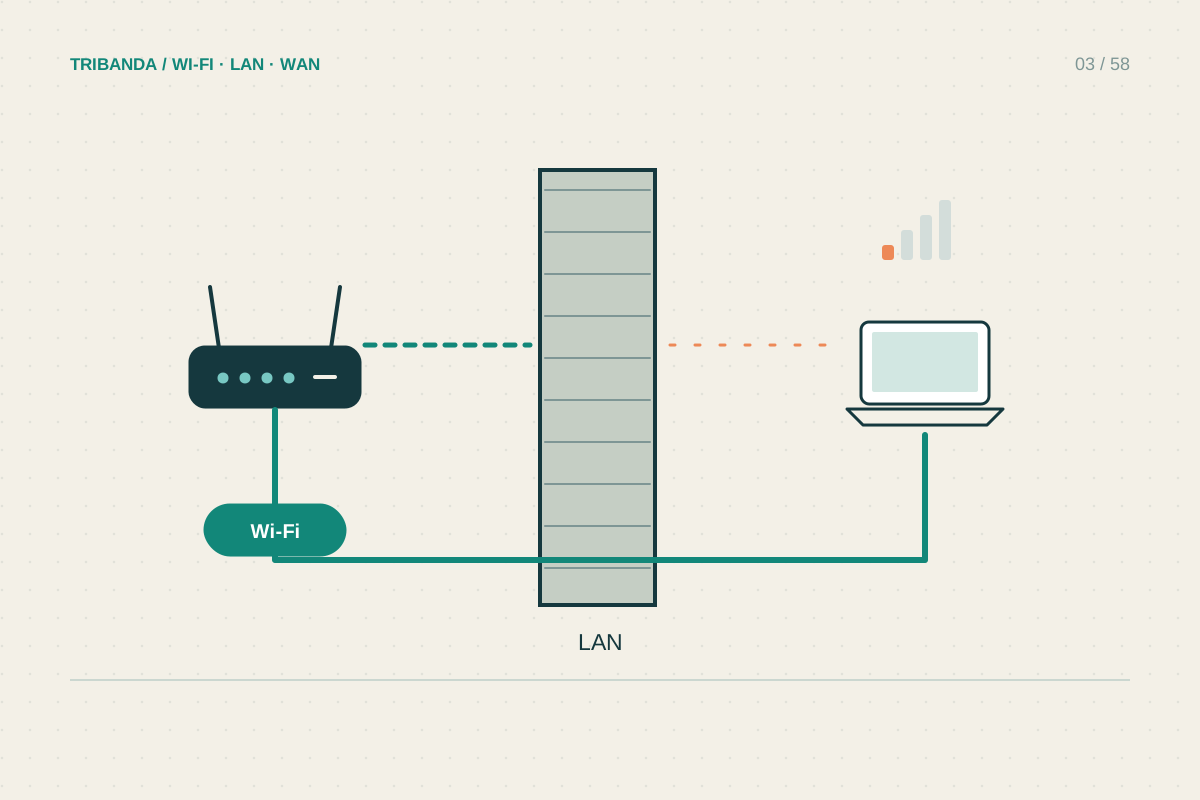
Getting Wi-Fi through thick walls
Find the barrier before buying a stronger-looking router.
Read the guide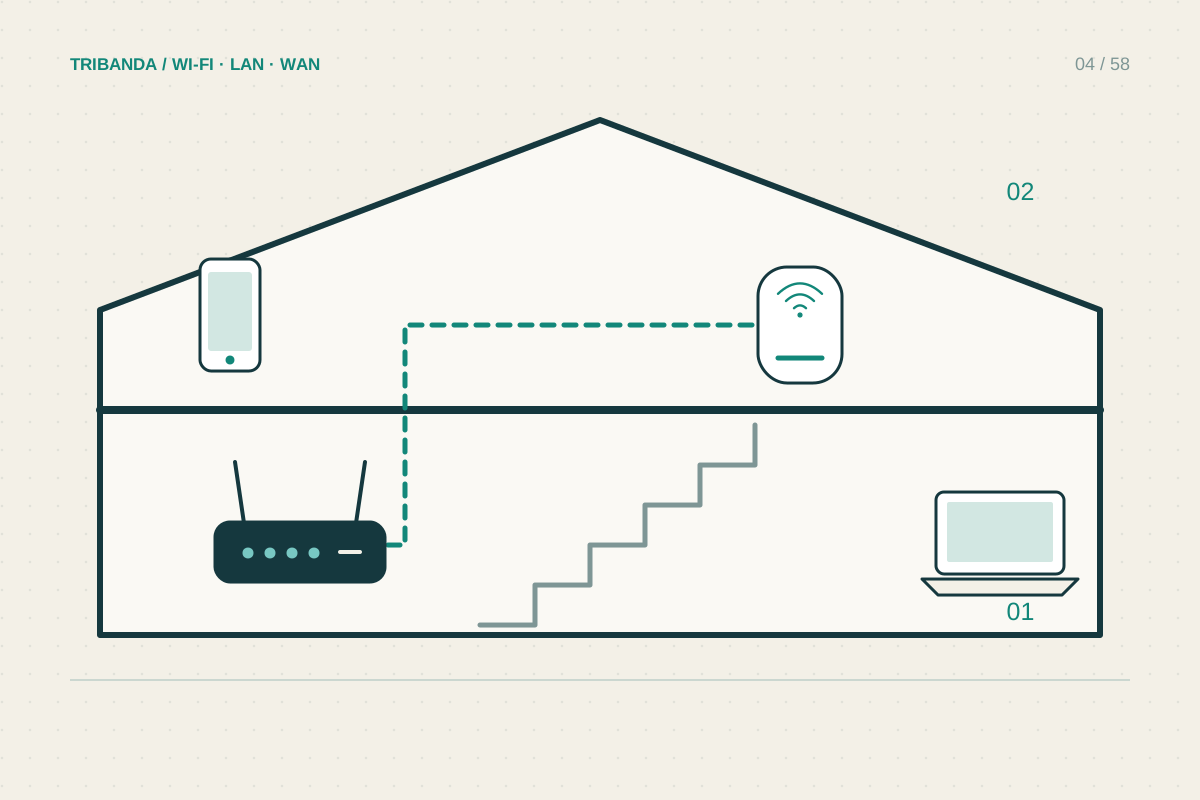
Wi-Fi across two floors
Plan the connection between floors as carefully as coverage within rooms.
Read the guide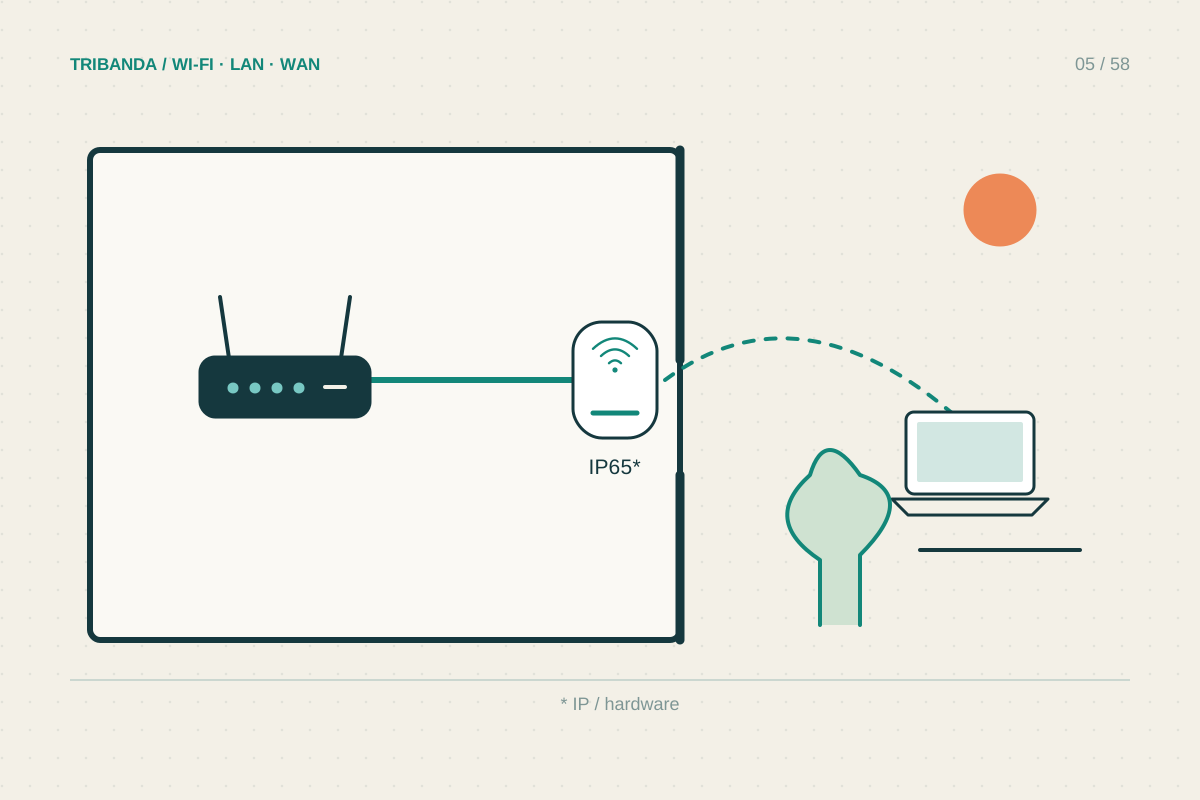
Taking Wi-Fi to a balcony or garden
Test from your outdoor seat with doors and windows in their normal position.
Read the guide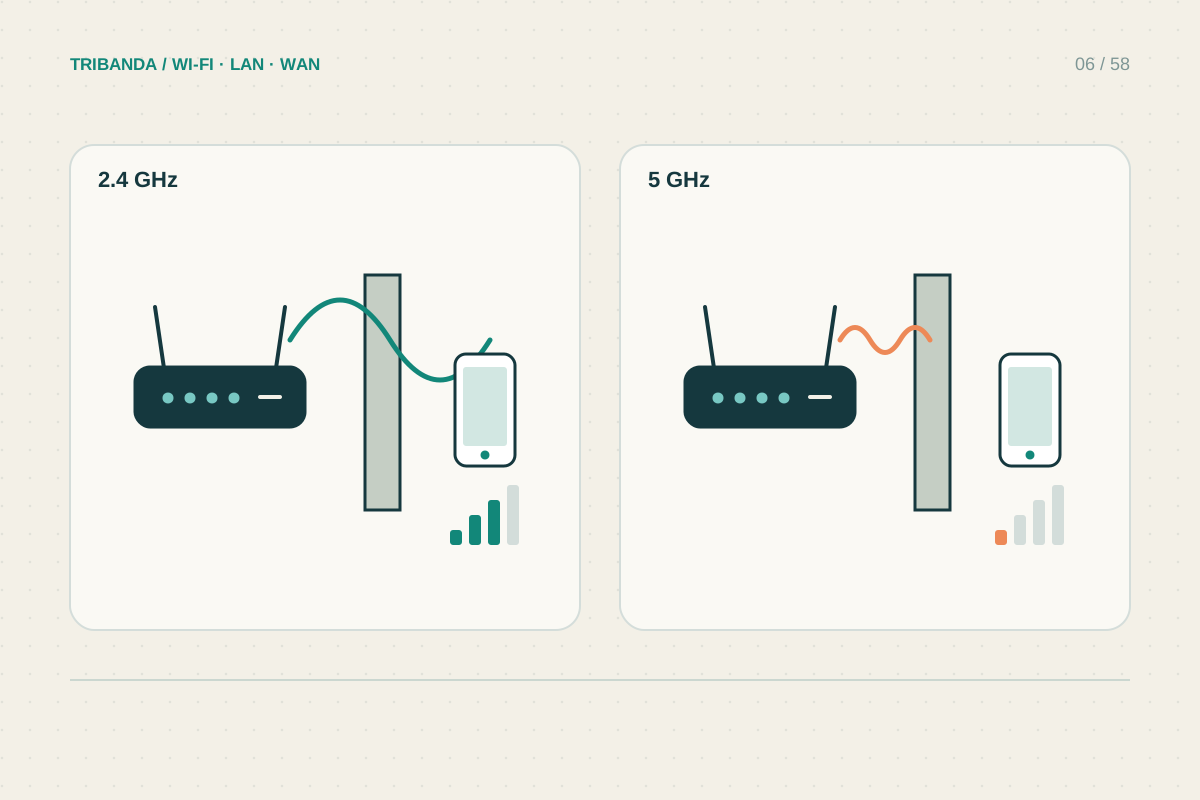
2.4 GHz or 5 GHz: which should you use?
Compare stability and your actual task, not just signal bars.
Read the guide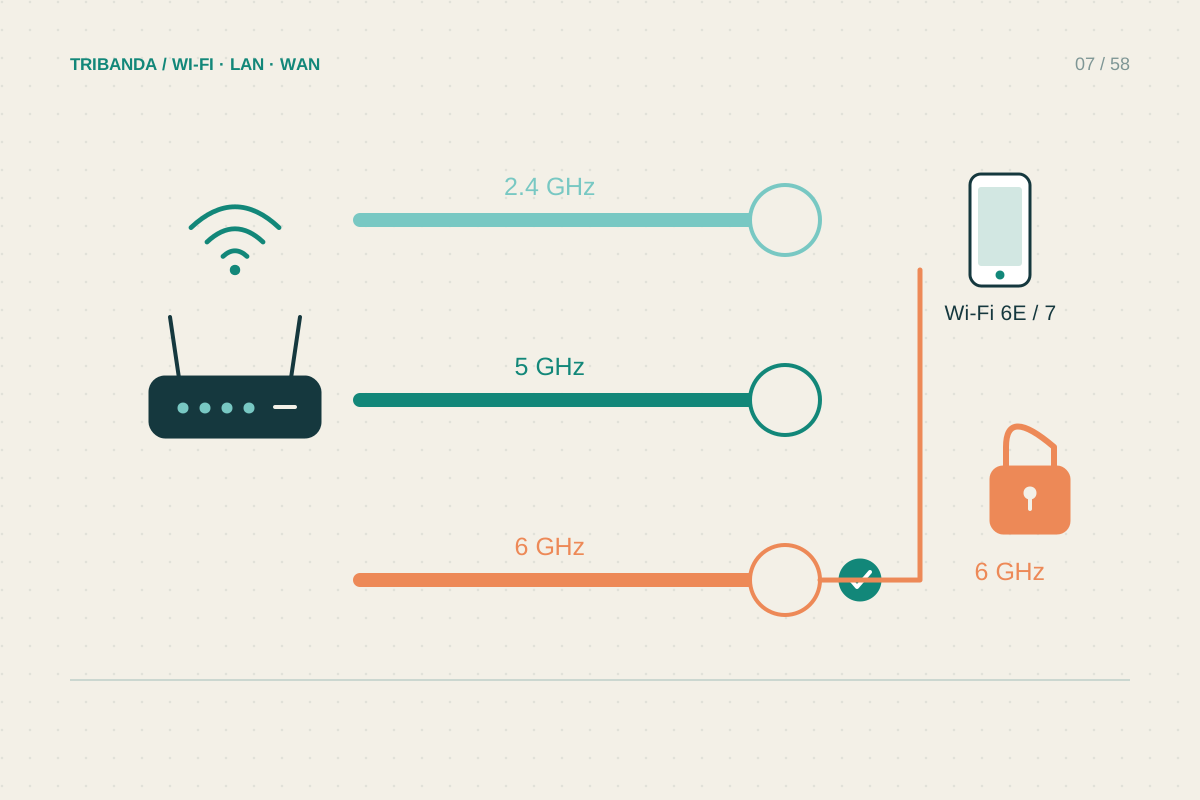
What 6 GHz changes at home
New spectrum helps compatible devices; placement and compatibility still decide the result.
Read the guide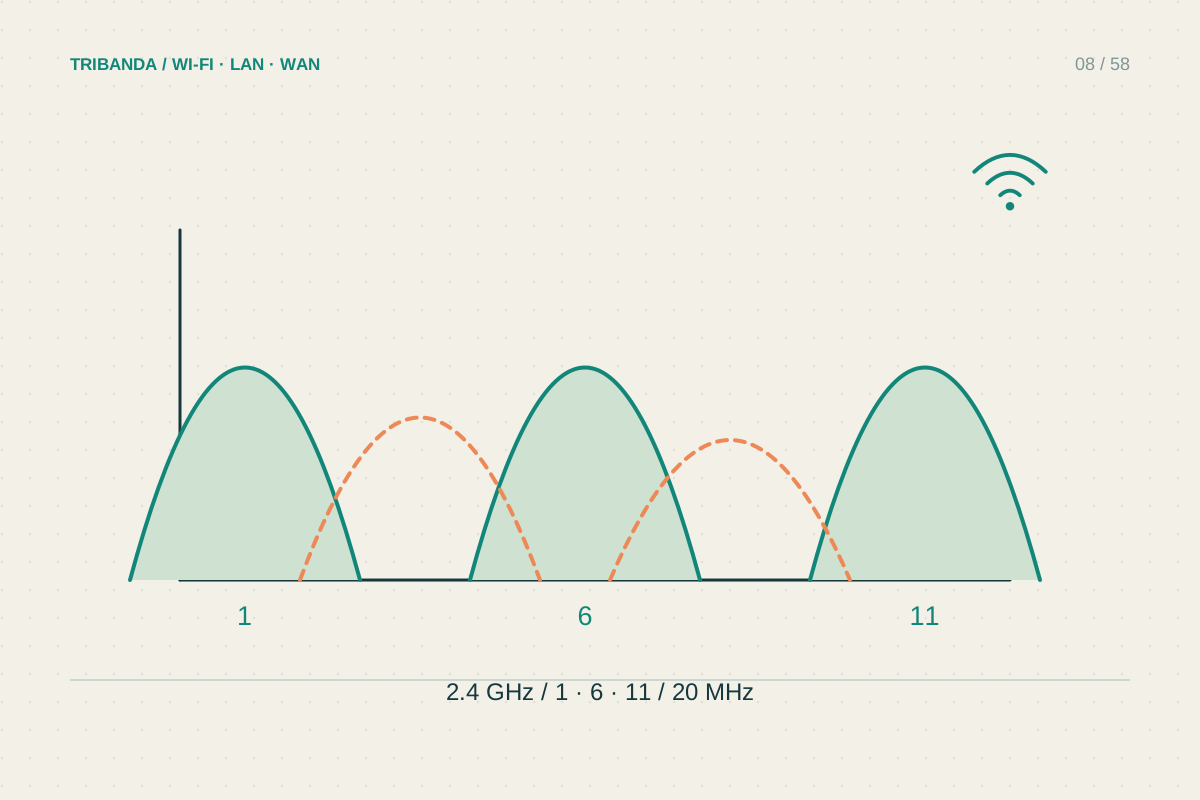
Finding a less crowded Wi-Fi channel
Use scans as clues, then compare ordinary performance before and after.
Read the guide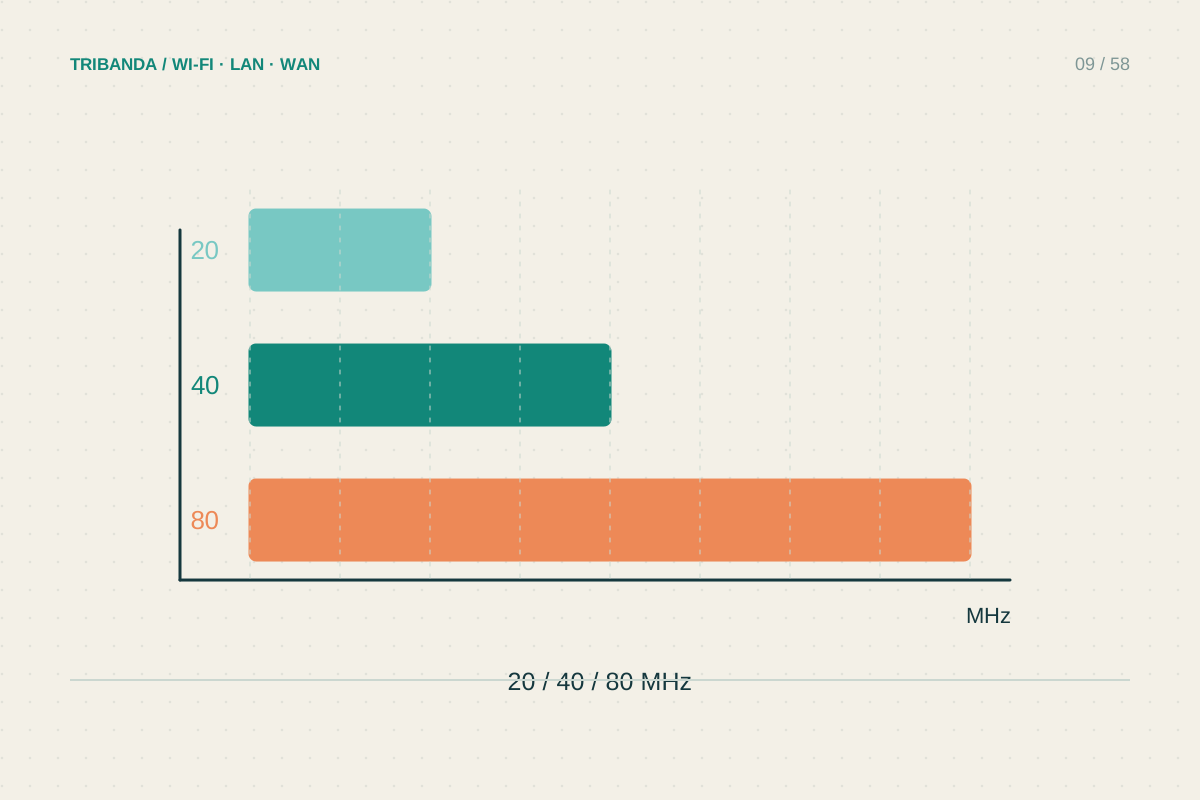
Choosing a sensible channel width
More MHz can increase potential speed while reducing room for neighbouring networks.
Read the guide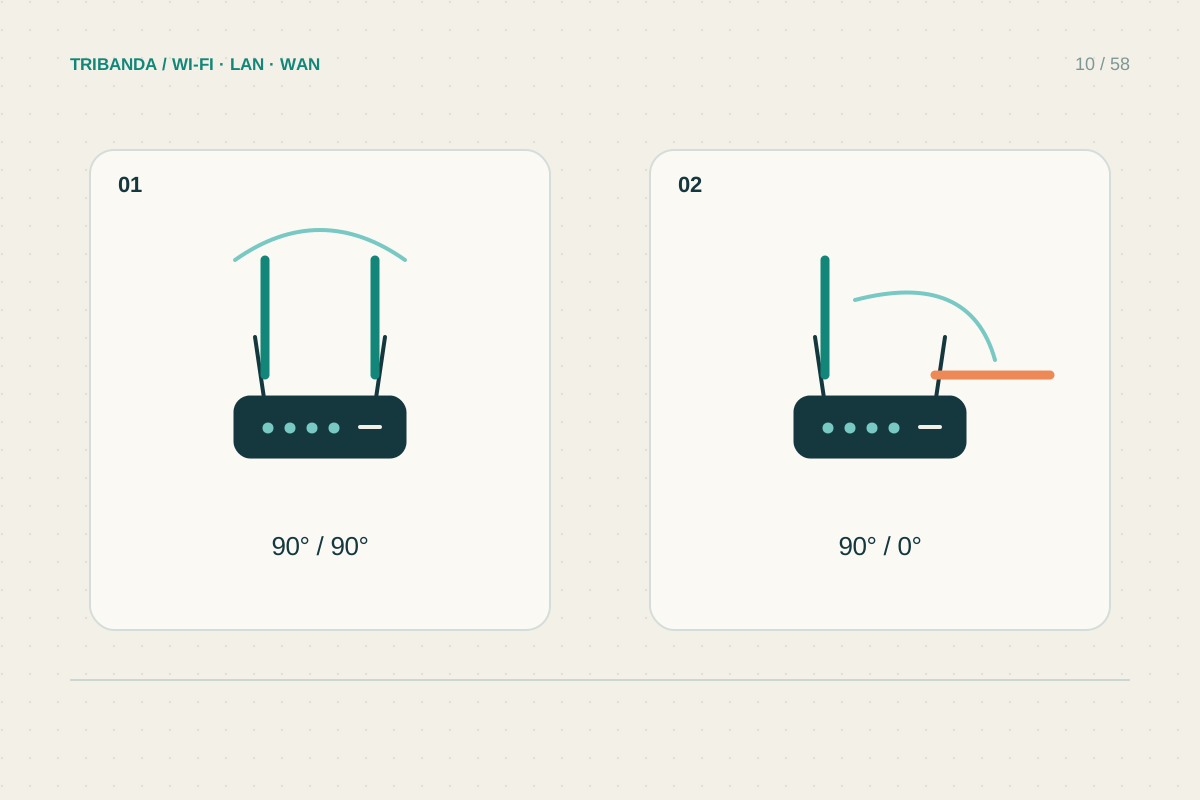
Positioning router antennas
Use the model’s instructions before experimenting with angles.
Read the guide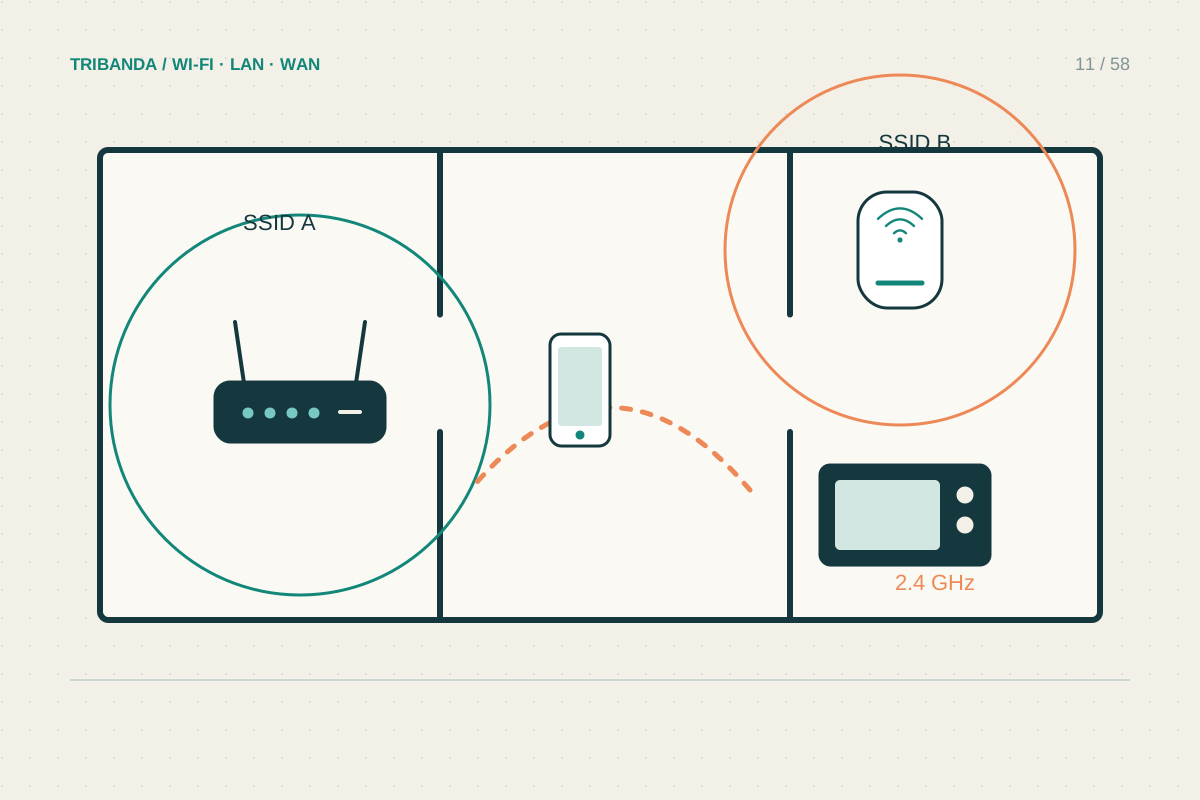
Neighbours, appliances and interference
Look for repeatable timing and compare a wired device.
Read the guide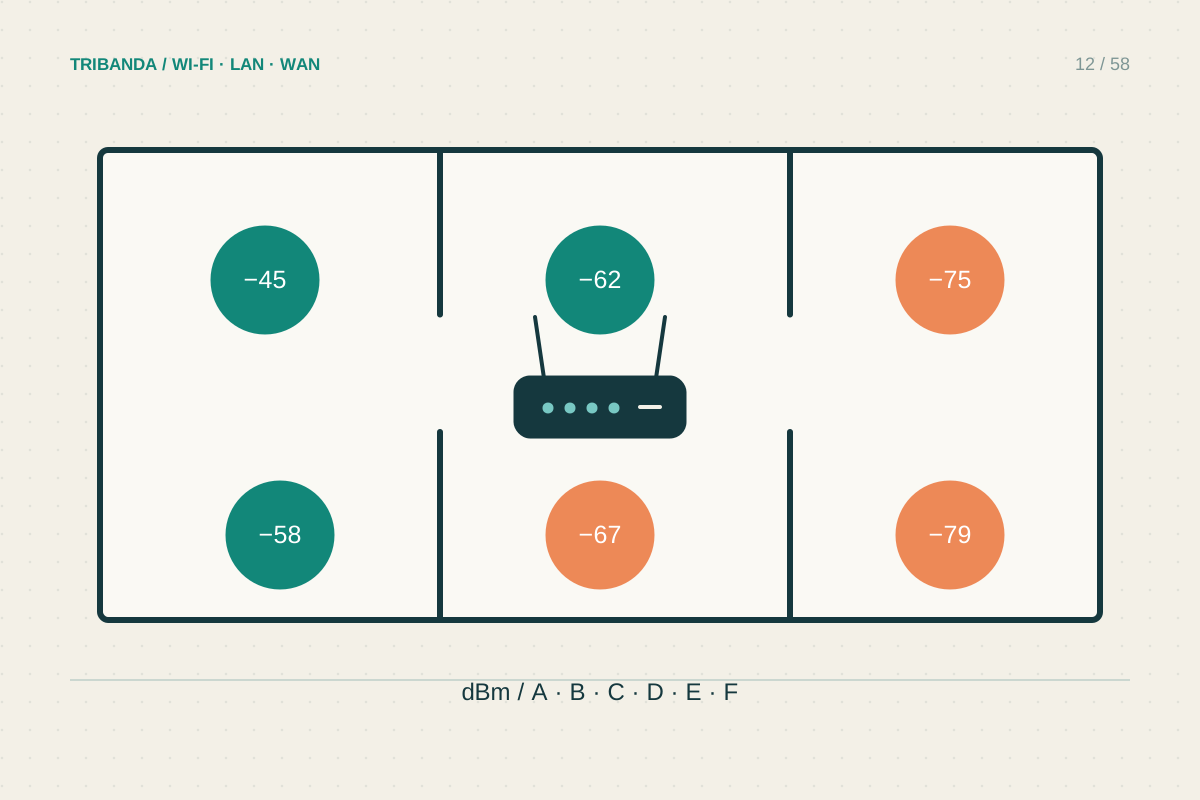
Mapping Wi-Fi coverage room by room
Build a small repeatable record before changing the network.
Read the guide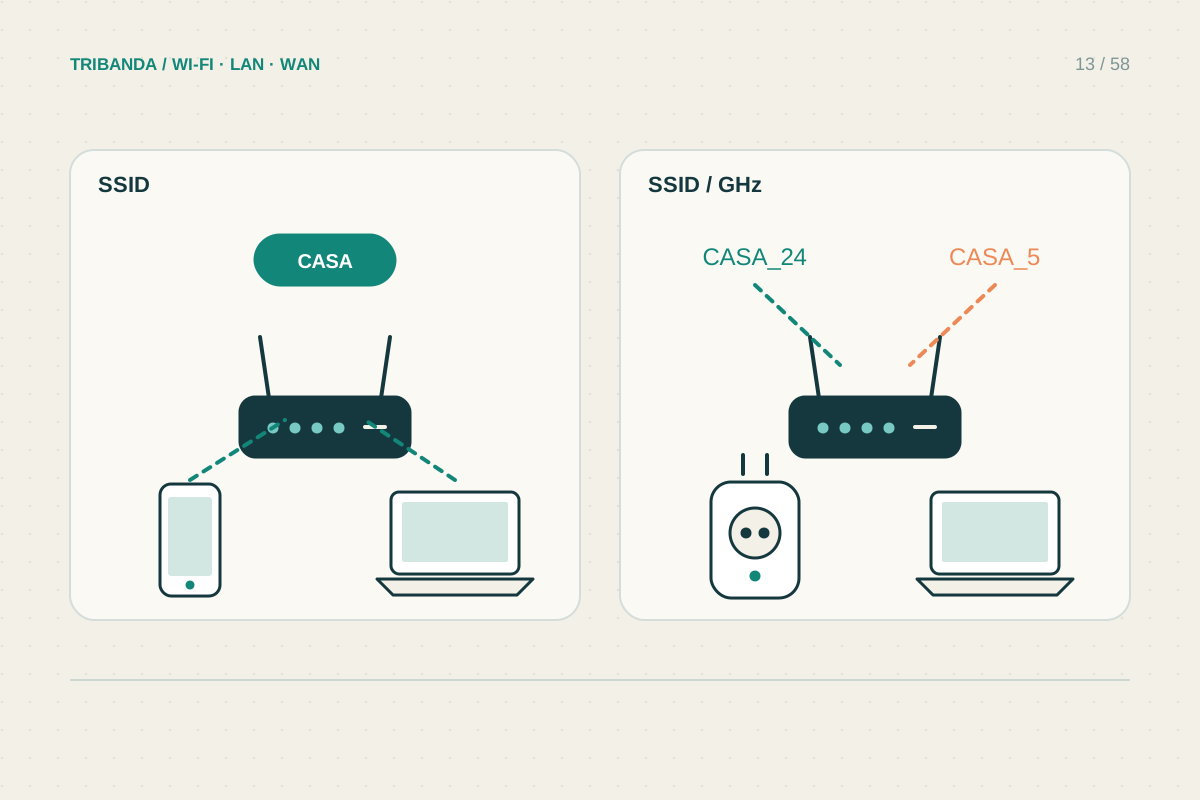
One Wi-Fi name or separate names?
Choose names for usability and compatibility, then verify actual connections.
Read the guide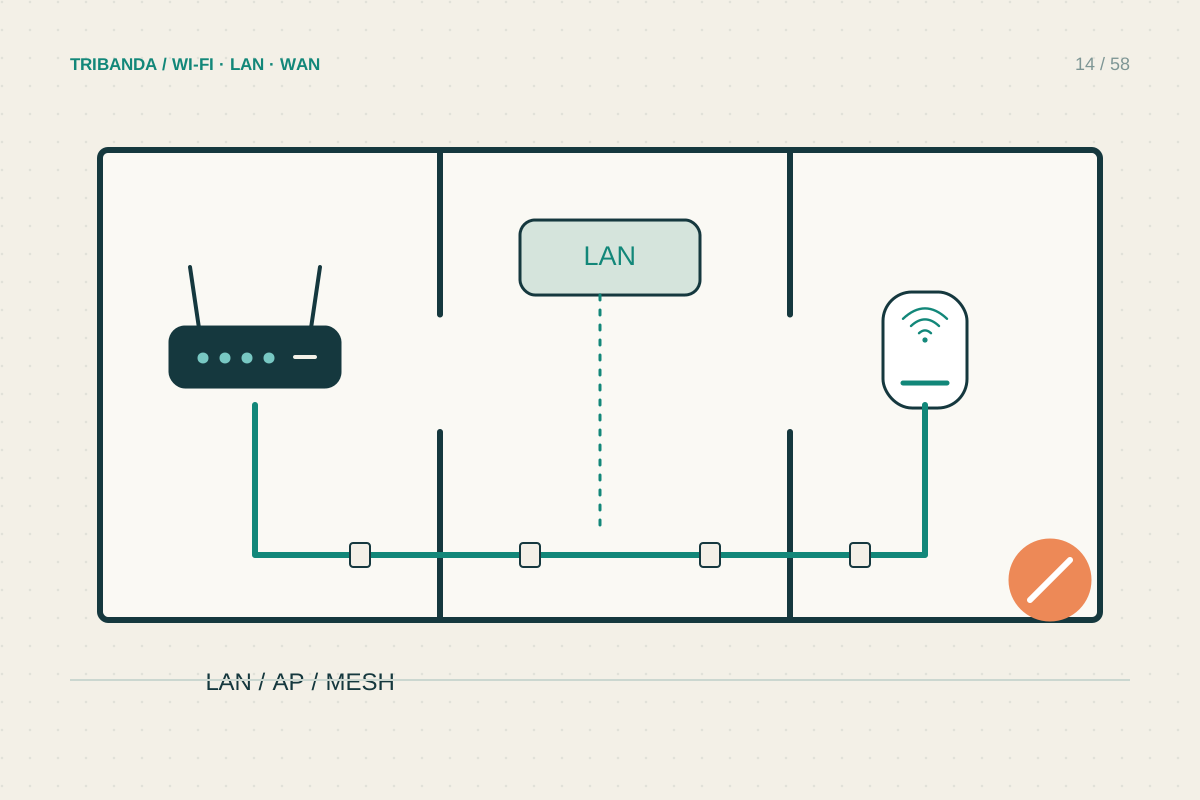
Improving Wi-Fi in a rented home
Prefer reversible changes and document the original arrangement.
Read the guide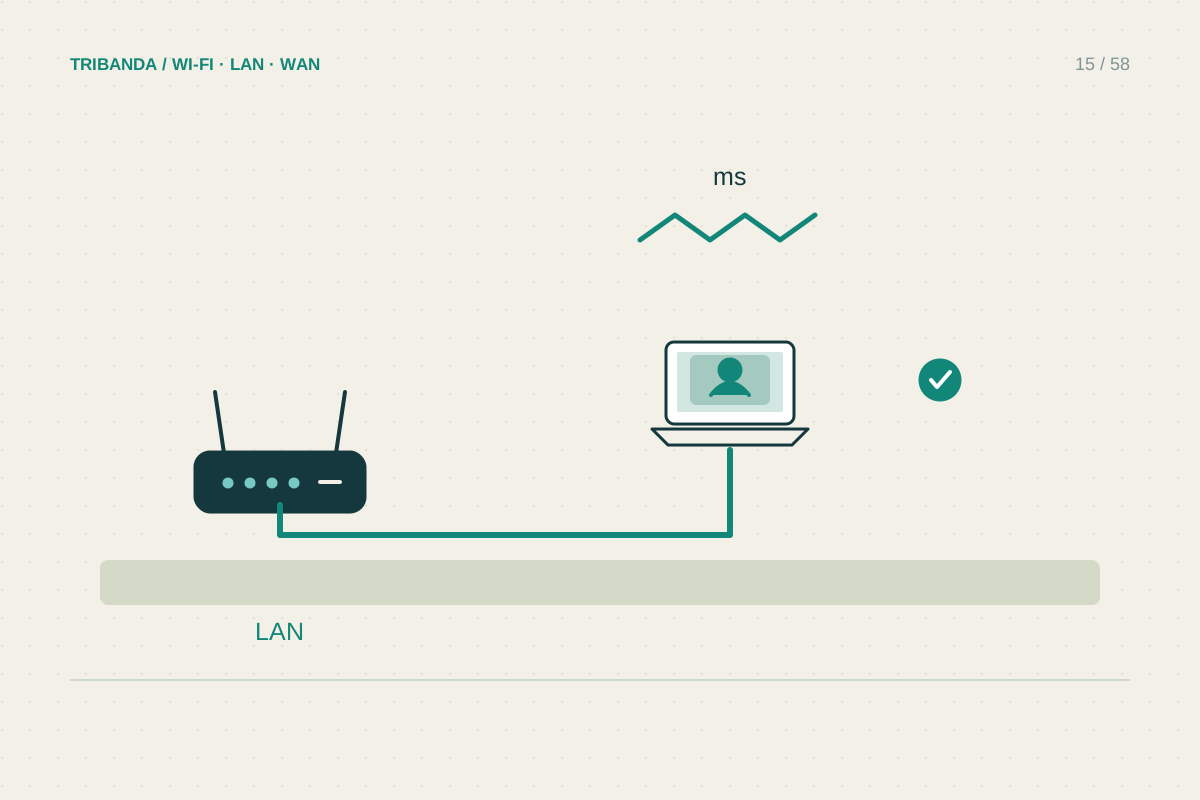
A reliable corner for video calls
Check upload load, local Wi-Fi and the everyday call setup separately.
Read the guide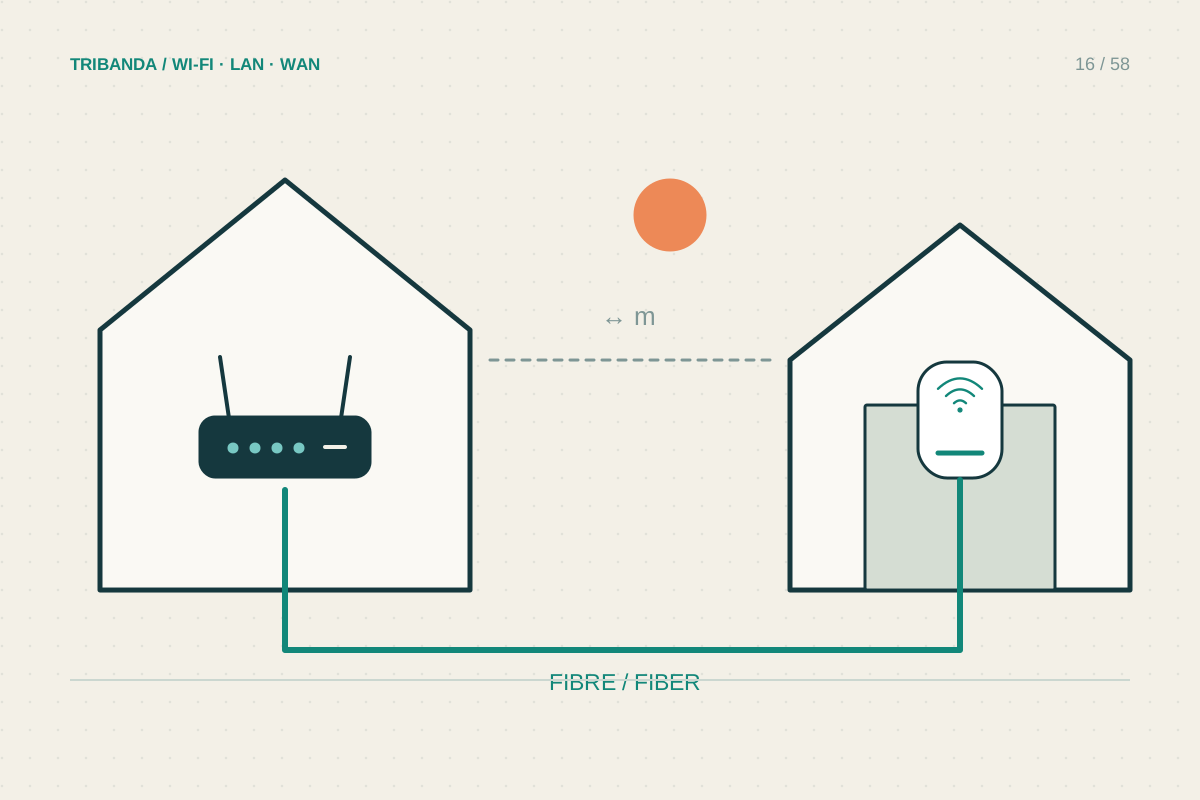
Connecting a detached garage
Choose an appropriate link between buildings, then provide local coverage.
Read the guide