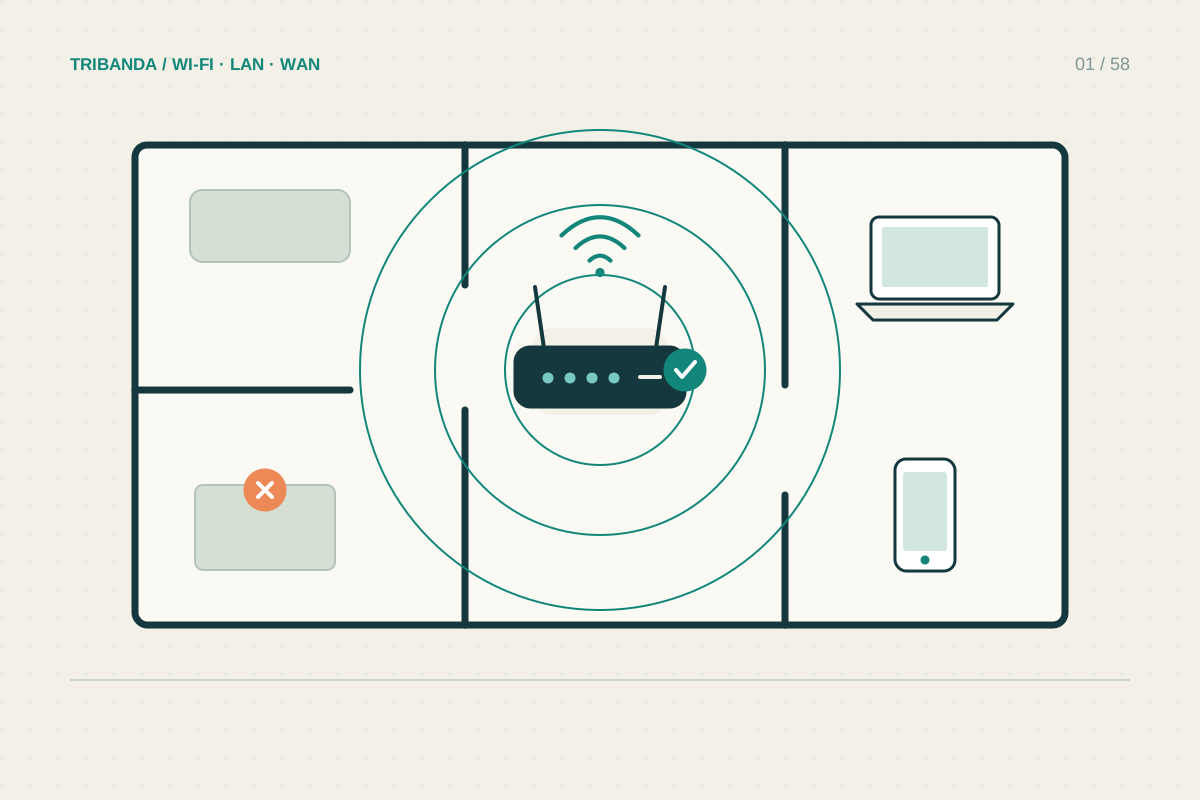
A router beside the fibre entry point may be convenient for installation and inconvenient for the people using it. Before replacing equipment, compare two or three realistic positions with the same phone or laptop. The aim is dependable service in the rooms that matter, rather than the strongest reading directly beside the router.
Choose candidates around your actual rooms
Sketch the rooms where you work, watch television and use connected devices. An open shelf towards this group of rooms is a useful starting point. A central hallway can work, but a hallway separated from every room by dense walls may lose to a less central living-room shelf. Think about the path through the building, not just the midpoint on the floor plan.
Avoid hiding the router in a metal cabinet, behind the television or directly on the floor. Leave its ventilation openings clear. Keep the manufacturer's required mounting orientation: a unit designed to stand upright may contain antennas arranged for that position. A tidy location is only useful if it also stays cool and has a safe power supply.
Move the network connection, not the fibre
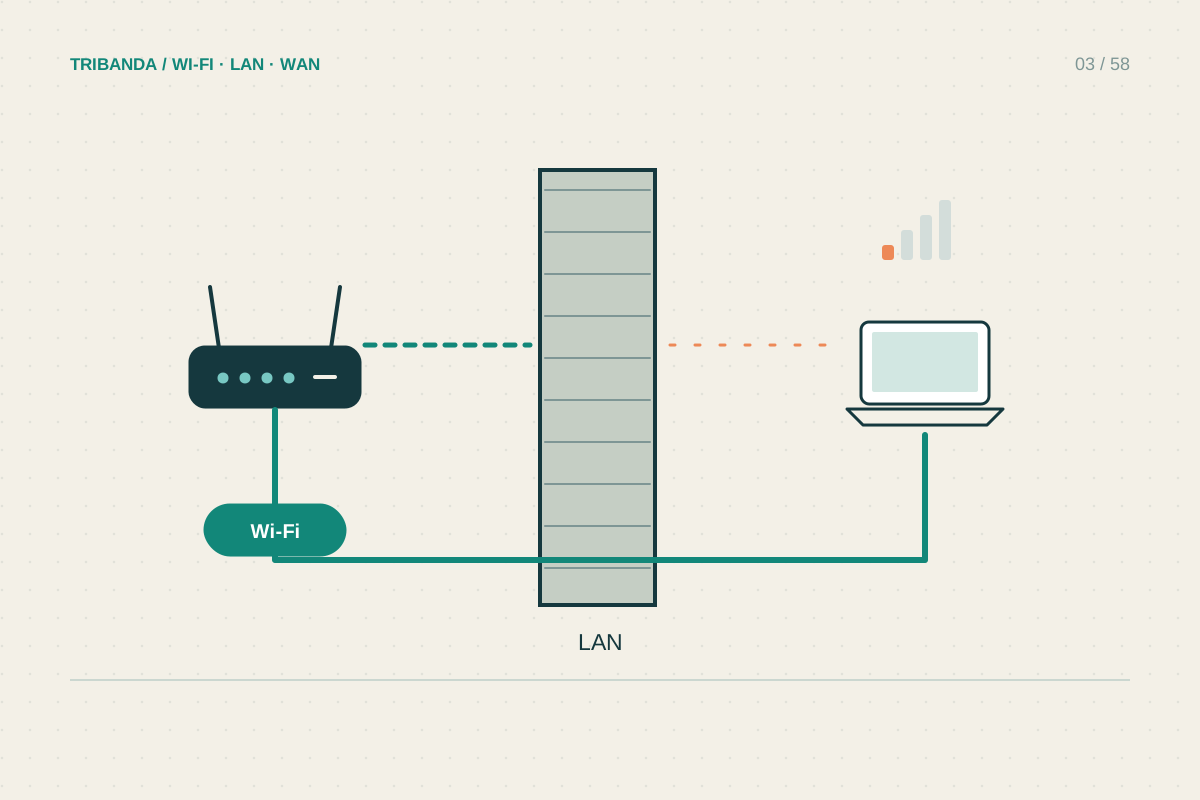
If a separate fibre termination box or ONT feeds the router over Ethernet, a longer suitable Ethernet cable can let you reposition the router while leaving the optical equipment alone. First identify the cable entering the WAN port. Photograph the connections before changing anything. Do not sharply bend, unplug or extend optical fibre simply to experiment with Wi-Fi placement.
A combined DSL router may be constrained by the telephone connection. In that case, an Ethernet-connected access point can provide Wi-Fi elsewhere while the modem stays put. A temporary cable laid safely for a short test can reveal whether that arrangement helps before you choose a permanent route. Keep cables out of walking routes and door hinges.
Compare positions with a repeatable check
Use one device, at the same desk or sofa position, and pause downloads during the comparison. Internet tests also reflect the provider's connection, so a single faster result is not enough to prove better coverage. Check responsiveness and a normal task, such as a video call, as well as download speed.
- Record a starting result near the router and in each important room, including any disconnects.
- Move the router to one candidate position without changing channels or other settings.
- Wait for the network to settle, then reconnect the test device and repeat in the same places.
- Compare the weakest important room as well as the average. Keep the position that improves daily use without creating a new dead zone.
Know when placement has reached its limit
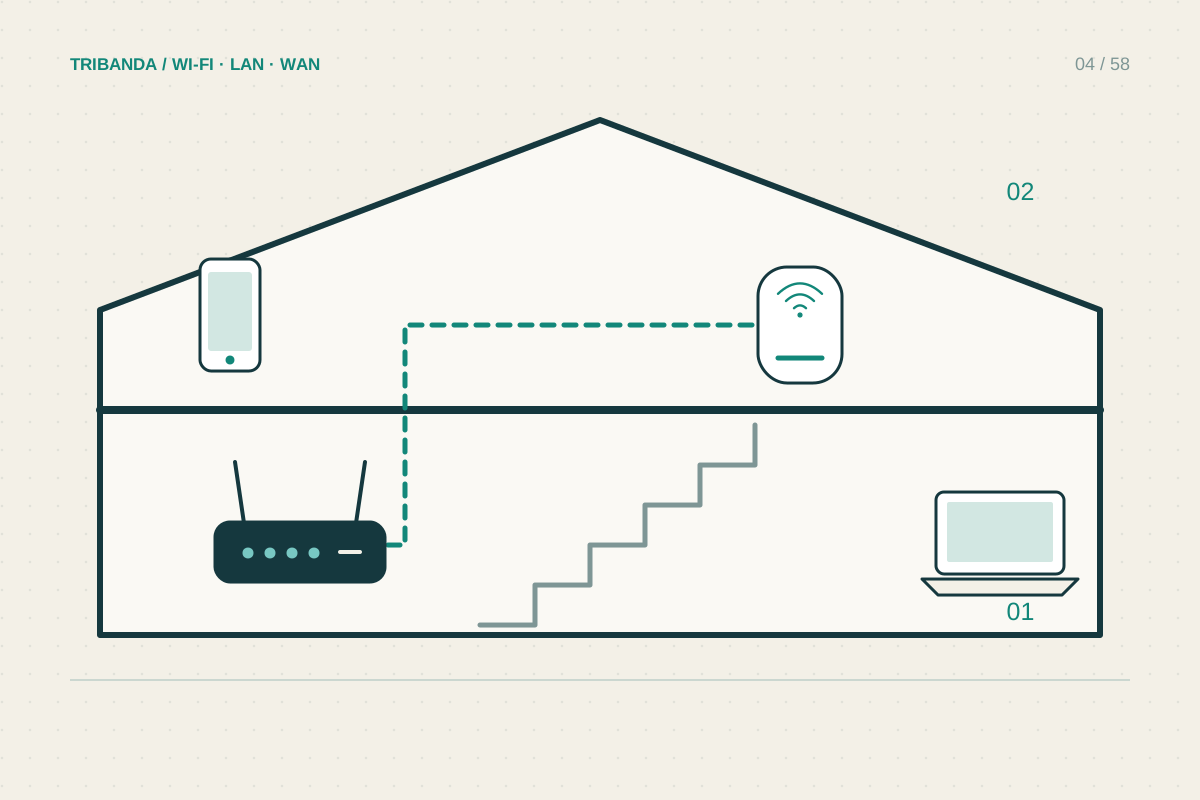
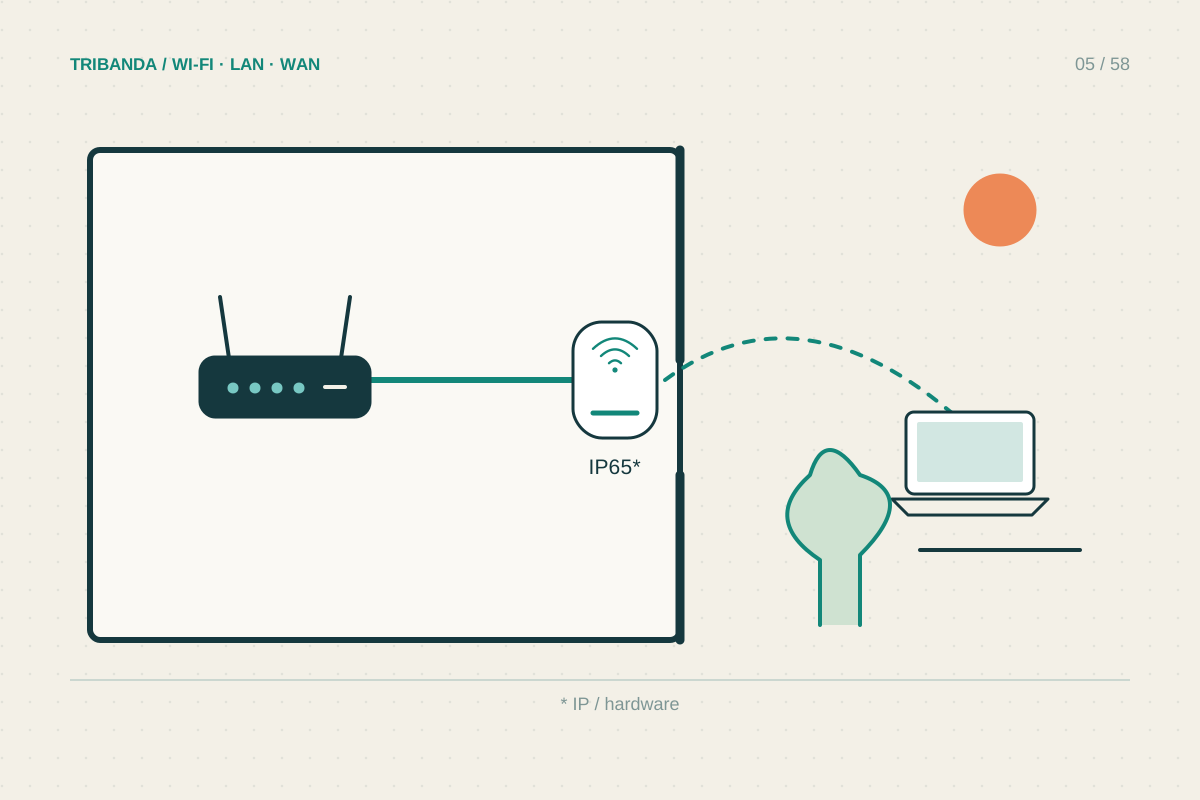
Reinforced floors, stone walls and a long, narrow layout may prevent one radio location from covering everything. If the router works well nearby but one distant area remains unreliable across several sensible positions, stop chasing centimetres. Plan a wired access point or a mesh node that itself has a reliable connection upstream.
Moving the router will not repair a poor incoming internet connection. If an Ethernet-connected computer and a nearby Wi-Fi device both perform badly, investigate the broadband service or router load before buying a coverage solution.
Choose placement by comparing the rooms you use. Keep optical equipment undisturbed, change one thing at a time and use Ethernet to reach a better radio location when practical.
Common questions
Should the router always be exactly in the centre?
No. Building materials, available sockets and the rooms you use matter more than geometric symmetry. Compare plausible positions.
Will a higher shelf always improve Wi-Fi?
No fixed height guarantees success. An open, ventilated shelf can avoid nearby obstructions; test it against your current position.
Original technical illustration; schematic, not to scale.