A detached garage needs a connection between buildings before it needs Wi-Fi inside. Measure whether the use is a low-data sensor, a camera or a full workbench computer. The upstream route, safe installation and local coverage should be planned as separate parts of the job.
Check the real physical route
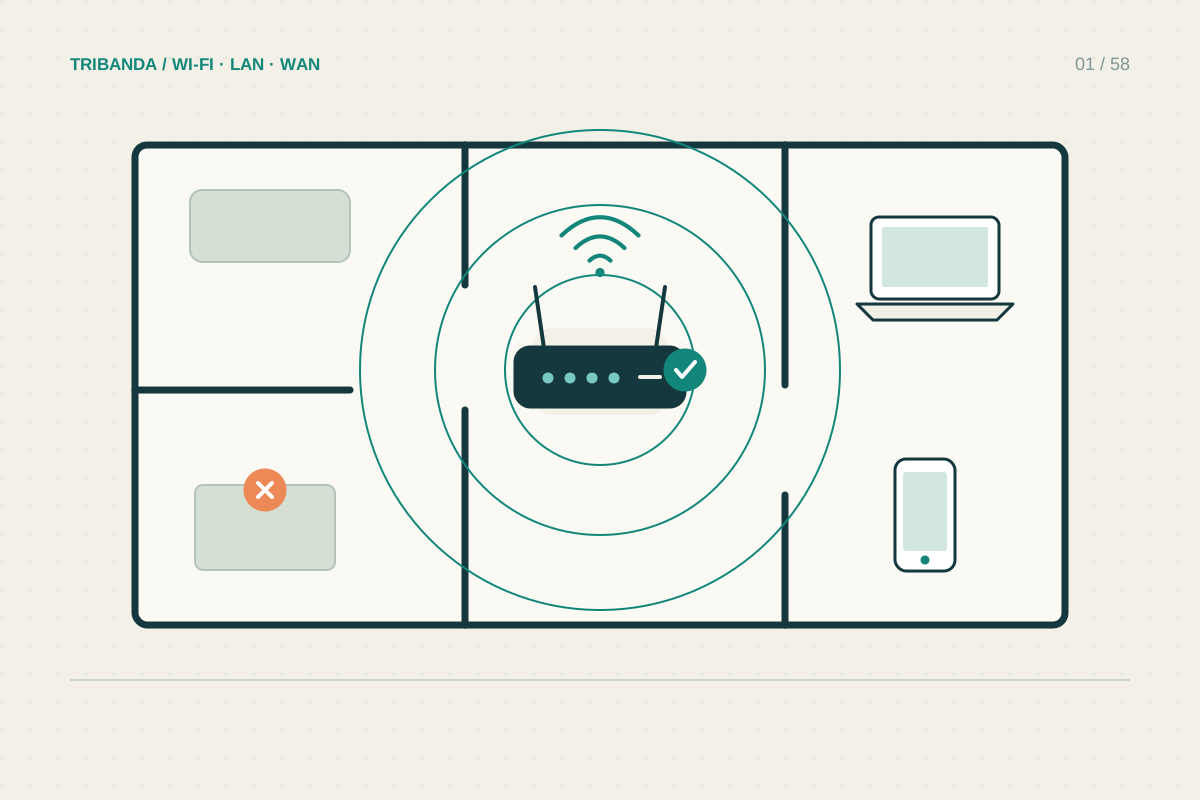
Record the distance, walls, windows, garage door and available power. Test from inside the closed garage, not only on the driveway. A metal door can make the difference between usable reception outside and a disconnected device inside. The intended device may also have weaker radios than your phone.
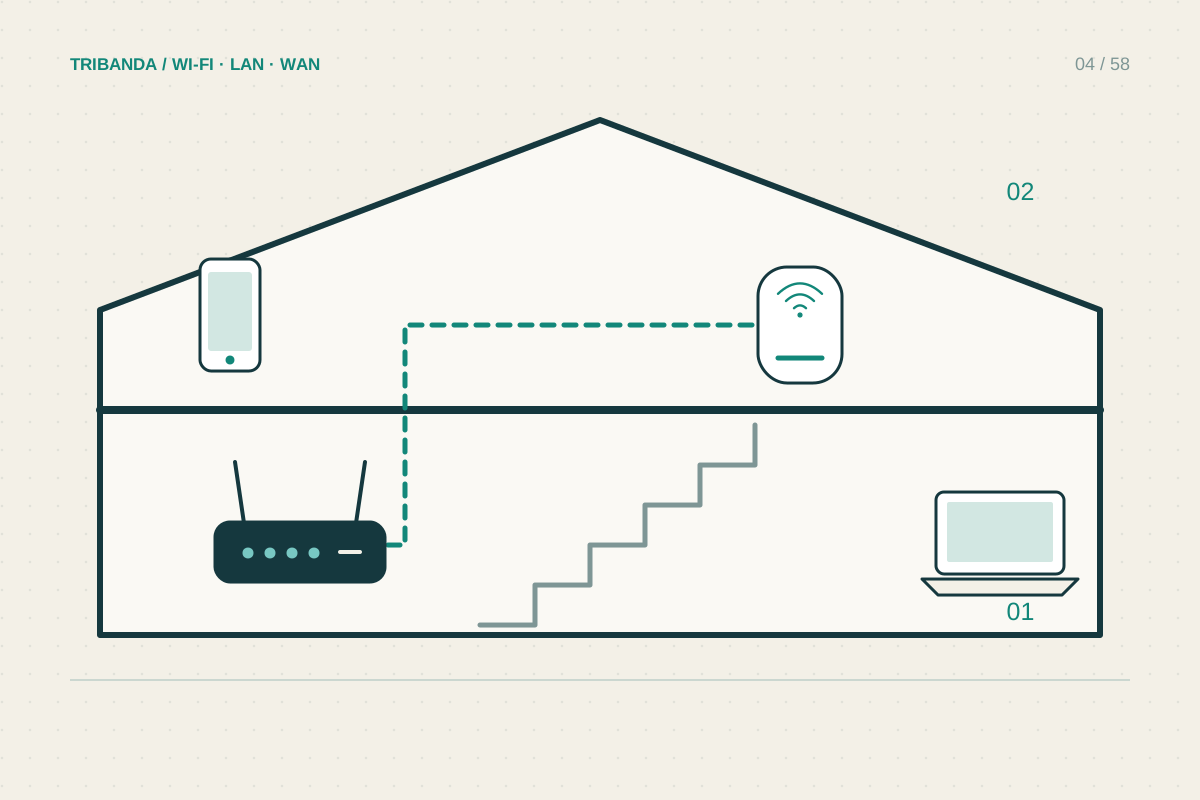
An indoor mesh node on a windowsill is worth a temporary comparison only within its supported conditions. It is not a substitute for equipment rated for the route and environment. Do not leave an indoor unit exposed to moisture or temperature extremes because a brief test worked.
Compare cable and wireless bridge options
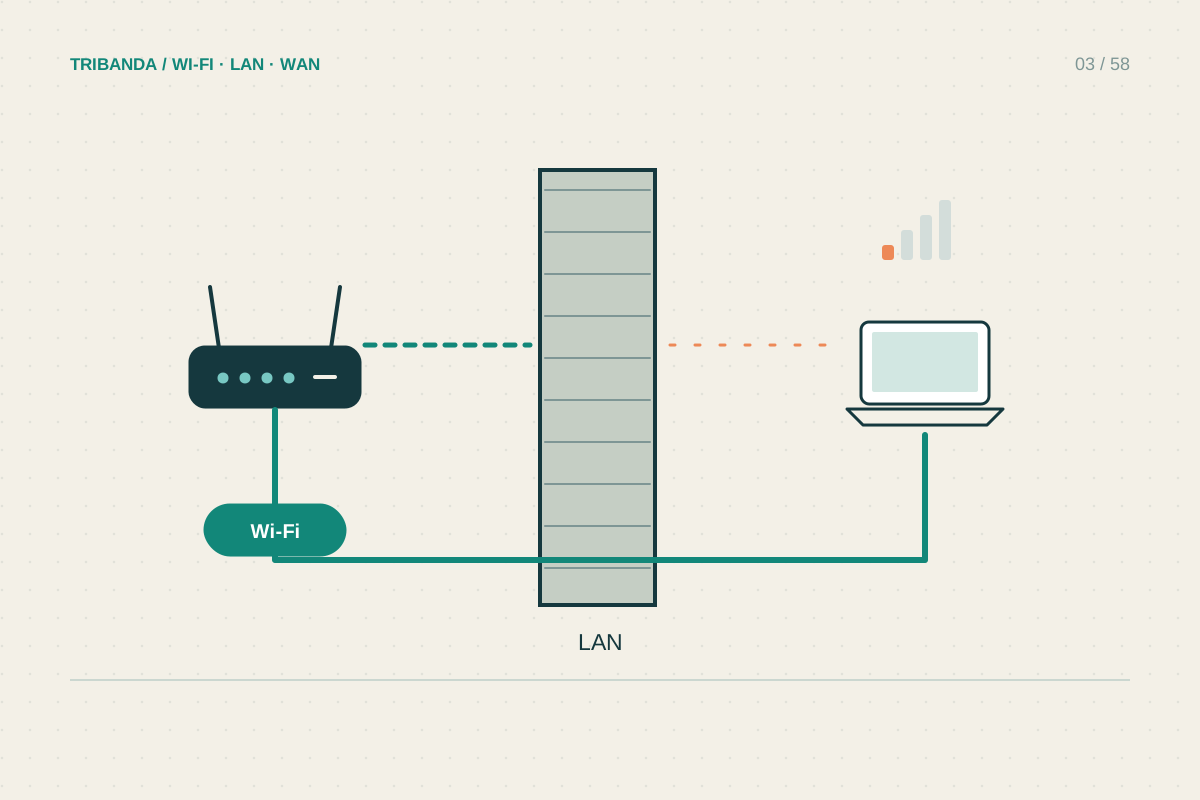
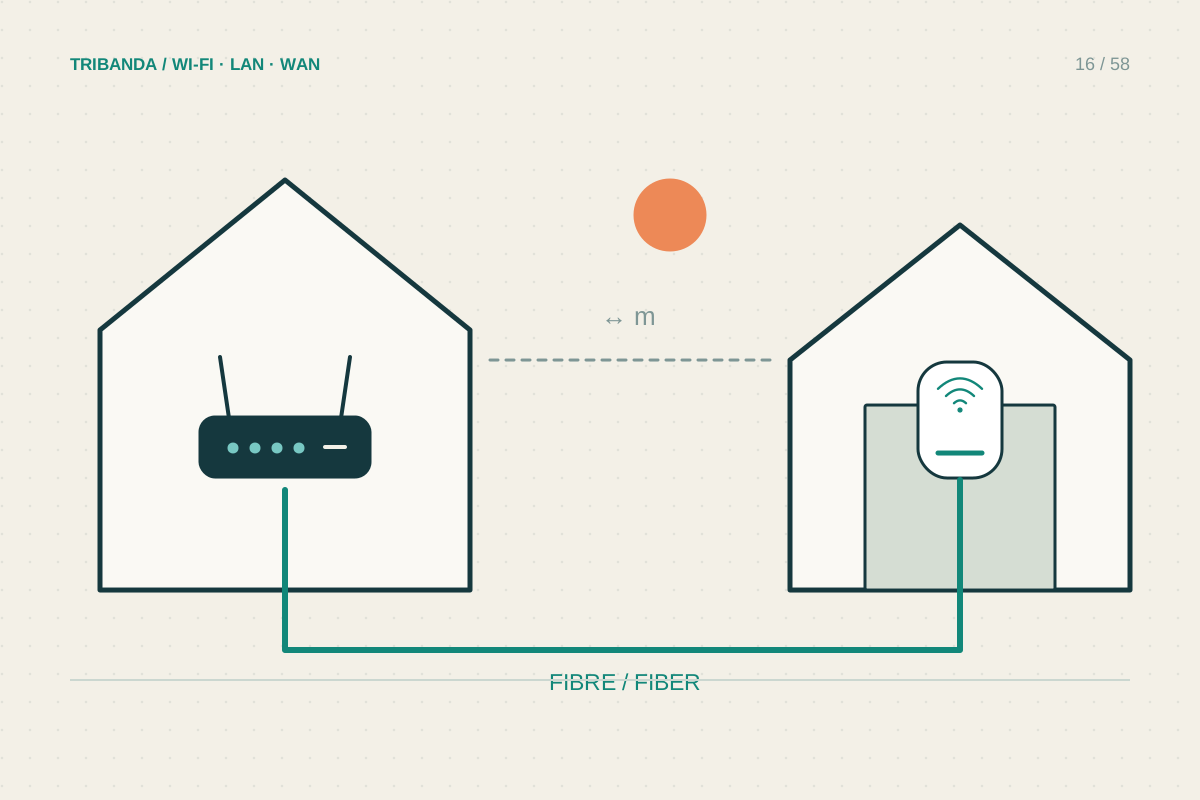
For a permanent link, ask an installer to assess a suitable cable or fibre route. Between buildings, grounding, surge exposure and outdoor installation conditions need proper consideration; fibre can avoid a conductive data path. Do not improvise a long indoor cable across the garden.
A purpose-built wireless bridge can connect buildings when the required path and mounting conditions are available. Its two ends create a link; you may still need an access point inside the garage. Check power, alignment, supported operation and the installer’s advice rather than assuming one outdoor antenna serves every nearby device.
- Define the garage devices and their tasks.
- Measure inside with the door shut and record the physical route.
- Compare a professionally assessed cable or fibre route with an appropriate bridge.
- Check the upstream link independently of local garage Wi-Fi.
- Test sustained normal activity at the final device position.
Test the complete chain
Once the link is established, test inside at the camera or workbench position with the garage door shut. Check sustained uploads for a camera and interactive use for a computer. If the bridge performs well but one corner fails, solve the garage’s local coverage without replacing the building link.
Powerline is not a universal shortcut between buildings. Separate supplies, protection devices and wiring routes can prevent useful communication. A trial may answer the question for your installation, but do not alter electrical equipment yourself or treat a successful pairing beside the house router as proof of garage performance.
Solve the connection between buildings first, then the garage’s internal coverage. Permanent outdoor work needs a suitable installation, not an improvised indoor extension.
Common questions
Will adding a mesh node in the garage be enough?
Only if it has a reliable upstream connection. A node cannot repair a radio path it cannot receive.
Does a wireless bridge also provide ordinary Wi-Fi?
Some equipment supports additional modes, but do not assume it. Check whether a separate garage access point is required.
Original technical illustration; schematic, not to scale.