In a rented home, improvements should be reversible and leave the building intact. You can still move equipment, use existing Ethernet and test additional access points. Start by separating your own network from a landlord-managed connection so you know which settings you are authorised to change.
Establish who manages the connection
If the router belongs to the landlord or a shared building network, agree which changes are allowed. Record existing connections with photographs. Do not factory-reset shared equipment or unplug unknown cables: another tenant’s telephone, alarm or internet connection may depend on them.
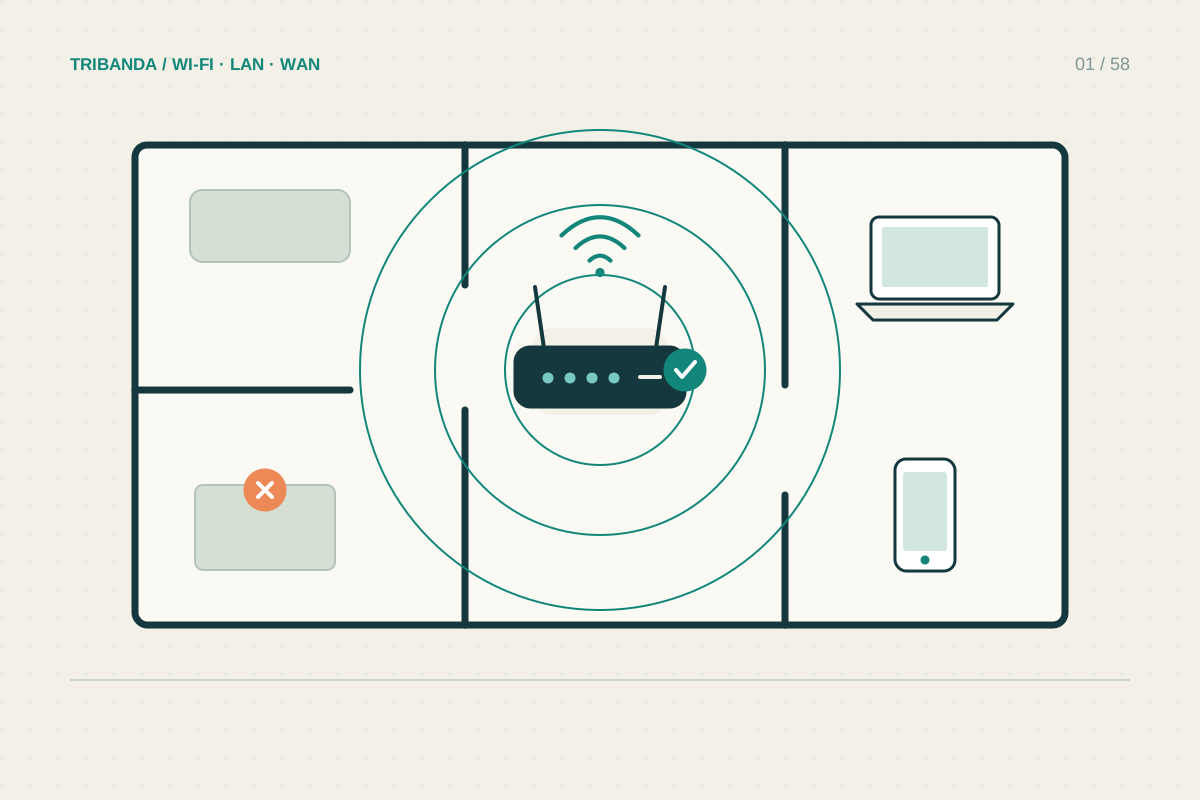
For your own connection, check where the router can move using a longer Ethernet cable from a separate ONT. Leave optical termination equipment alone. An open shelf in a more useful room can improve coverage without drilling, and the original arrangement remains easy to restore.
Try cable routes before permanent fixtures
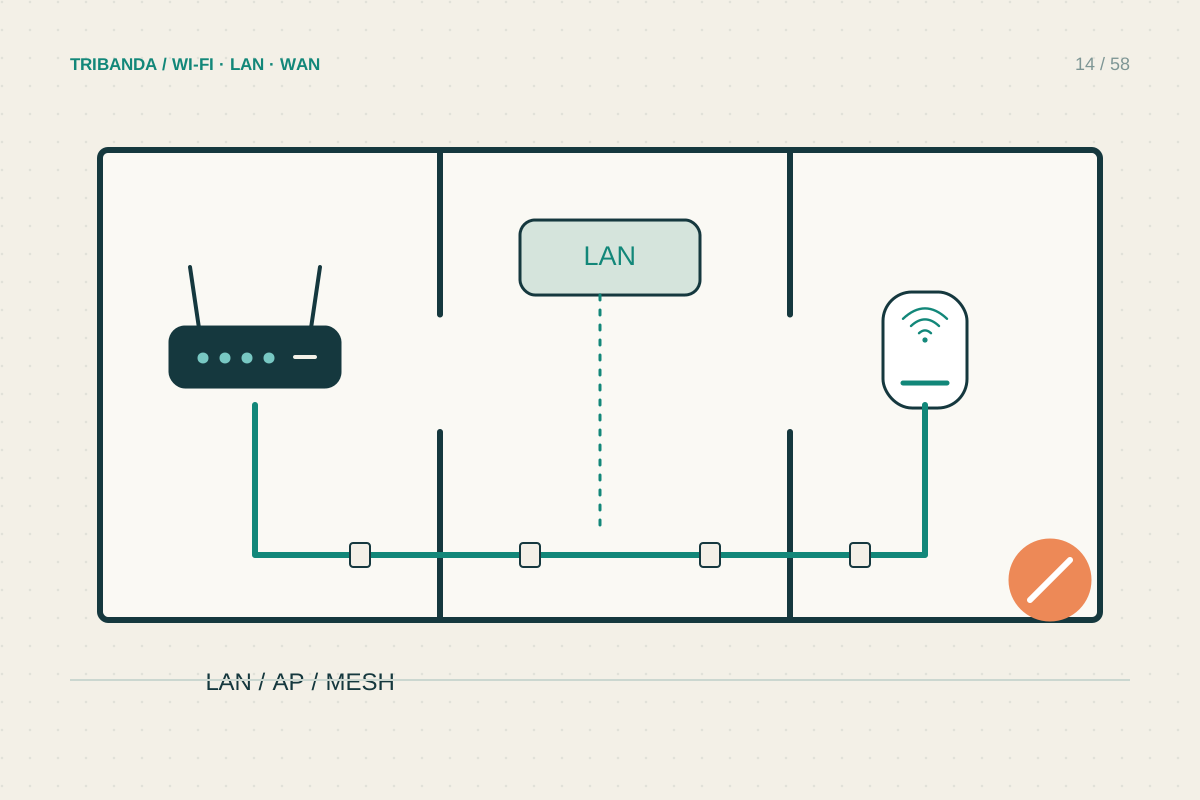
Existing data sockets are the first option, but verify where they lead. For a temporary test, lay a cable safely without blocking doors or walkways. If it solves the office problem, consider a permitted surface route or a professional installation agreed with the owner.
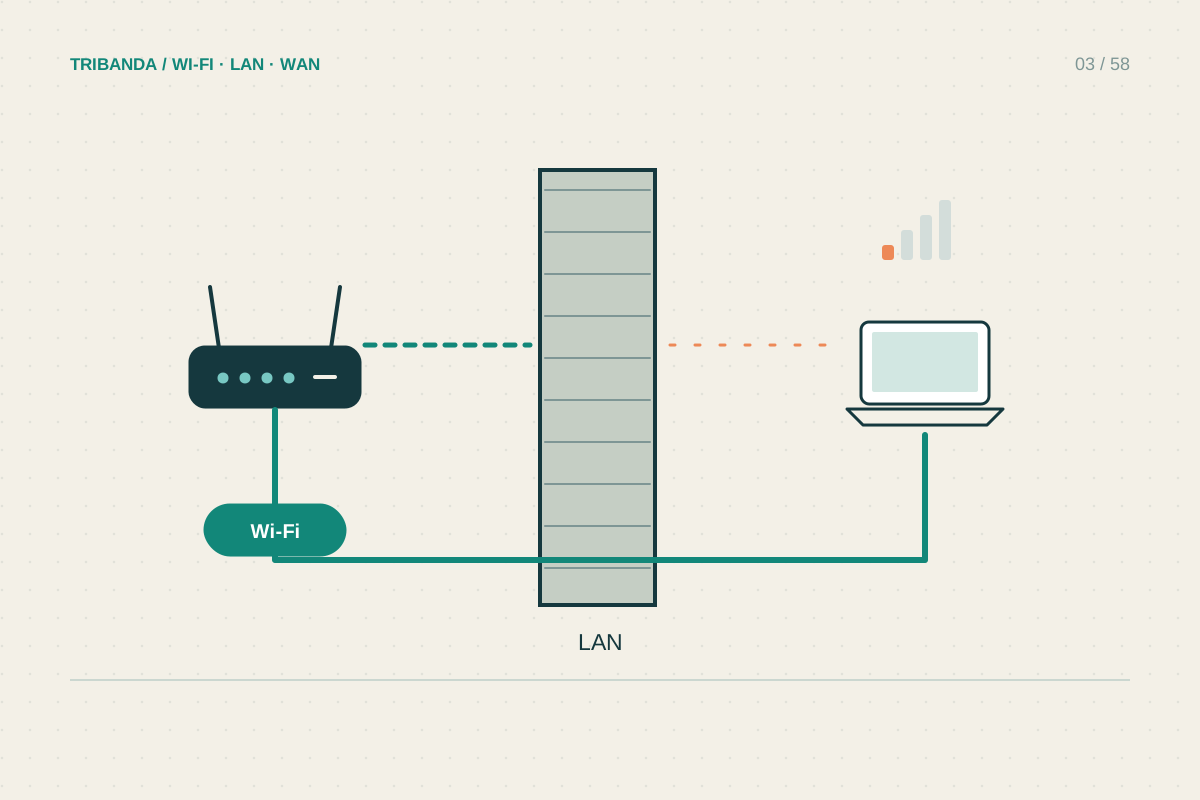
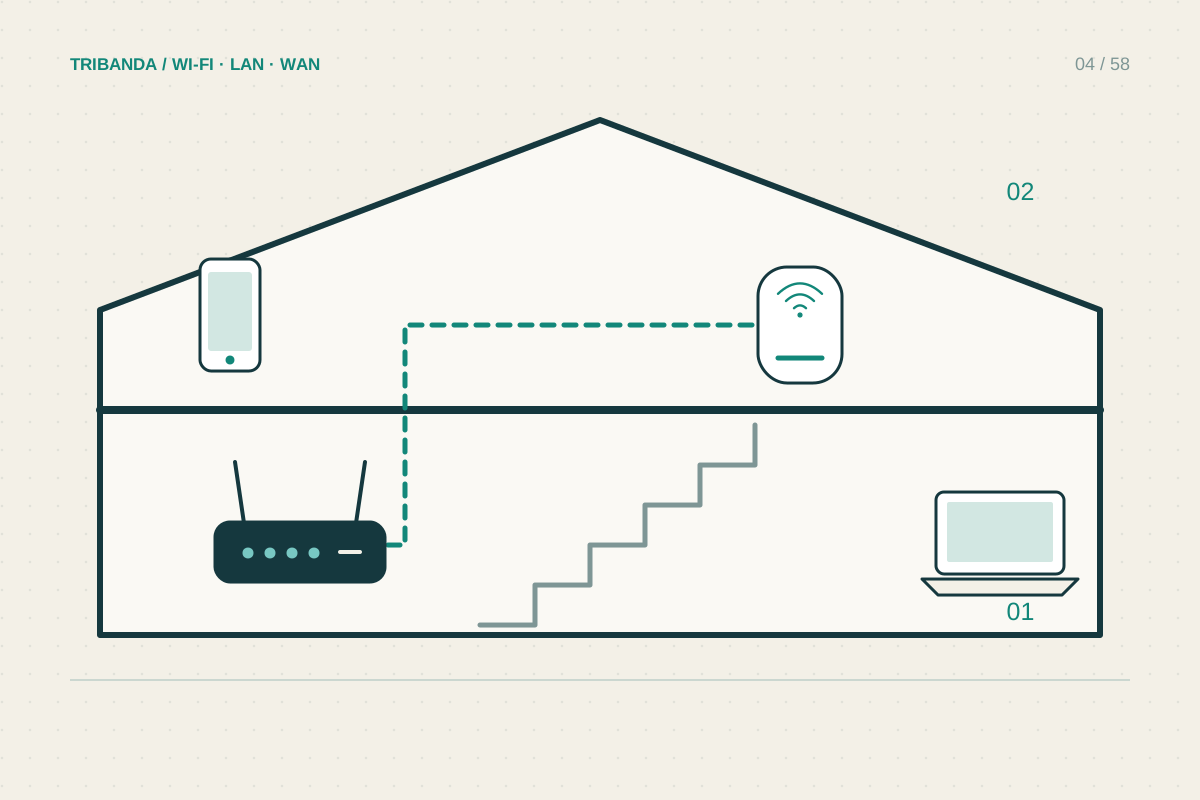
Avoid crushing flat cables under doors or improvising electrical conduit routes. Removable clips may still damage paint, so check the surface and permission. Where cable is impractical, a mesh node needs a position that receives a good upstream signal; a socket in the dead zone is not sufficient.
- Identify ownership and permitted changes.
- Measure the actual weak rooms with the existing setup.
- Trial a better router position or existing Ethernet socket.
- Test a reversible access point or mesh arrangement.
- Record how to restore the original installation.
Keep privacy and handover manageable
A shared Wi-Fi password does not guarantee isolation from other tenants. If privacy boundaries matter, ask how the shared network is segmented. A personal router behind the shared connection can create another layer of routing, which may affect games and remote access; assess that arrangement rather than assuming it is transparent.
Before moving out, remove your own equipment, restore agreed settings and delete personal accounts from devices being left behind. Keep an inventory of adapters and cables. Do not leave your administration password or a cloud account attached to equipment that another resident will manage.
Reversible placement and a verified cable path often provide the clearest improvement in a rented home. Shared-network changes need coordination with its owner.
Common questions
Can I put a mesh system behind the landlord’s router?
Potentially. Check permission, upstream access and whether access point mode fits the shared network design.
Are powerline adapters guaranteed to work without drilling?
No. They avoid a data cable route, but performance and connectivity depend on the electrical installation.
Original technical illustration; schematic, not to scale.