A work corner needs consistent two-way communication more than an impressive download peak. Audio breaks, frozen pictures and delay can appear when an upload fills the connection or a wireless signal fluctuates. Test the actual meeting setup before buying a faster broadband package.
Build a controlled starting point
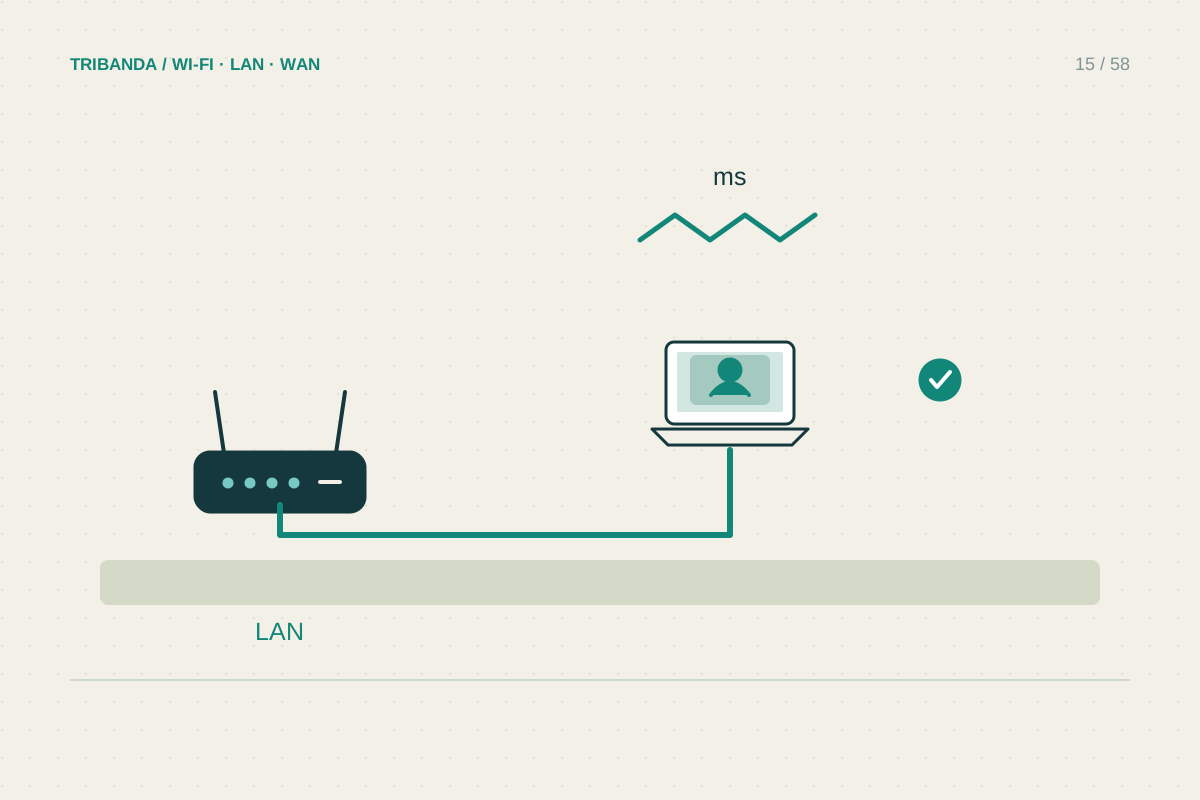
Use the laptop, headset and meeting application you normally need. If your employer requires a VPN, include it in the final test. First try near the router or over Ethernet, then at the desk. A problem that disappears on Ethernet points towards the local wireless path.
Pause cloud synchronisation and large transfers during an initial comparison. Watch whether another household device starts uploading photographs or backups when call quality falls. Download speed alone does not show whether upload capacity or queueing is the constraint. Record the time and visible symptoms rather than just saying the call was slow.
Improve the desk connection
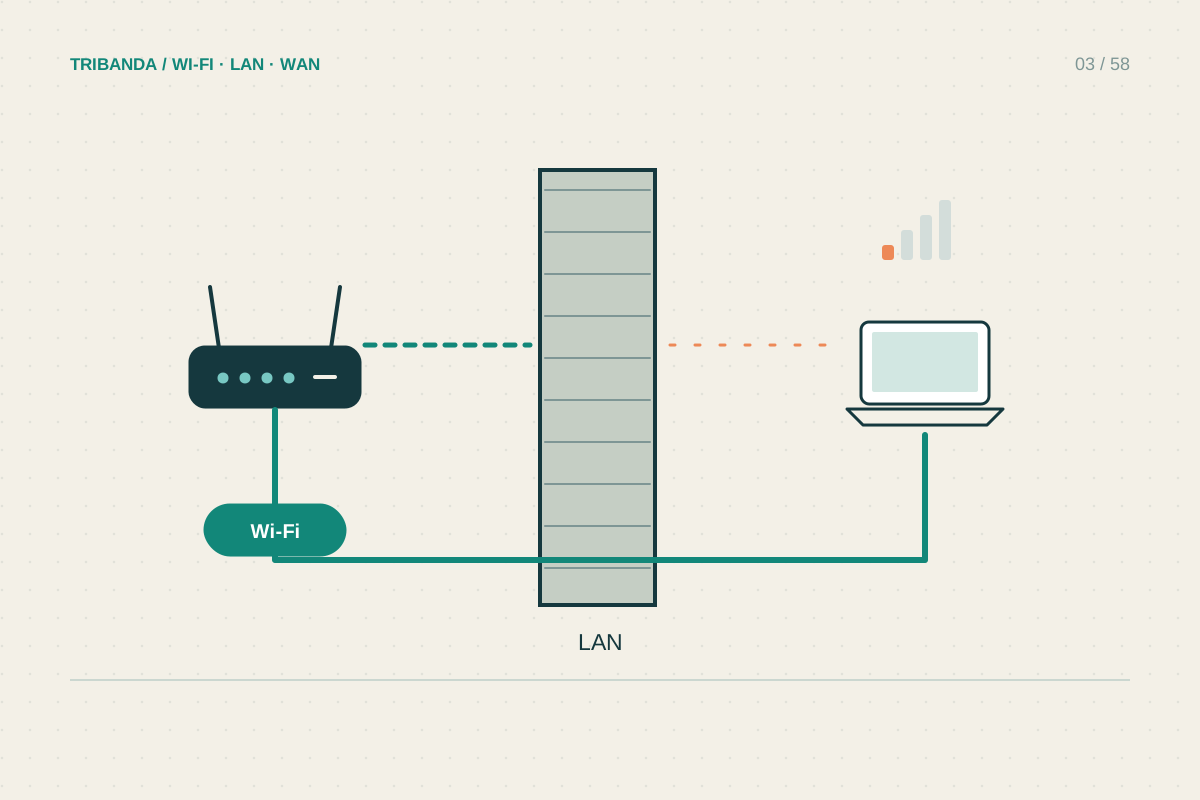
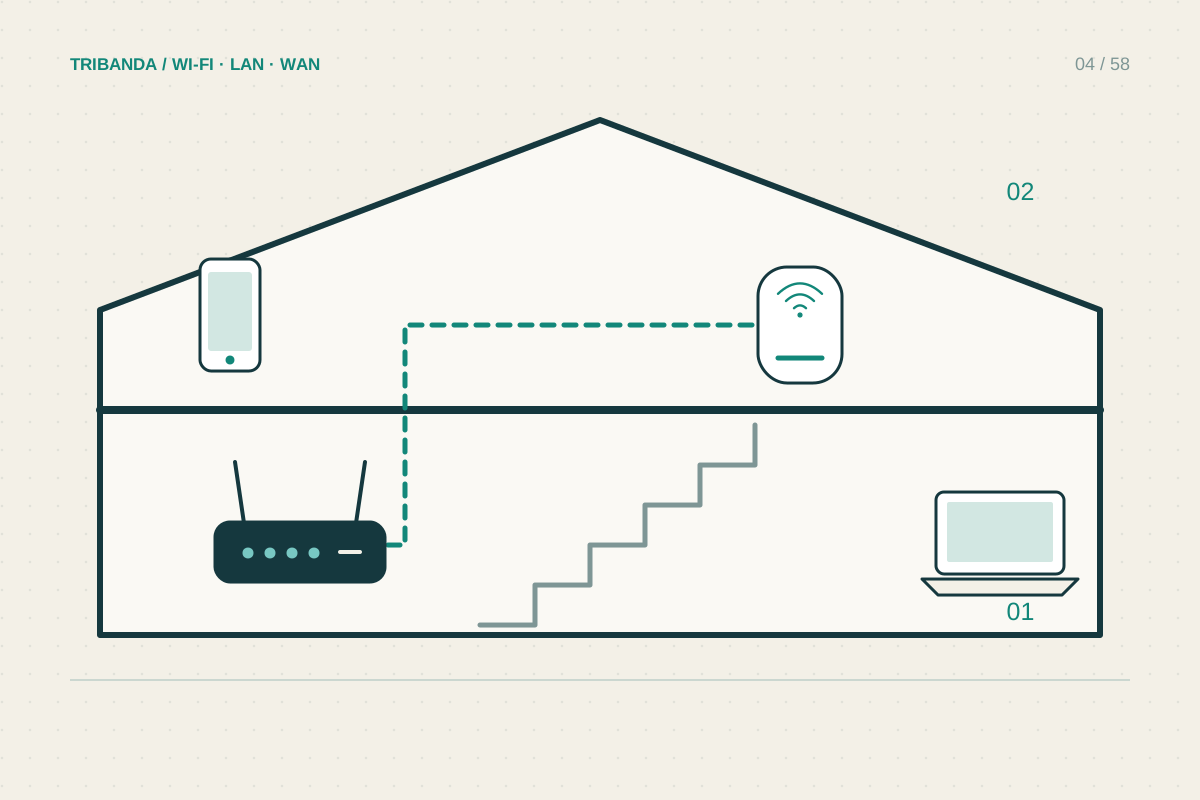
A cable to the router or a properly connected access point provides a stable local path. If you use a mesh satellite’s Ethernet port, check whether the satellite itself has wireless backhaul. The short cable removes only the final radio hop, not every wireless part of the route.
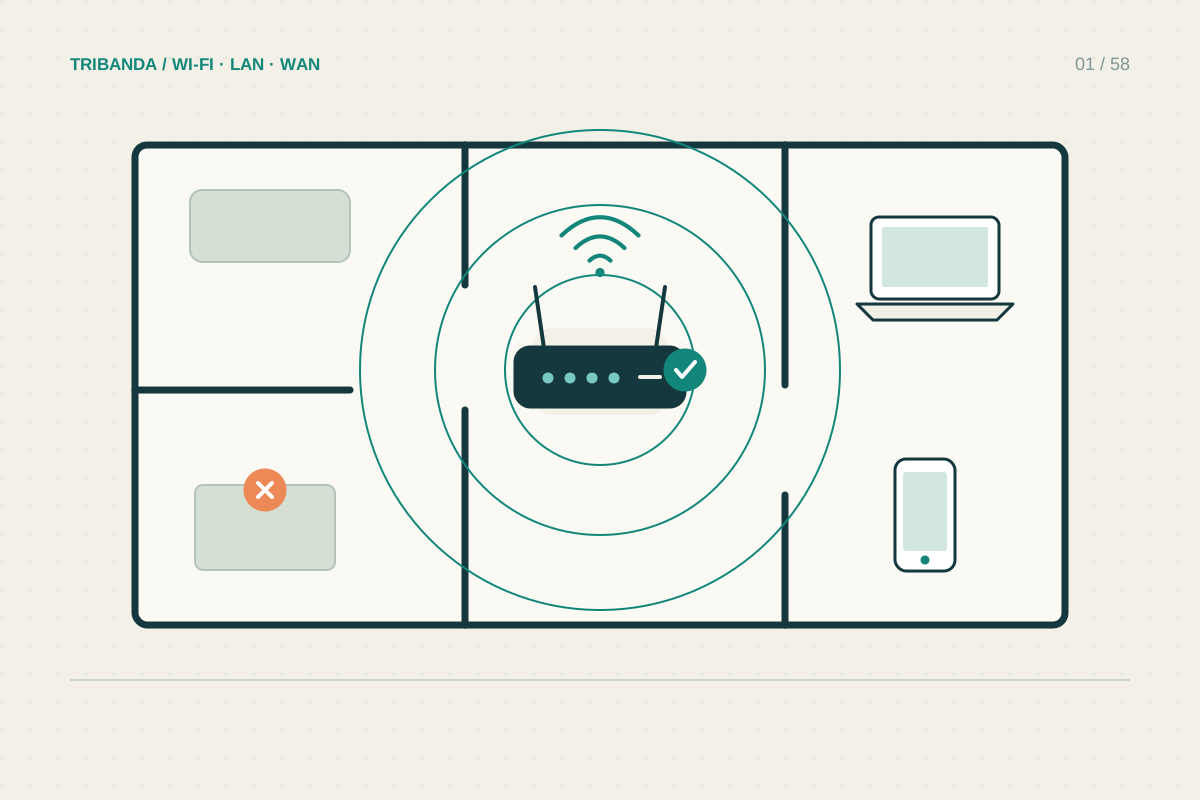
For Wi-Fi, move the laptop away from the far side of a metal cabinet and compare a supported band from the actual seat. Do not solve a desk problem by testing beside the door. An access point positioned to serve the room may help more than replacing a working router elsewhere.
- Test the meeting application near the router or over Ethernet.
- Repeat from the usual desk with background transfers paused.
- Restore normal household traffic and note when quality changes.
- Improve the local route or manage the identified upload load.
- Try the backup connection before an important meeting.
Reintroduce normal household activity
After the quiet baseline, repeat while normal television and other internet use continue. If heavy uploads trigger trouble, schedule them outside meetings or test the router’s supported traffic management. Features called QoS vary; record the original settings and verify the application improvement rather than assuming a gaming preset fits work calls.
Keep a fallback that you have already tried: an Ethernet adapter, a second work position or a permitted phone hotspot. Cellular coverage and data allowances can limit the backup. A successful short connection establishes basic functionality, while a longer real meeting provides a more useful reliability check.
Create a reliable local link, then test it under ordinary household load. A large download number alone cannot establish call quality.
Common questions
Does a video call need the fastest subscription?
Not necessarily. Stability, upload capacity and competing traffic may matter more than a higher advertised download limit.
Can a hotspot be the permanent answer?
It can work, but coverage, congestion, data limits and employer requirements need checking in your location.
Original technical illustration; schematic, not to scale.