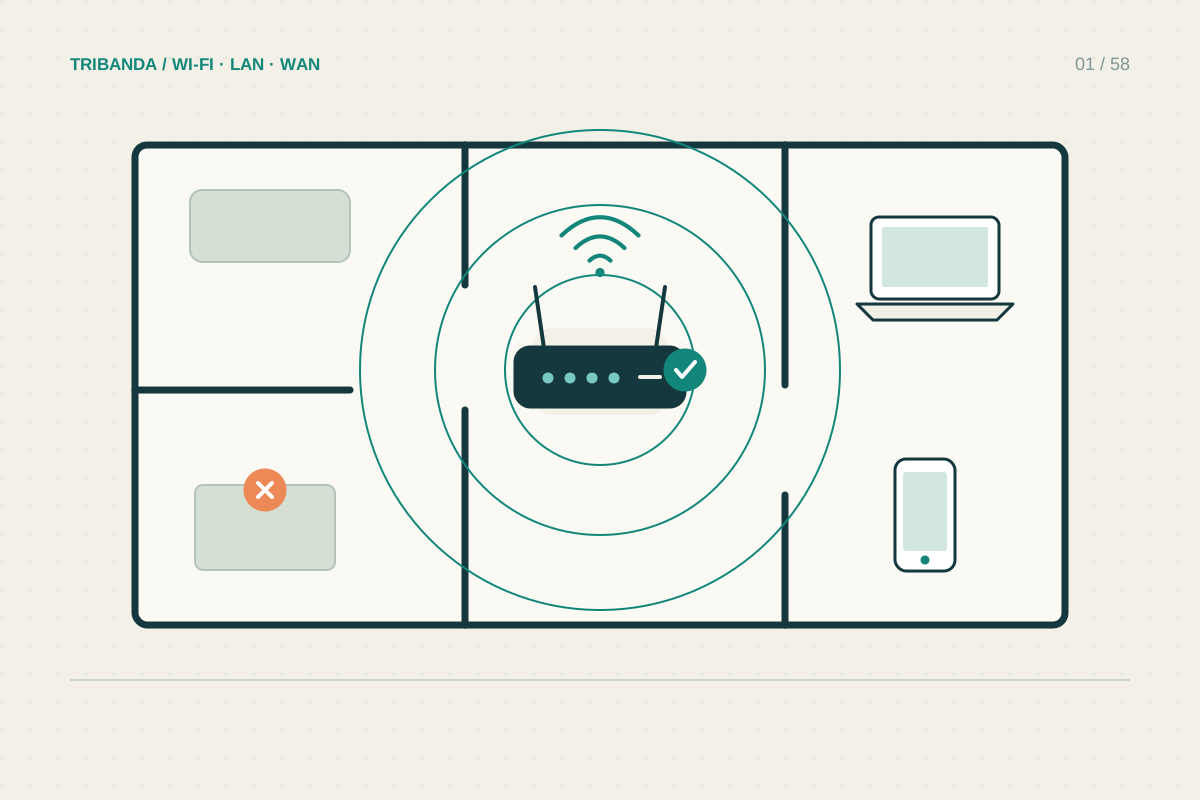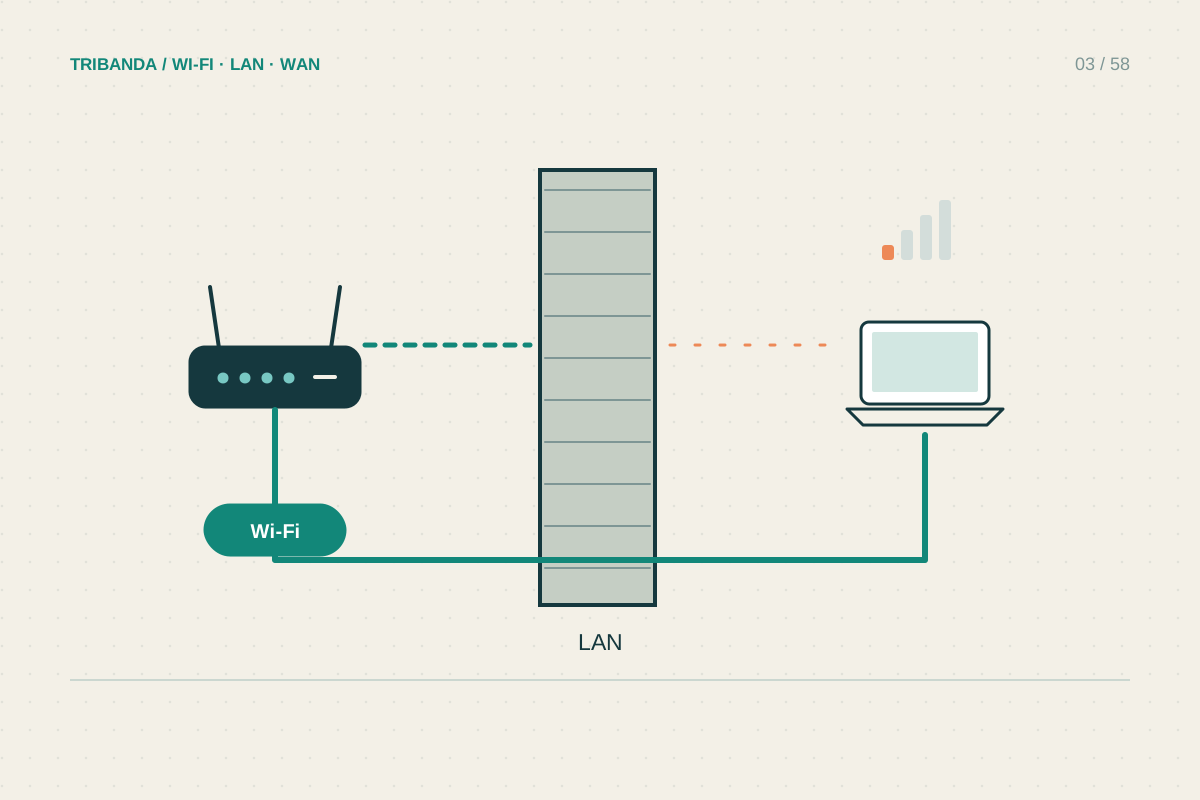
The 6 GHz band adds another place for compatible Wi-Fi devices to communicate. It is most interesting when a nearby modern laptop or phone needs capacity in a crowded home. It is not a promise of better reception through every wall or a replacement for checking the broadband connection.
Check the whole compatibility chain
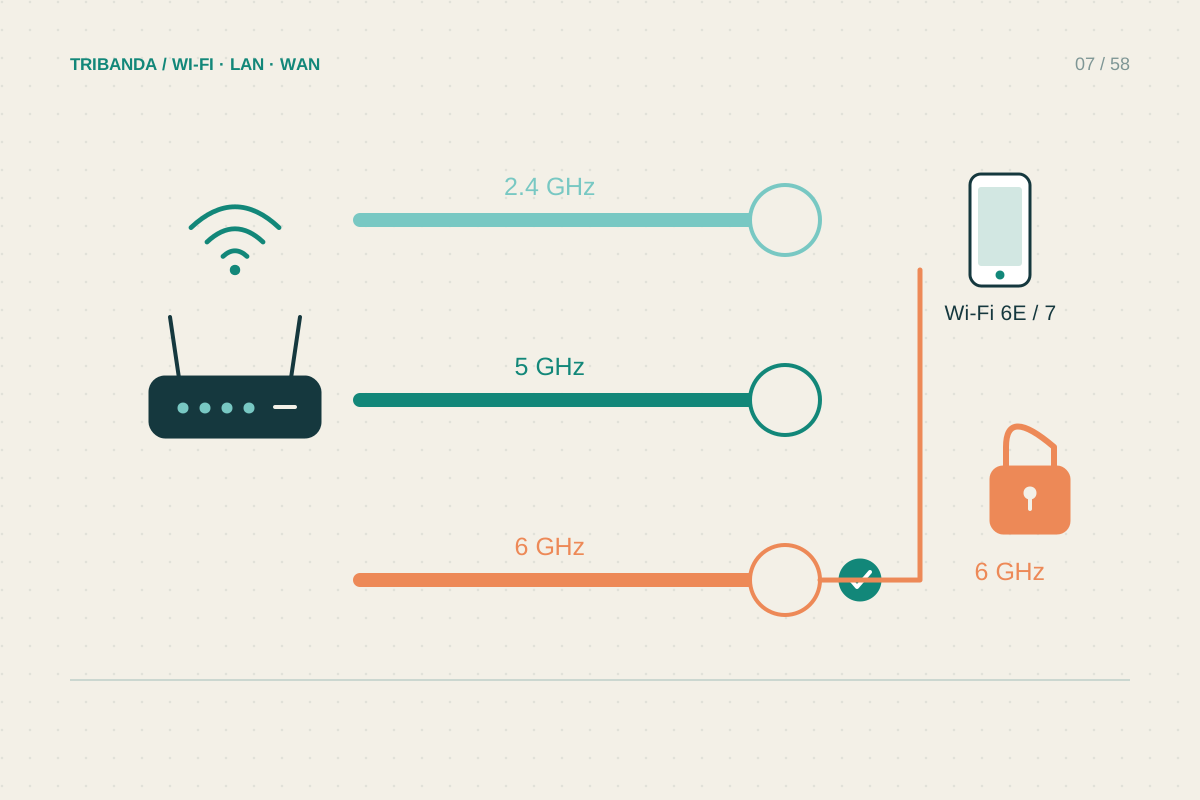
Wi-Fi 6 and Wi-Fi 6E are different here: the E identifies support for the additional 6 GHz band. Wi-Fi 7 equipment must be checked by its actual band specifications, because a product name alone does not establish that a router includes a 6 GHz radio.
The client also needs appropriate hardware, software and regional support. For an Intel-equipped Windows laptop, check the exact wireless adapter, operating system and driver requirements. Updating software cannot turn an adapter without a 6 GHz radio into one. Consult the computer manufacturer before buying a replacement module.
Test in the room where capacity matters
Start near the access point with the intended device, then move to its normal desk. Record the band actually in use in the device or router details. If the laptop silently returns to 5 GHz at the desk, a near-router result does not describe your working connection.
Keep older devices served on supported bands. Follow the manufacturer’s instructions for network names and security rather than disabling older bands to force everyone onto 6 GHz. Apple recommends a consistent name across bands for its compatible devices, with configuration details available in its network guidance.
- Check router and client specifications for explicit 6 GHz support.
- Confirm operating system, drivers and regional requirements.
- Measure nearby and at the actual desk, noting the selected band.
- Check whether mesh backhaul uses the same radio.
- Keep the setup that improves normal work, not just the largest one-off speed.
Separate direct use from mesh backhaul
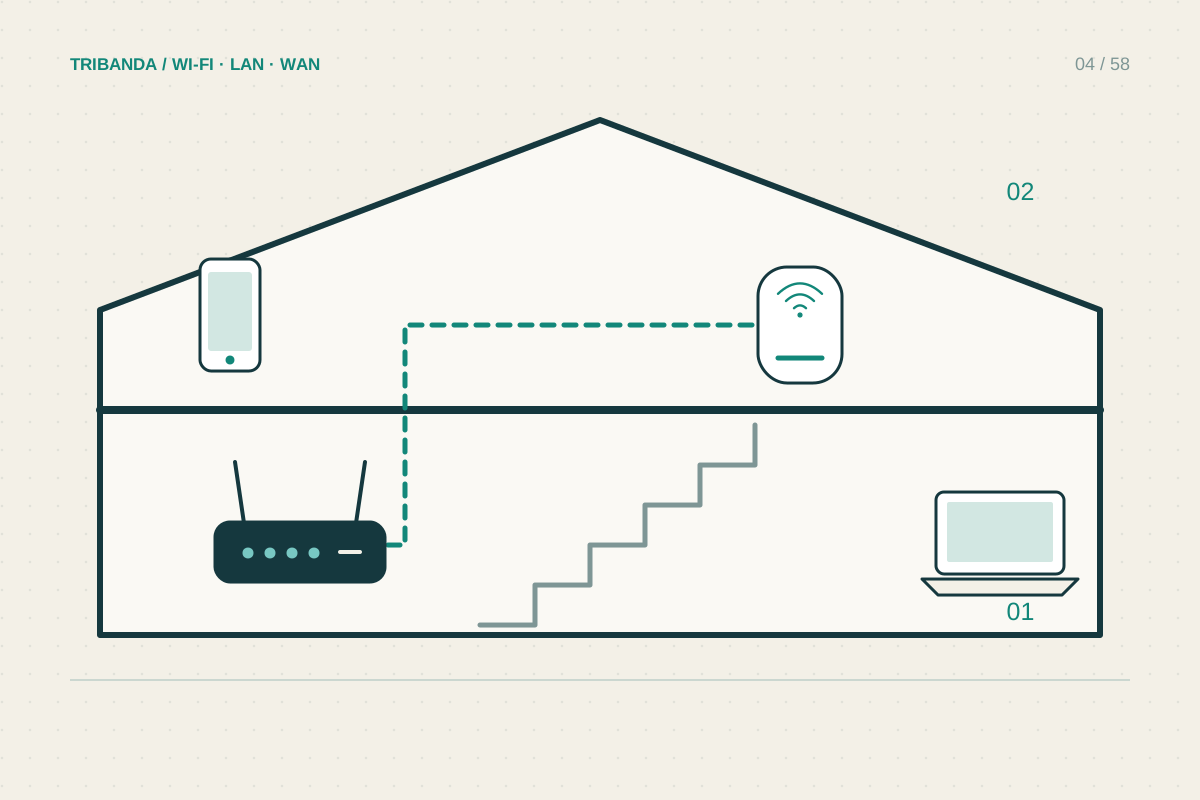
Some mesh systems use 6 GHz between nodes, for client access, or for both. Read the exact model’s backhaul options. Even if none of your phones supports 6 GHz, an additional radio may be used between compatible nodes; that benefit depends on a usable physical path.
A wide new band cannot overcome a poor location behind dense masonry. Compare a wired backhaul option before paying for an extra radio solely to cross a difficult floor. Likewise, a faster local connection will not make a slow remote server or limited incoming service deliver more data.
Treat 6 GHz as additional local capacity for compatible equipment. Verify the real connection at your desk before deciding whether it solves your problem.
Common questions
Will older devices stop working?
They can continue on supported 2.4 or 5 GHz networks if the router retains compatible settings.
Should I import a router to get more channels?
Use equipment approved for your region. Channel availability and permitted operation vary by country.
Original technical illustration; schematic, not to scale.